Running a small business involves managing several tasks at once. Owners handle sales, payments, stock, employees, and customer records. Using separate tools for each task can slow down daily work and make it confusing.
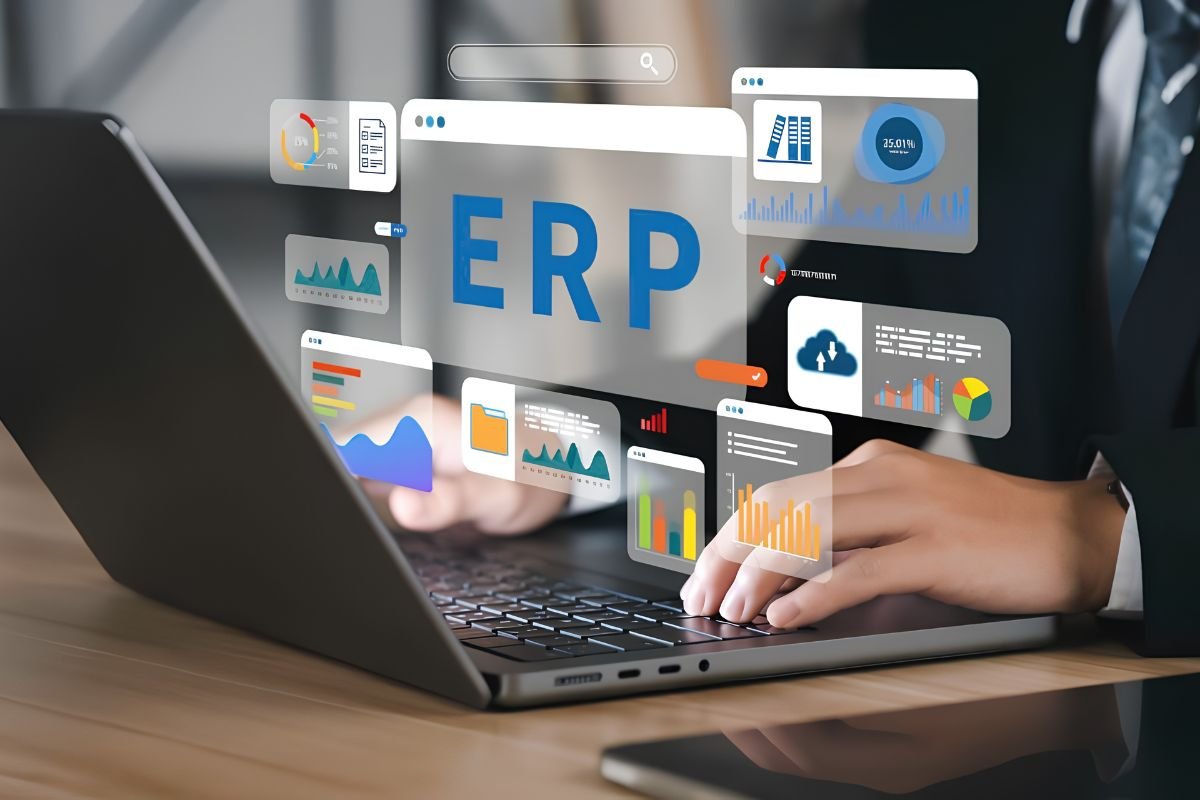
ERP (Enterprise Resource Planning) software for small businesses brings these activities together in one system. It helps businesses track information, reduce manual work, and manage operations more easily.
According to Eurostat, 41.08% of small businesses in the European Union used ERP software in 2025, compared with 88.71% of large businesses. This shows that ERP adoption remains lower among small businesses, leaving room to improve business technology use.
What is ERP software for small businesses?
ERP (Enterprise Resource Planning) software connects important business activities, such as accounting, sales, inventory, purchasing, and employee management.
For example, when a customer places an order, the system can update stock, record the sale, and create an invoice. Employees do not need to enter the same information into different tools.
Small businesses can use ERP software to manage daily tasks, track expenses, monitor stock, and make better decisions.
When should a small business start using ERP software?
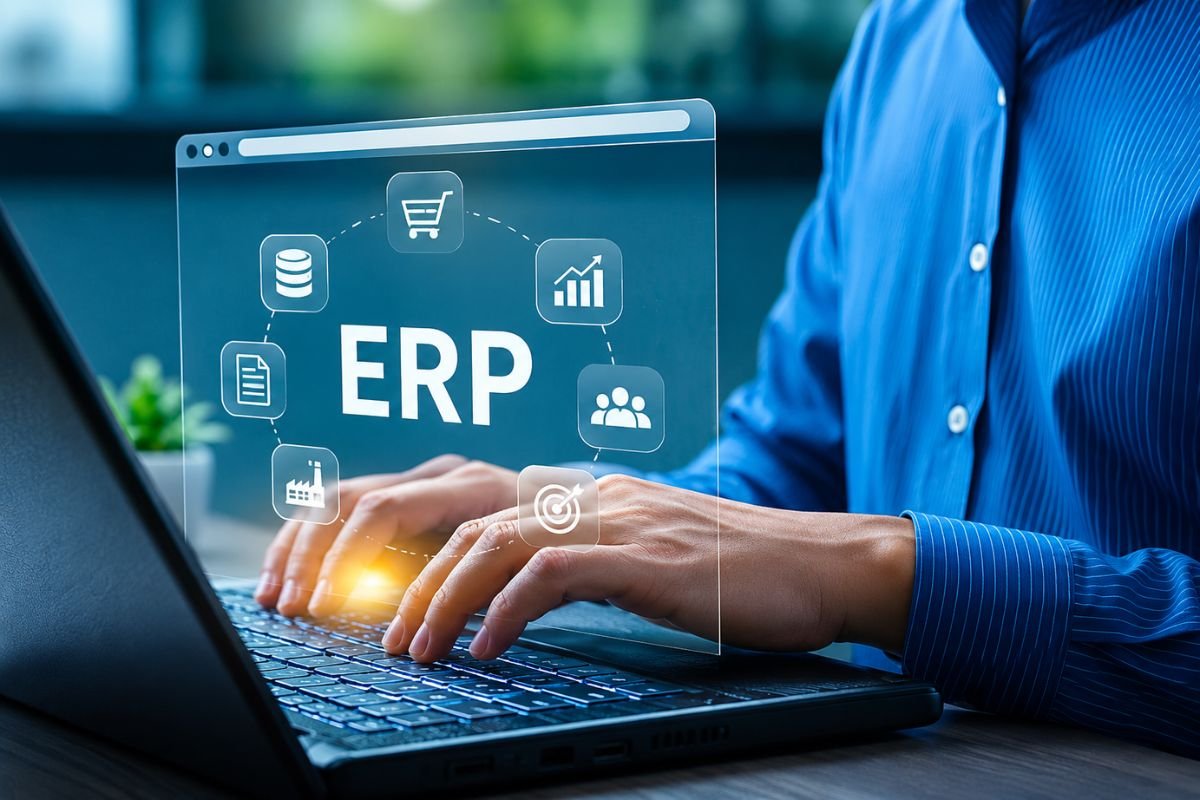
A business does not need ERP software from day one. However, it becomes useful when daily work gets harder to manage.
Here are some common signs:
- Too Many Tools: Employees use separate applications for accounts, sales, and inventory, making information difficult to manage.
- Stock Problems: The business struggles to track available products, new orders, and stock shortages.
- Slow Financial Reports: Preparing invoices, checking payments, and tracking expenses takes too much time.
- Repeated Manual Work: Employees spend hours entering the same information into different systems.
- Business Growth: More customers, orders, and employees create extra work that existing tools cannot handle easily.
An ERP system can help solve these problems by connecting business activities.
Important features to look for in enterprise resource planning (ERP) software
Before choosing an ERP system, small businesses should check whether it offers these important features.
- Accounting Management: It should help manage invoices, expenses, payments, taxes, and financial reports.
- Inventory Management: Businesses should be able to track stock, monitor product availability, manage warehouses, and receive low-stock alerts.
- Sales and Customer Management: Features such as customer records, sales orders, quotations, and payment tracking help manage customer activities.
- Purchase Management: The system should help manage suppliers, purchase orders, delivery records, and payments.
- Reports and Dashboards: Simple reports help business owners check sales, expenses, profits, and stock levels without preparing everything manually.
- Cloud Access and Security: Cloud ERP allows employees to access business information online. Look for secure logins, access controls, regular backups, and reliable support.
- Integration: The ERP system should connect with other tools, such as payment gateways, e-commerce platforms, and payroll applications.
Top enterprise resource planning (ERP) software for small businesses
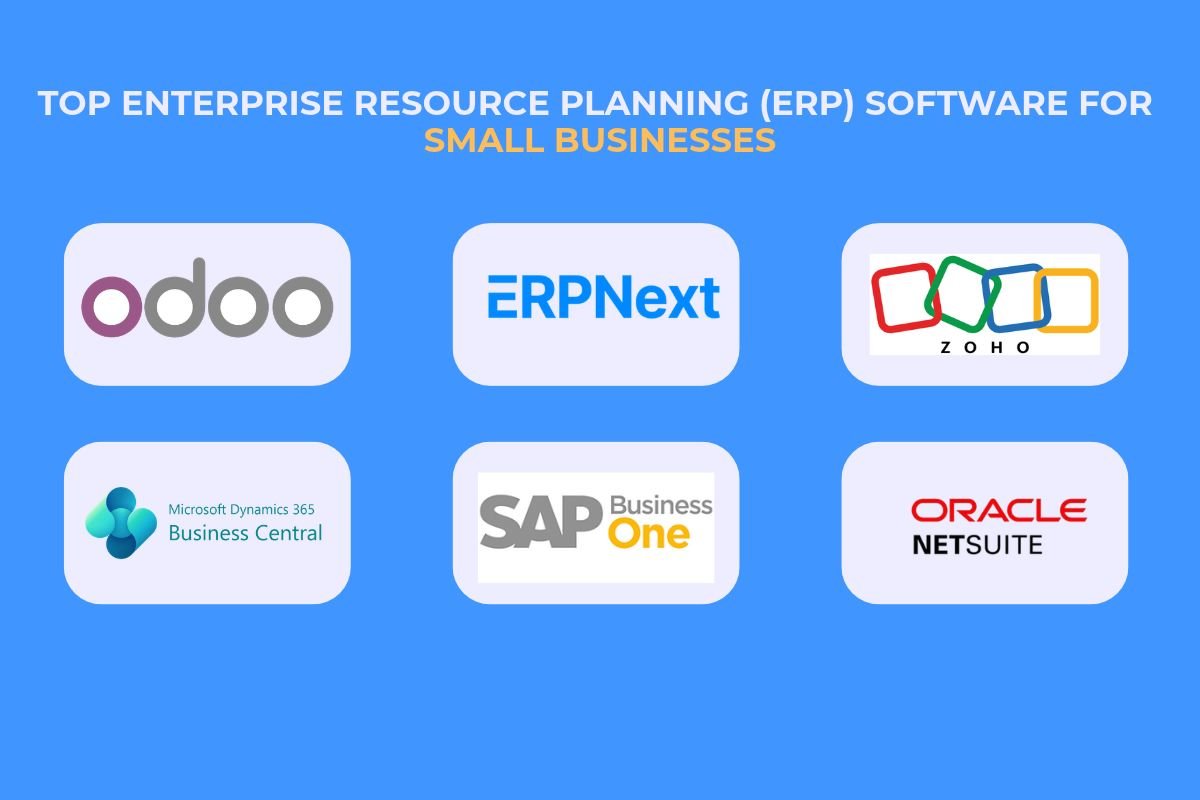
Here are six ERP software solutions for small businesses worth considering.
- Odoo: Odoo offers business applications for accounting, inventory, sales, CRM, manufacturing, and project management. Businesses can start with the applications they need and add more as they grow.
Key Features:
- Accounting and invoicing.
- Inventory and warehouse management.
- Sales and CRM.
- Manufacturing and purchasing.
Best For: Small businesses looking for flexible business management software.
- ERPNext: ERPNext is an open-source ERP system. It helps businesses manage accounts, stock, sales, manufacturing, and employee records. Its open-source model also gives businesses more control over customisation.
Key Features:
- Accounting and financial reports.
- Inventory tracking.
- Manufacturing management.
- HR and payroll.
- Customer management.
Best For: Small manufacturers, distributors, and businesses with technical support.
- Zoho: Zoho offers connected business applications such as Zoho Books, Zoho Inventory, and Zoho CRM. These tools help small businesses manage accounts, customers, orders, and stock. Zoho Books also supports GST-related accounting needs in India.
Key Features:
- GST invoicing and accounting.
- Inventory tracking.
- Sales and purchase orders.
- Customer and supplier records.
Best For: Startups, retailers, and small businesses in India.
- Microsoft Dynamics 365 Business Central: Microsoft Dynamics 365 Business Central connects finance, sales, purchasing, and inventory. It also works with Microsoft tools such as Excel, Outlook, and Teams.
Key Features:
- Financial management.
- Inventory tracking.
- Sales and purchasing.
- Project management.
- Business reports.
Best For: Growing businesses already using Microsoft applications.
- SAP Business One: SAP Business One helps small and midsize businesses manage accounts, inventory, sales, purchasing, and customer information. It also provides reports that help owners track business performance.
Key Features:
- Accounting management.
- Stock and warehouse tracking.
- Sales management.
- Purchasing.
- Business reporting.
Best For: Small manufacturers, wholesalers, and distributors.
- Oracle NetSuite: Oracle NetSuite is a cloud-based business management platform. It connects accounting, inventory, sales, and supply chain activities. It also supports businesses managing multiple locations, currencies, and companies.
Key Features:
- Financial management.
- Inventory and order management.
- Supply chain management.
- Multi-currency support.
- Business reporting.
Best For: Growing businesses with complex financial and operational needs.
Enterprise resource planning (ERP) software comparison for small businesses
| Software | Deployment | Business Fit | Product Strengths |
|---|---|---|---|
| Odoo | Cloud and on-premises | Startups and growing businesses | Modular apps, customization, sales, inventory, and accounting |
| ERPNext | Cloud and self-hosted | Small manufacturers and service businesses | Open-source platform, inventory, accounting, and production management |
| Zoho | Cloud-based | Startups, retailers, and small businesses | Easy-to-use accounting, inventory, CRM, and business apps |
| Microsoft Dynamics 365 | Cloud and on-premises options | Growing SMEs | Microsoft integration, financial management, sales, and supply chain tools |
| SAP Business One | Cloud, on-premises, and partner-hosted options | Manufacturers and distributors | Inventory control, financial management, purchasing, and reporting |
| Oracle NetSuite | Cloud-based | Expanding and multi-location businesses | Financial management, order processing, inventory, and business automation |
The best option depends on the business budget, team size, industry, and daily requirements.
How much does enterprise resource planning (ERP) software cost?
ERP software costs depend on the number of users, features, and level of customisation. Some platforms offer free or open-source options, while others charge monthly or yearly subscription fees.
However, the software price is not the only expense. Businesses should also consider:
- Setup Costs: Installing and configuring the system.
- Data Migration: Moving old business records into the new system.
- Employee Training: Teaching staff how to use the software.
- Maintenance: Paying for support and updates.
- Customisation: Adding features to meet specific business needs.
For example, an open-source system may have no licence fee, but hosting and technical support can still cost money.
How to choose and implement the right ERP system
Choosing the right software is only the first step. Businesses should also plan its implementation.
Step 1: Check business needs
List the main problems in accounting, inventory, sales, and other activities.
Step 2: Set a budget
Decide how much the business can spend on software, setup, and support.
Step 3: Compare ERP options
Check features, pricing, customer support, and integration options.
Step 4: Test the software
Request a demo and test common tasks, such as creating invoices and updating stock.
Step 5: Train employees
Help employees understand the new system before using it for daily work.
Step 6: Track results
Check whether the software saves time, reduces errors, and improves business operations.
Conclusion
ERP software for small businesses makes daily work easier by connecting accounting, inventory, sales, and purchasing in one place. It reduces repeated tasks and helps owners track business activities.
Solutions such as Odoo, ERPNext, Zoho, SAP Business One, Microsoft Dynamics 365, and Oracle NetSuite offer different features for different business needs.
Before choosing one, check the cost, ease of use, security, and future requirements. The right ERP system should solve current problems and support business growth.
FAQs
1. What is the best ERP software for small businesses?
Odoo, ERPNext, Zoho, and Microsoft Dynamics 365 are popular choices.
2. Is ERP software affordable for small businesses?
Yes, many ERP platforms offer free, low-cost, and flexible plans.
3. Can startups use ERP software?
Yes, startups can use ERP to manage accounts, sales, inventory, and daily tasks.
4. What is the main benefit of ERP software?
It connects business operations, reduces manual work, and saves time.
5. Is cloud-based ERP better for small businesses?
Yes, it offers online access, easy updates, and less need for in-house servers.