Enterprise applications unify entire organizations by combining ERP, CRM, HRMS, and SCM into a single real-time system that removes data silos and enables automated decision-making. In this guide, you’ll learn how these systems actually work, how data flows between departments, and how modern architectures like cloud-native and microservices are changing the way enterprises operate. It also covers industry use cases, selection frameworks, and the role of AI-driven enterprise applications in the future of business efficiency and scalability.
Enterprise applications are the unseen backbone of modern organizations, integrating finance, HR, operations, sales, and supply chains into a single digital ecosystem. Most explanations are about definitions and categories. Real value is in these systems working together in real time to drive decisions and automation.
This guide explains not just what these applications are, but how they work at the architectural level, how businesses deploy them, and how the next generation of AI-powered systems is fundamentally transforming enterprise operations.
Table of contents
Enterprise applications: system-level view of business software
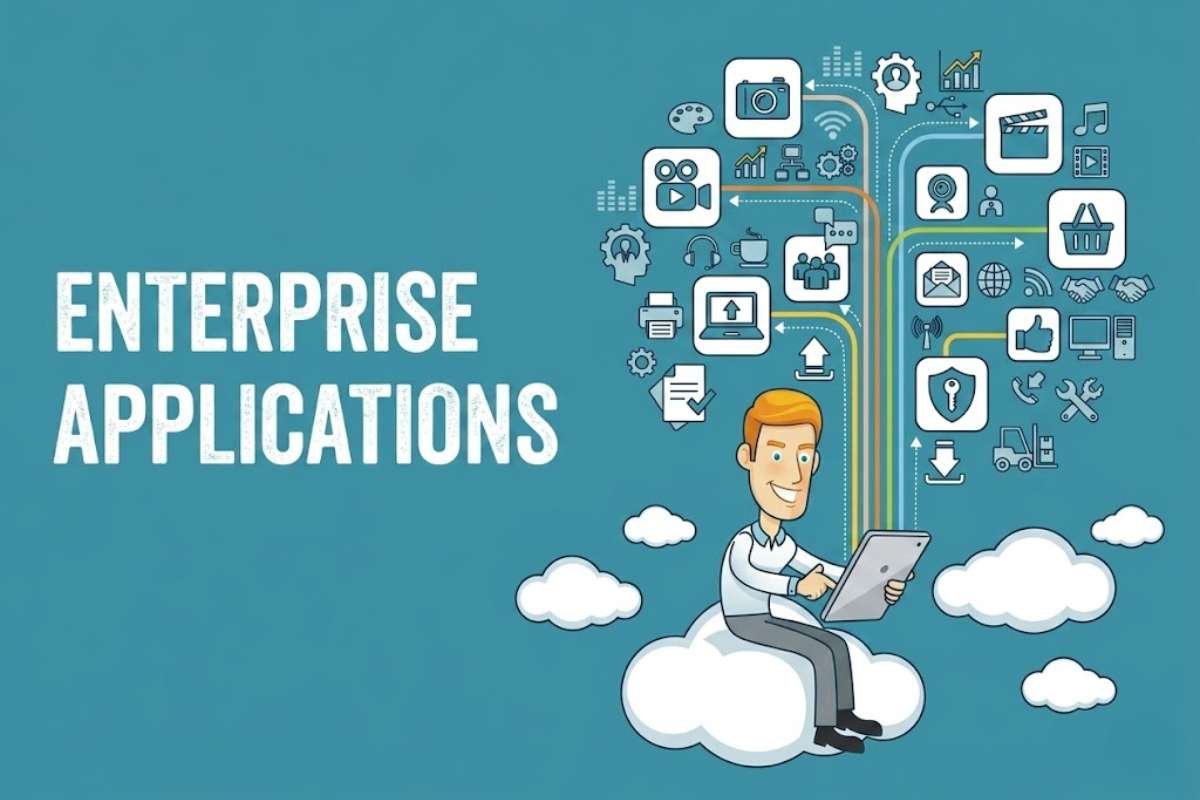
Enterprise Applications are large-scale software systems that form a company’s connected digital nervous system, linking all departments so data flows seamlessly instead of sitting in isolated silos.
Beyond basic definitions, they are the core digital infrastructure that manages massive data volumes, supports thousands of users, and integrates multiple systems to address enterprise-level challenges like supply chain oversight, financial transactions, and customer relationships.
Core systems
Four key systems form the backbone:
| System | Purpose |
| ERP (Enterprise Resource Planning) | Centralizes finance, inventory, orders, HR, and core business processes |
| CRM (Customer Relationship Management) | Manages customer interactions, sales leads, and service across channels |
| HRMS (Human Resource Management System) | Handles payroll, hiring, onboarding, and talent management |
| SCM (Supply Chain Management) | Optimizes inventory, demand planning, production, shipping, and vendor relationships |
These are no longer standalone tools. Modern Enterprise Applications integrate tightly, so a sales order in CRM automatically updates inventory in ERP and triggers shipping in SCM.
Simple architecture:
- Each system (ERP, CRM, HRMS, SCM) stores data in its database
- Integration layer/middleware connects them via APIs
- Changes trigger real-time updates across all departments
This creates a unified, real-time enterprise data flow where every department works from the same accurate information.
How enterprise applications work in real time?

Enterprise Applications work in real time using event-driven architecture. This is where every action (like an order) triggers automatic updates across connected systems.
How it works
| Component | Role |
| Event-Driven Architecture | Events (state changes) trigger & communicate between decoupled services |
| APIs | Enable systems to exchange data directly (e.g., CRM → ERP) |
| Middleware | Acts as an integration layer/router, connecting disparate systems |
Single customer order flow
When a customer places an order:
- CRM → Order captured (sales rep inputs customer data)
- ERP → Order validated, business rules applied
- Inventory → Stock levels automatically updated
- Logistics → Warehouse/t shipping triggered
- Finance → Financial records adjusted simultaneously
This eliminates duplication, reduces errors, and creates a single source of truth
Real-time vs. Batch processing
| Real-Time | Batch Processing |
| Processes data immediately as received | Processes data in scheduled groups (e.g., nightly) |
| Events trigger instant updates. | Delays processing until batch runs |
| Decision-making happens when an event occurs. | Insights delayed by hours/days |
Data consistency & Synchronization
Bi-directional synchronization keeps data identical across all systems in real time. When one system updates, changes immediately propagate to all connected systems, ensuring operational visibility where every department works from the same accurate data.
Types of enterprise applications and their integration roles:
Enterprise Applications are large-scale software solutions that automate and streamline an organization’s core operations, with each type serving a distinct integration role in the connected digital nervous system.
1. ERP as the Backbone system
ERP (Enterprise Resource Planning) is the central backbone that unifies core business functions. Such as finance, supply chain, HR, and procurement, into one unified platform. It serves as the single source of truth where all other systems connect and exchange data.
2. CRM as the customer intelligence layer
CRM (Customer Relationship Management) acts as the customer intelligence layer, managing customer interactions, sales leads, and service across channels. It connects to ERP to sync customer data and sales orders, providing a 360-degree customer view.
3. HRMS as the workforce system
HRMS (Human Resource Management System) manages workforce operations, including payroll, hiring, onboarding, and talent management. It integrates with ERP for payroll and accounting, ensuring compliance with tax regulations.
4. SCM as the logistics engine
SCM (Supply Chain Management) functions as the logistics engine, optimizing inventory, demand planning, production, shipping, and vendor relationships. It automates real-time stock updates and order fulfillment by connecting to ERP inventory positions.
5. BI tools as the decision layer
BI (Business Intelligence) tools serve as the decision layer, turning transaction data into operational intelligence for faster, governed decisions. When embedded into ERP workflows, BI provides actionable insights at the point of execution rather than after the fact.
How systems interconnect
These Enterprise Applications don’t operate independently. They interconnect through APIs and middleware to enable seamless data exchange. Enterprise integration connects applications, data, processes, and people across the entire organization, eliminating data silos and enabling real-time visibility. For example, ERP and CRM integration syncs customer data and financial transactions, while HR and payroll integration ensures compliance.
Architecture behind modern enterprise applications:
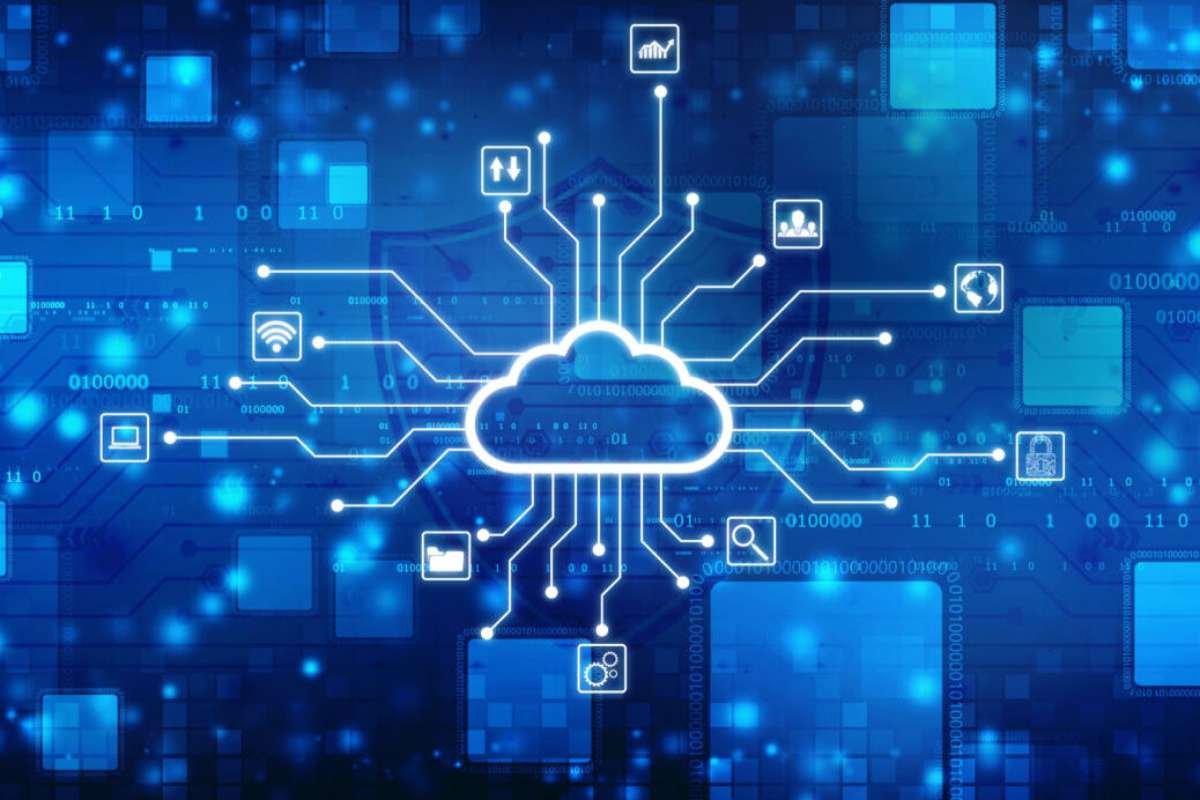
Modern enterprise applications use an architecture designed for scalability, flexibility, and real-time integration. The key difference lies in monolithic vs. microservices architecture:
| Monolithic Architecture | Microservices Architecture |
| Single codebase built as one large application | Distributed architecture with small, independent services |
| Tightly coupled components deployed as one unit | Loosely coupled services deployed independently |
| The entire application may fail if one part fails | Individual services can fail without affecting others |
| Horizontal scaling is challenging. | Easy horizontal scaling of individual services |
| Limited technology stack choices | Freedom to choose the best tech for each service |
| Simpler development initially | More complex due to multiple services |
Cloud-native enterprise applications
Cloud-native applications are built from the ground up for cloud scale and performance, using microservices, containers, DevOps, and continuous delivery. They achieve greater speed, agility, scalability, and cost efficiency by taking full advantage of cloud-based services.
Composable enterprise concept
A composable enterprise is a digital-first business paradigm designed to adapt and evolve in response to changing market demands. Coined by Gartner in 2014, it emphasizes modularity, flexibility, and adaptability by assembling packaged business capabilities (PBCs) to respond quickly to market changes.
Data lakes and integration platforms
Data lakes store vast amounts of raw data from these applications for analytics, while integration platforms use APIs and middleware to connect disparate systems, enabling seamless data flow between CRM, ERP, and other Enterprise Applications.
Security and governance layers
Security and governance layers protect enterprise data through access controls, encryption, compliance monitoring, and audit trails, ensuring data integrity across all interconnected systems.
Business use cases across industries:
Retail: Real-time inventory + customer tracking
These applications enable omni-channel retail strategies with real-time inventory tracking across stores, websites, mobile apps, and social channels. Retail inventory systems automatically monitor stock levels, alert when inventory reaches thresholds, and sync customer purchase data across all touchpoints for seamless buy-online-pickup-in-store experiences.
Banking: Fraud detection + Transaction monitoring
Banks use Enterprise Applications with AI-powered fraud detection to recognize suspicious activities versus legitimate transactions in real time. Real-time payment fraud detection systems process vast transaction datasets efficiently, reducing false positives and improving security with accelerated data processing.
Healthcare: Patient data unification
In healthcare, this unifies patient, provider, and clinical data from EHR systems, lab information systems, radiology platforms, and billing systems into a central repository. This gives clinicians complete, up-to-date patient histories regardless of where treatment occurred, improving clinical decision-making and care outcomes.
Manufacturing: Supply chain optimization
Manufacturing these applications use ERP and SCM platforms to coordinate purchasing, procuring, shipping, warehousing, and monitoring raw materials in a centralized platform. These applications optimize demand planning, production scheduling, vendor management, and logistics to keep production processes efficient.
How to choose the right enterprise application?
Selecting the right enterprise software requires a balance between long-term strategy and immediate financial viability. This framework outlines the process.
1. Build vs. buy decision
Buy: Standardize commodity functions (e.g., HR, Payroll) to lower upfront costs.
Build: Invest in custom or “partner-build” options only if the software drives your core competitive advantage,” the way you win” (Gartner’s Buy, Build, and Blend model).
2. Vendor evaluation checklist
Viability: Financial health, product roadmap, and SLA history.
Security & Compliance: SOC2, GDPR, and data residency rules.
Total Cost of Ownership (TCO): Include hidden fees like implementation, training, and maintenance.
3. Technical core
Scalability: Ensure the platform handles concurrent user spikes and data volume increases without performance degradation.
Integration Readiness: Validate API availability, webhooks, and compatibility with your existing ecosystem to prevent data silos.
4. ROI measurement
Track financial outcomes through a multi-layer approach.
| Metric Layer | Focus Areas |
| Financial/Strategic | Revenue uplift, TCO reduction, and Margin improvement |
| Operational/Adoption | Time-to-value (90-day signal), daily active users, and cycle times |
Conclusion:
Selecting the right enterprise applications is no longer just an IT decision but a core business strategy. With the right architecture, integration capabilities, and deployment models, your organization can create a resilient digital nervous system. A rigorous build vs. buy framework weighed against solid ROI metrics ensures your technology stack is driving competitive advantage, not creating operational friction.
As data volumes increase and AI integration becomes commonplace, the software you deploy today will define your ability to operate nimbly tomorrow. Make your enterprise software a source of innovation rather than a cost center. Focus on scalability, data consistency, and vendor partnerships.
Are you ready to modernize your digital infrastructure?
FAQ:
1. What is an example of an enterprise application?
An enterprise application is a large-scale software system designed to integrate and manage complex, organization-wide operations. Common examples include Customer Relationship Management (CRM) platforms, Enterprise Resource Planning (ERP) suites, and Supply Chain Management (SCM) solutions.
2. What are the 4 major types of enterprise applications?
There are four core enterprise applications: ERP, CRM, SCM, and BI systems.
3. Is SAP an enterprise application?
SAP is one of the world’s preeminent producers of enterprise application software for centralizing data management and improving business processes.
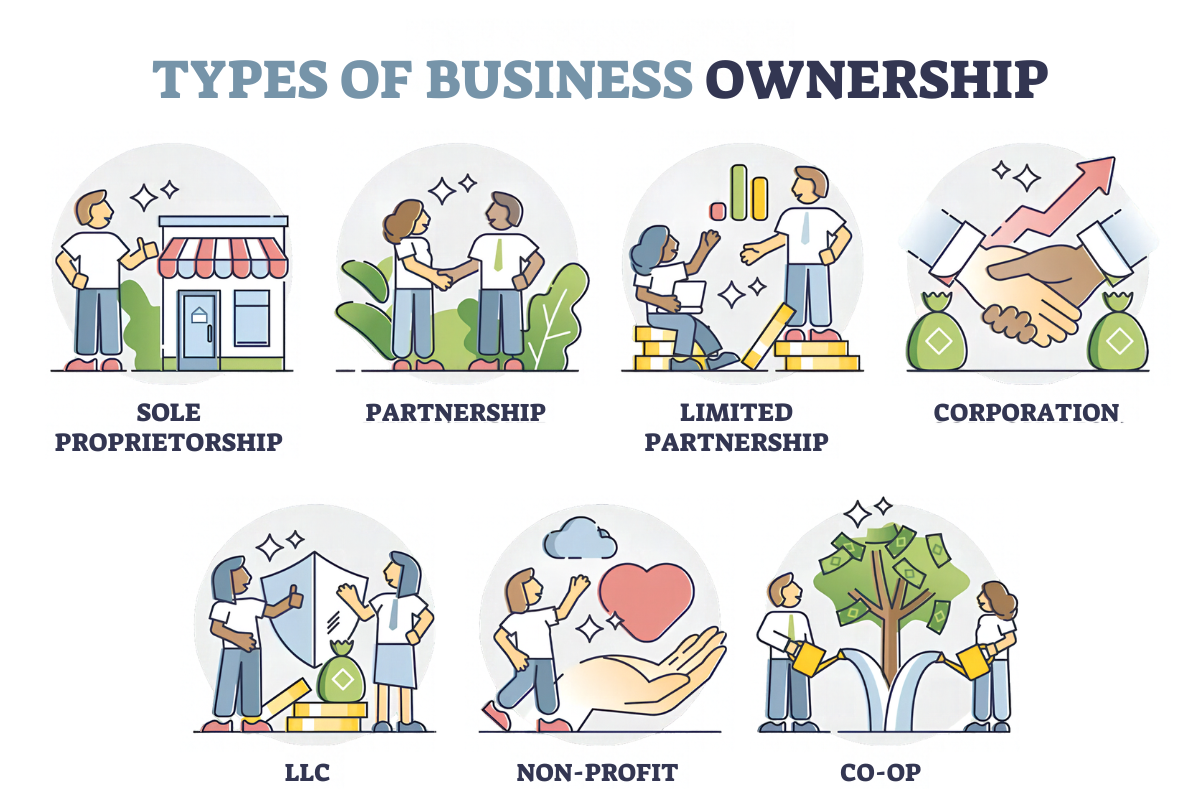
4. What are the three types of enterprise?
Enterprises are broadly categorized into three main business structures: Sole Proprietorships (owned by one person), Partnerships (owned by two or more), and Corporations (independent legal entities).
5. What is meant by enterprise applications?
Enterprise applications are large-scale, comprehensive software systems designed to integrate, automate, and streamline complex business operations across an entire organization.
Links and Sources:
https://whatfix.com/blog/enterprise-software-rollout-plan/
https://www.ibm.com/think/topics/enterprise-applications