Businesses generate data every day through sales, websites, customer interactions, financial transactions, supply chains, and marketing campaigns. However, collecting data is not enough. Companies must understand what the numbers mean and how to use them to make better decisions.
This is where Business Intelligence (BI) becomes important.
Business Intelligence helps organizations collect, organize, analyze, and present business data in a useful format. It turns information from different sources into reports, dashboards, charts, and performance indicators that help teams understand what is happening and where improvements are needed.
For example, an online retailer can use BI to identify its best-selling products, compare sales across regions, monitor inventory, and understand why revenue has fallen. Instead of relying only on assumptions, managers can use current and historical data to decide what to do next.
In 2026, BI is also evolving through cloud computing, automation, and artificial intelligence (AI). Modern platforms can bring information together, update dashboards more frequently, and help users ask questions about their data in everyday language.
Microsoft describes BI as a way to analyze historical and current data and present findings visually to support strategic decisions. Google Cloud also highlights its role in daily business operations and long-term planning.
This guide explains how Business Intelligence works, which tools organizations use, how to build an effective BI strategy, what challenges to expect, and how BI differs from business analytics.
What is business intelligence (BI) and how does it work?
Business Intelligence (BI) is the process of collecting, preparing, analyzing, and visualizing business data to help organizations make informed decisions. It combines technology, data, and business knowledge to show how a business is performing, identify trends, and highlight areas for improvement.
BI helps businesses answer questions such as which products generate the most revenue, why sales have declined, which marketing campaigns attract the most customers, and where costs can be reduced. It also helps teams monitor inventory, track departmental targets, and measure key performance indicators (KPIs).
BI tools organize business information into reports and dashboards, making it easier to compare results and identify performance gaps.
For example, a retail manager can use a BI dashboard to track monthly sales, profit margins, customer returns, and inventory levels. If sales increase but profits decline, the manager can investigate product costs, discounts, or changes in the products being sold.
Business Intelligence typically follows six stages:
- Data Collection: Businesses gather information from sources such as customer relationship management (CRM) systems, accounting software, websites, sales platforms, and databases.
- Data Preparation: Teams clean the data, correct errors, remove duplicate records, and standardize formats to improve accuracy.
- Data Integration and Storage: Information from different systems is combined and stored in a suitable environment, such as a data warehouse or data lake.
- Data Analysis: BI tools examine the information to identify trends, patterns, changes, and performance gaps.
- Data Visualization: The findings are presented through charts, reports, and interactive dashboards, allowing users to compare performance across products, teams, locations, and time periods.
- Decision-Making and Monitoring: Managers use the findings to make informed decisions, assign actions, and monitor results as new data becomes available.
These Stages of Business Intelligence help organizations turn raw data into useful information for everyday operations and long-term planning. For example, a company facing rising delivery costs can use BI to compare delivery partners, locations, order sizes, and delivery times. The findings can help managers identify cost drivers and test ways to improve efficiency.
The stages of business Intelligence may vary depending on an organization’s size, technology, and data requirements. Some businesses automate data preparation and reporting, while others rely on manual checks and analysis.
However, BI does not make every decision automatically. It provides evidence that helps people evaluate problems and choose appropriate actions. Its effectiveness also depends on data quality, consistent reporting standards, and the ability to interpret findings correctly. Even a well-designed dashboard cannot produce reliable insights from inaccurate or incomplete data.
Why is business intelligence important in 2026?
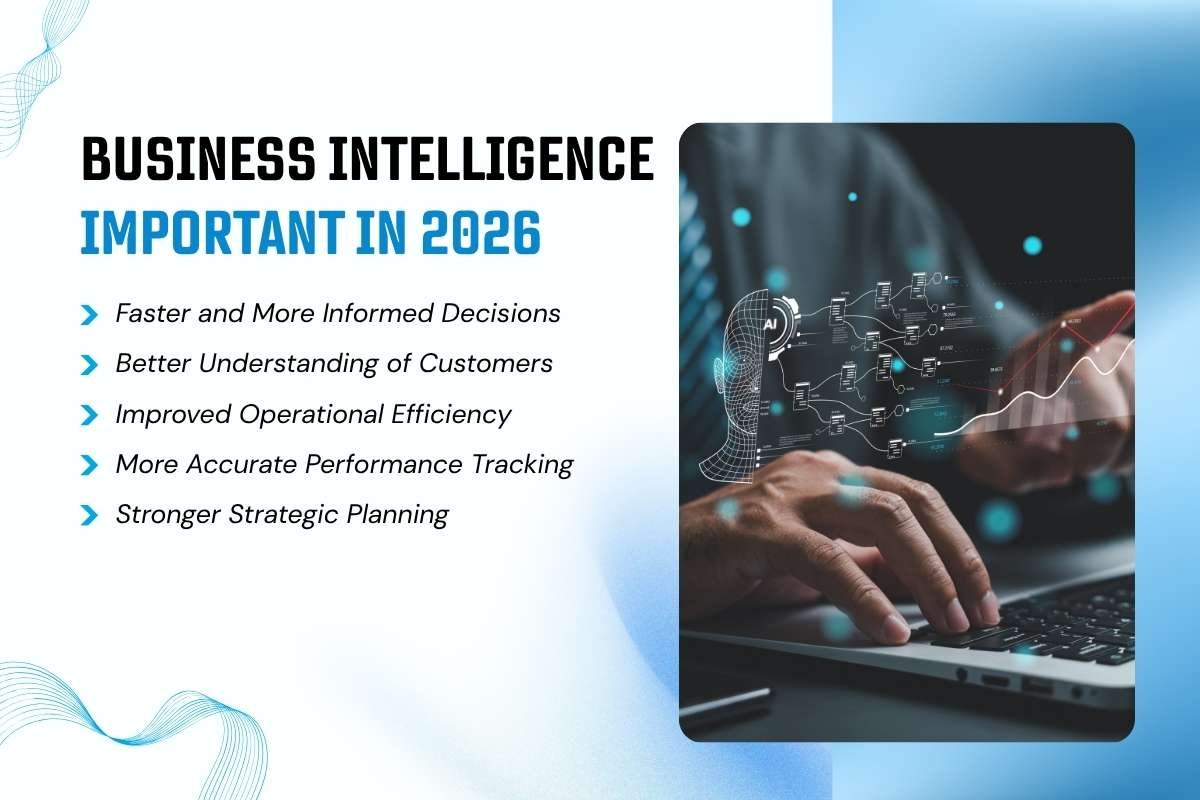
Business Intelligence matters because organizations must make decisions across increasingly complex markets, customer expectations, and operating conditions. BI helps teams replace fragmented reporting with a clearer view of performance.
Here are five important benefits.
1. Faster and more informed decisions
Without BI, employees may spend hours collecting spreadsheets and preparing reports. A shared dashboard brings key measures together and reduces repetitive reporting work.
Managers can check sales, expenses, customer satisfaction, and operational performance in one place. This allows them to identify problems earlier and investigate them before they grow.
The exact time saved depends on the organization’s data systems, reporting process, and level of automation.
2. Better understanding of customers
BI helps companies examine customer purchases, feedback, website behavior, and support requests.
A subscription business, for example, can compare renewal rates across customer groups. If one group cancels more often, the business can investigate pricing, product usage, onboarding, or customer support.
These insights can help teams improve customer experiences and focus retention efforts where they may have the greatest impact.
3. Improved operational efficiency
BI can reveal delays, waste, bottlenecks, and unnecessary expenses.
A manufacturer can monitor production output, equipment downtime, material usage, and defect rates. If one production line consistently performs below target, managers can investigate the reasons and plan corrective action.
Similarly, logistics companies can analyze delivery times, fuel costs, and route performance to identify operational improvements.
4. More accurate performance tracking
BI dashboards help organizations track KPIs against targets.
Common measures include:
- Revenue growth and gross profit margin.
- Customer acquisition cost and customer retention.
- Website traffic and conversion rate.
- Inventory turnover and order fulfilment time.
- Employee productivity and operating expenses.
A clear set of measures helps teams understand whether their actions are producing the intended results.
5. Stronger strategic planning
Historical trends can help leaders evaluate opportunities and risks.
For example, a company considering expansion into a new city can examine existing regional sales, customer demand, delivery costs, and competitor activity. These insights can support planning, although they cannot guarantee future success.
BI is most valuable when it connects information to a specific business decision rather than simply producing more reports.
A real-world example: Microsoft Power BI
Microsoft published a commissioned Forrester Consulting Total Economic Impact study based on 63 companies that reported improvements after moving to Power BI. The study reported a projected three-year return on investment of 366% for its modeled composite organization, along with benefits such as 125 hours saved per BI user each year through self-service analytics.
These figures come from a commissioned economic-impact study. They are not a guarantee that every company using Power BI will achieve the same results.
The wider lesson is that BI can create value when it reduces manual work, makes information easier to access, and helps employees act on reliable insights.
What are business intelligence tools?
Business Intelligence tools are software applications that help organizations connect data, create reports, analyze performance, and visualize information. They make it easier for users to understand business results without manually reviewing large amounts of data.
Common tools include Microsoft Power BI, Tableau, Google Looker, Qlik, and Apache Superset. Each offers different features, integrations, deployment options, and pricing. These Business intelligence tools help teams turn business data into reports and actionable insights.
Businesses should select a tool based on their reporting goals, existing systems, technical resources, security requirements, and budget.
What is a business intelligence strategy?
A Business Intelligence strategy is a plan for how an organization will collect, manage, analyze, and use data to achieve its goals.
It connects BI technology with business priorities. Instead of building reports without a clear purpose, teams identify the decisions they need to improve and select the data and performance measures that support those decisions.
A typical strategy covers:
- Business goals and key performance indicators (KPIs).
- Data sources and data quality.
- BI software and infrastructure.
- Data governance, privacy, and access controls.
- Employee training and adoption.
- Performance measurement and continuous improvement.
A good BI strategy starts with a specific business need, not simply the purchase of new software. A clear business intelligence strategy (T1) aligns data, people, and technology with measurable business goals.
What are the challenges, solutions, and dashboards in business intelligence?

Business Intelligence can improve reporting and decision-making, but organizations may face challenges such as poor data quality, disconnected systems, implementation costs, limited skills, security risks, and low employee adoption. Addressing these Business Intelligence Challenges requires reliable data, proper training, clear reporting standards, and suitable security measures.
Business Intelligence solutions combine software, data systems, and reporting processes to turn business data into useful insights. These solutions may include cloud-based BI, self-service BI, enterprise BI, embedded BI, and real-time analytics, depending on an organization’s needs.
A Business Intelligence dashboard presents key performance indicators (KPIs), charts, and business metrics in one place. It helps teams monitor sales, marketing, finances, and operations, identify performance changes, and make informed decisions. Tools such as Microsoft Power BI support interactive dashboards and reports that make business data easier to analyze.
How business intelligence is different from business analytics?
Business Intelligence and business analytics both help organizations use data. The main difference is their typical focus.
Business Intelligence (BI) primarily helps organizations understand and monitor current and historical performance. Business analytics often extends this work by investigating why outcomes occurred, predicting what may happen, and evaluating possible actions.
The terms overlap in modern platforms, so the distinction is useful rather than absolute.
| Comparison | Business Intelligence (BI) | Business Analytics |
|---|---|---|
| Main focus | Understanding and monitoring performance | Explaining outcomes and evaluating future possibilities |
| Common questions | What happened? What is happening? | Why did it happen? What might happen next? |
| Typical methods | Reporting, dashboards, data visualization, KPI tracking | Statistical analysis, forecasting, predictive models, optimization |
| Common output | Performance reports and dashboards | Forecasts, models, scenarios, and recommendations |
| Example | Identifying which products had the highest sales last quarter | Estimating future demand and comparing pricing scenarios |
| Main users | Managers, business teams, analysts, and executives | Analysts, data scientists, planners, and decision-makers |
A simple example
Imagine an online store experiences a decline in monthly sales.
- BI: A dashboard shows that sales fell by 12%, with the largest decline in one product category.
- Business analytics: Further analysis examines possible causes, such as changes in prices, traffic, customer behavior, or promotions. A forecasting model may then estimate future demand under different scenarios.
- Business decision: The team tests a suitable response and measures the result.
The 12% decline in this example is illustrative, not a real company statistic.
BI and business analytics work best together. BI identifies patterns and makes performance visible, while analytical methods can help explain those patterns and evaluate what to do next.
How is AI changing business intelligence in 2026?

Artificial intelligence is making it easier for users to interact with business data, generate summaries, and investigate patterns. AI-enabled BI tools can support natural-language queries, automated reporting, anomaly detection, and forecasting.
For example, a manager may ask a supported BI system, “Which product category had the biggest drop in sales this month?” The system may help produce a report or visualization, depending on its capabilities and the quality of the underlying data.
AI is changing BI ( Supporting) in four important ways:
- Natural-language questions: Users can ask questions about data without always building reports manually.
- Automated summaries: AI can help explain changes and highlight important metrics.
- Pattern detection: AI and statistical methods can flag unusual changes for further investigation.
- Forecasting: Predictive models can estimate outcomes such as sales demand or customer churn.
Microsoft Power BI offers Copilot capabilities in supported environments to assist with data exploration and report creation. Google Cloud also describes how BI and predictive analytics can work together to support forecasting and operational decisions.
AI does not remove the need for reliable data, clear metric definitions, security controls, or human review. An automated summary may miss context, and a forecast can be wrong when its data or assumptions are unsuitable.
The most useful approach is to treat AI as a way to improve access to insights while keeping people responsible for verifying results and making important decisions.
Conclusion
Business Intelligence (BI) helps organizations turn business data into useful insights. It supports better decisions by making performance easier to understand, tracking important metrics, and highlighting opportunities for improvement.
BI tools, strategies, stages, solutions, and dashboards all contribute to this process. However, successful implementation requires reliable data, clear business goals, appropriate security, and employee adoption.
In 2026, AI is making BI more accessible through natural-language queries, automated summaries, and assisted analysis. Businesses can benefit from these capabilities when they use them responsibly and verify important findings.
The best starting point is simple: identify one business problem, select the relevant data, track meaningful KPIs, and use the findings to guide action. Business Intelligence creates value when it helps people make better decisions, not simply when it creates more reports.
FAQs about business intelligence (BI)
1. What is business intelligence (BI)?
Business Intelligence (BI) turns business data into useful insights through reports, dashboards, and data analysis.
2. What are the main benefits of business intelligence?
BI helps businesses make better decisions, track performance, reduce costs, and understand customer needs.
3. What are the most popular business intelligence tools?
Popular BI tools include Microsoft Power BI, Tableau, Google Looker, and Qlik.
4. What is the difference between business intelligence and business analytics?
BI focuses on understanding business performance, while business analytics often uses advanced methods to explain trends and predict future outcomes.
5. How does AI improve business intelligence?
AI helps automate reporting, summarize data, identify unusual patterns, and generate predictive insights.