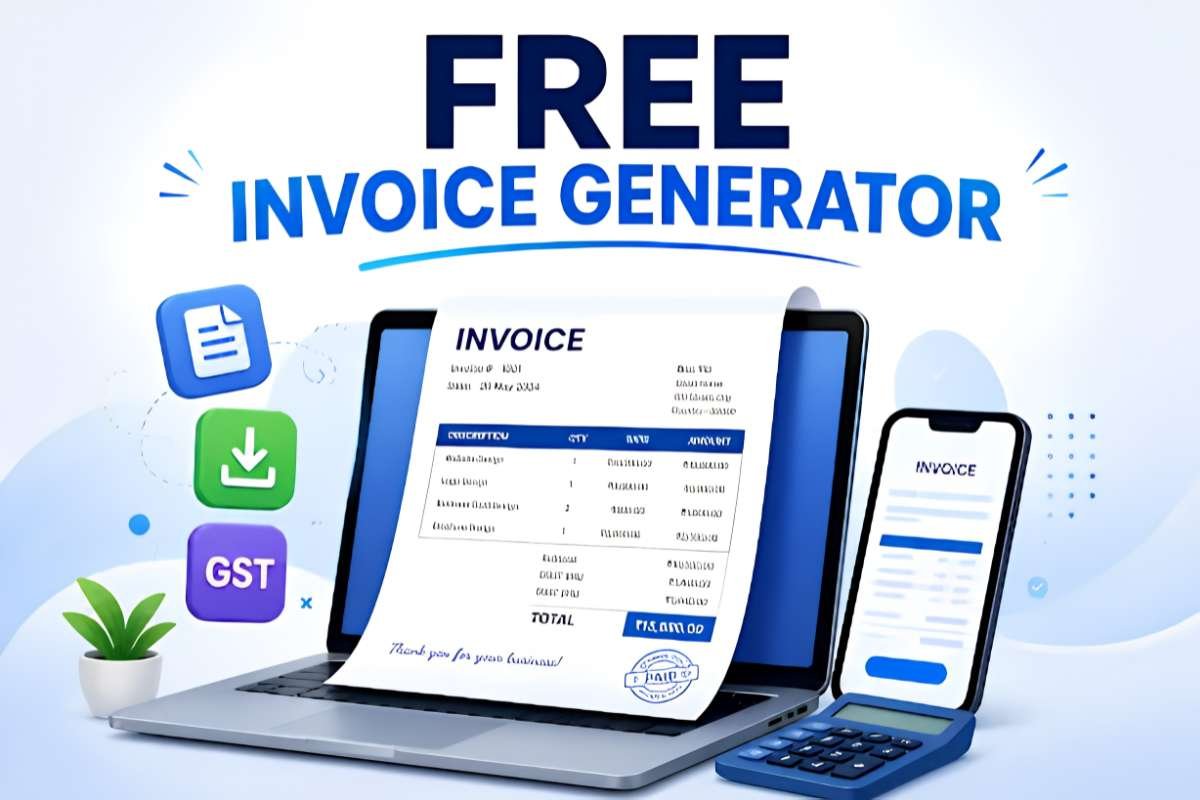
Find the best free invoice generator to create professional invoices, automate billing, and get paid faster. This guide compares the top 10 free tools for 2026, highlighting their features, pros, cons, pricing, and ideal use cases to help freelancers, small businesses, and agencies choose the right invoicing solution.
Manually creating invoices in Word or Excel is time-consuming and increases the risk of billing errors. Luckily, freelancers, consultants, agencies, and small businesses can use a free invoice generator to create professional invoices and organize their payments quickly.
Tools that we use today are far more than a simple PDF. They have recurring billing, online payments, expense tracking, automated reminders, tax calculations, and accounting integrations.
This guide compares 10 of the best free invoice generator tools available in 2026 for ease of use, customization, payment features, automation, and overall value.
What is a Free Invoice Generator? How is it Useful?
A free invoice generator is an online tool that lets businesses create, customize, send, and track invoices without paying for expensive accounting software. Instead of spending hours creating invoices manually, it automates the entire process to keep your billing fast, accurate, and professional.
With a modern invoice generator, you can:
- Save Time & Reduce Errors: Quickly generate branded invoices, calculate taxes and discounts, and automate recurring billing.
- Get Paid Faster: Accept online payments via integrated gateways, send invoices directly by email, and track payment statuses.
- Stay Organized: Manage client records, track unpaid invoices, organize expenses, and integrate seamlessly with accounting or CRM platforms to improve overall cash flow.
Top 10 best free invoice generator in 2026
Finding the right invoicing tool depends on your specific business needs. Whether that’s automated recurring billing, international payments, or custom design. Here is how the top 10 free invoice generators stack up:
| Software Name | Best For | Key Features |
| Zoho Invoice | Growing service businesses & freelancers | Client portal, automated reminders, expense tracking |
| Wave Financial | Solo entrepreneurs needing light accounting | Unlimited invoices/clients, recurring billing, basic bookkeeping |
| Invoice-Generator.com | Fast, quick one-off invoices without signup | Instant browser creation, custom fields, direct PDF downloads |
| PayPal Invoicing | E-commerce & international freelancers | Global payment gateway, recurring billing, mobile support |
| Square Invoicing | Retailers, contractors & hybrid businesses | POS/inventory sync, milestone billing, digital signatures |
| Invoice Ninja | Tech freelancers & agencies needing customization | Open-source, time tracking, portal customization, quotes |
| Invoice Simple | On-the-go tradespeople & field contractors | Mobile-first editor, receipt capture, estimate conversions |
| Canva Invoice Generator | Designers & creatives focusing on aesthetics | Drag-and-drop editor, branded templates, high-res exports |
| Paymo | Consultants & freelancers billing hourly | Time/task tracking, 1-click invoicing from billable hours |
| Wise Invoice Generator | Cross-border freelancers & global clients | Multi-currency templates, international bank details |
1. Zoho Invoice
- Features: Client portal, automated payment reminders, multi-currency support, expense tracking, and mobile apps.
- Pro: Completely free with zero tier limits, ads, or hidden subscription costs.
- Con: Payment processing fees apply separately through integrated third-party gateways.
- Best For: Small businesses, freelancers, and growing service agencies needing a complete invoicing tool.
Zoho Invoice is a comprehensive, 100% free invoicing platform designed to streamline billing, track time, and manage customer relationships. It enables users to create professional invoices, automate payment workflows, and maintain a client portal without subscription fees.
2. Wave Financial
- Features: Unlimited invoicing, recurring billing, basic accounting reports, payment tracking, and receipt scanning.
- Pro: Offers unlimited invoices, clients, and core accounting features on its free plan.
- Con: Credit card and ACH payment processing fees apply per transaction.
- Best For: Freelancers, solo entrepreneurs, and growing small businesses wanting invoicing with integrated light accounting.
Wave combines robust invoicing with built-in bookkeeping tools, allowing users to send unlimited customized invoices and monitor cash flow. It is ideal for business owners who want to unify their billing and financial reporting in a single free platform.
3. Invoice-Generator.com
- Features: Instant online creation, downloadable PDF exports, customizable fields, tax/discount calculations, and direct email delivery.
- Pro: Requires no account signup or software installation to build and download invoices immediately.
- Con: Web-based free tier contains on-site ads and does not store customer databases long-term.
- Best For: Freelancers and micro-business owners needing fast, one-off invoices on the fly.
Invoice-Generator.com is a simple, browser-based tool that lets users construct professional PDF invoices in seconds. It automatically handles taxes, discounts, and custom line items, making it perfect for rapid, straightforward billing.
4. PayPal Invoicing
- Features: Instant invoice delivery, built-in global payment gateway, recurring billing schedules, partial payments, and mobile app support.
- Pro: Highly trusted brand name that allows clients to pay instantly using multiple payment methods.
- Con: Standard payment transaction fees apply when receiving payments.
- Best For: E-commerce sellers, international freelancers, and businesses with an existing PayPal client base.
PayPal Invoicing allows users to draft, send, and track professional invoices directly within their PayPal dashboard. It provides customers with a familiar, secure payment experience across multiple currencies and devices.
5. Square Invoicing
- Features: Scheduled recurring payments, milestone billing, inventory sync, real-time status tracking, and digital signatures.
- Pro: Seamlessly syncs online invoices with in-person POS sales, inventory, and card readers.
- Con: Standard card processing fees apply when clients pay online.
- Best For: Brick-and-mortar stores, field contractors, and hybrid retail/service businesses.
Square Invoicing provides a flexible platform for businesses operating both online and in person. It lets service providers send estimates, collect signatures, and automate payment requests while keeping sales data unified.
6. Invoice Ninja
- Features: Open-source framework, customizable templates, project time tracking, online payment portals, and quote conversion.
- Pro: Generous free plan supporting up to 200 clients with rich custom branding options.
- Con: Advanced features like white-labeling and automated custom rules require paid tiers.
- Best For: Developers, tech freelancers, and agencies seeking open-source invoicing flexibility.
Invoice Ninja is a feature-rich invoicing and time-tracking platform catered toward tech freelancers and service agencies. It helps users streamline client billing, create custom proposals, and accept payments across dozens of global gateways.
7. Invoice Simple
- Features: Fast mobile invoice creation, receipt capture, estimate-to-invoice conversion, and basic client contact storage.
- Pro: Extremely quick and intuitive interface optimized specifically for mobile phones and tablets.
- Con: Free plan restricts the total number of invoices or documents created per month.
- Best For: Field contractors, tradespeople, and mobile service providers on the go.
Invoice Simple is a mobile-first invoicing solution built for speed and simplicity. It allows tradespeople and independent contractors to draft quotes, issue invoices, and collect client signatures directly from job sites.
8. Canva Invoice Generator
- Features: Drag-and-drop design editor, hundreds of stylized templates, brand kit assets, and direct PDF/PNG export options.
- Pro: Offers exceptional visual customization, typography control, and design aesthetics.
- Con: Does not feature automated payment tracking, accounting ledger integration, or online payment buttons.
- Best For: Designers, consultants, and creative freelancers who prioritize visual brand aesthetics.
Canva’s invoice generator enables creative professionals to craft beautifully branded, visually distinct invoices using an intuitive editor. It is ideal for sending polished, custom-designed invoice PDFs to clients.
9. Paymo
- Features: Integrated time tracking, task management, expense logging, invoice generation from billable hours, and multi-language support.
- Pro: Effortlessly converts tracked project hours and billable timesheets into itemized invoices.
- Con: Free plan limits usage to 1 user and 1 active client.
- Best For: Freelance creators, consultants, and developers billing clients on an hourly basis.
Paymo combines project management, time tracking, and invoicing into a single, cohesive workflow. It allows users to turn logged work hours into professional invoices with a single click, eliminating manual billing calculations.
10. Wise Invoice Generator
- Features: Multi-currency billing templates, international banking details integration, automatic tax calculations, and un-watermarked PDF downloads.
- Pro: Completely free to use without watermarks, mandatory account signups, or hidden charges.
- Con: Does not store client databases long-term or send automated payment reminders.
- Best For: Cross-border freelancers and international contractors working with global clients.
Wise Invoice Generator is an easy-to-use tool built specifically for international invoicing. It allows businesses to format invoices with global bank details and multi-currency fields, ensuring fast and transparent cross-border payments.
Conclusion:
A good free invoice generator can transform your billing from a cumbersome administrative task into a quick and seamless workflow. Be it automatic payment reminders, multi-currency invoicing, or instant quotes on the go, the right tool for your business model will ensure you get paid faster, with fewer billing mistakes. Don’t waste precious hours on manual Word and Excel templates. Choose the software that best suits your operations and simplify your client invoicing today!
FAQs:
1. Is there a way to create invoices for free?
Yes, there are many ways to create invoices for free, depending on your needs. For quick, one-off billing, you can use no-login generators, while ongoing freelance work is best suited for free accounting apps.
2. Is Google invoice free?
Yes, using Google’s built-in tools to create invoices is completely free. You can use free templates in Google Sheets or find third-party templates for Google Docs at no cost.
3. Which is the best free invoice app?
The best free invoice apps are Zoho Invoice, Wave Financial, and Square Invoices, offering robust features at zero monthly cost.
4. Where can I get a free invoice template?
You can get free invoice templates instantly online through platforms like Invoice Generator, Canva, or Adobe Express, which let you fill out, download, or print professional bills at zero cost.
5. Can I generate an invoice myself?
Yes, you can invoice yourself if you are a freelancer or sole proprietor billing your own business. However, the IRS views this as an internal accounting transaction.