
Manual accounting takes more time, increases errors, and limits efficiency. Accounting automation uses AI, RPA, and cloud-based tools to streamline financial tasks, reduce costs, and improve accuracy. This guide covers how it works, its benefits, software, implementation, and future trends in modern Accounting Technology.
How much time does your finance team spend copying numbers from one spreadsheet to another? More importantly, what could they achieve if that time were spent analyzing business performance instead?
That question has changed the way companies manage their finances. Instead of relying on manual entries, modern businesses are shifting to accounting automation to eliminate repetitive work, reduce costly mistakes, and speed up financial reporting. The goal is not to replace accountants but to give them more time for strategic thinking.
Consider a growing retail company that receives hundreds of supplier invoices every week. Before automation, employees manually entered every invoice into the accounting system, matched purchase orders, and checked payment records. The process took several days, delayed month-end closing, and increased the risk of human error. After implementing automated invoice processing and bank reconciliation, the same company reduced processing time from days to a few hours while improving financial accuracy.
This shift is happening across industries because businesses want faster reporting, stronger compliance, and better financial visibility. This automation is helping organizations of every size improve efficiency while supporting better decision-making.
What is accounting automation?
It is the use of software, artificial intelligence (AI), robotic process automation (RPA), application programming interfaces (APIs), and cloud technology to perform accounting tasks with minimal manual effort.
Instead of entering transactions one by one, automation allows software to capture data, verify information, process transactions, and generate reports automatically.
Common tasks include:
- Invoice processing
- Accounts payable
- Accounts receivable
- Bank reconciliation
- Expense management
- Payroll processing
- Tax calculations
- Financial reporting
- Journal entries
- Cash flow monitoring
Rather than replacing finance professionals, accounting automation removes repetitive work so accountants can focus on budgeting, forecasting, compliance, audits, and strategic planning.
This is why businesses often consider it one of the most impactful Types of Accounting Technology available today.
How does accounting automation work?
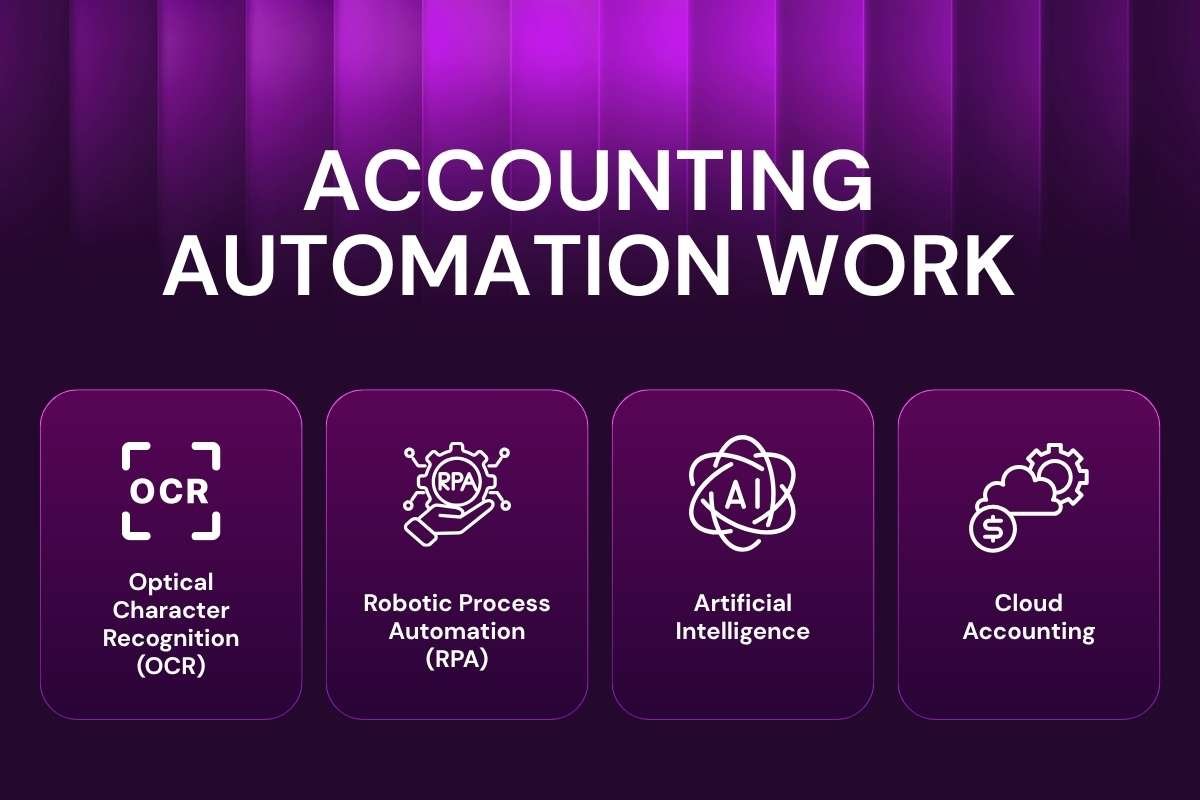
Behind every automated accounting process are several technologies working together. Each plays a different role in capturing, processing, validating, and reporting financial information.
1. Optical character recognition (OCR)
OCR reads invoices, receipts, and bills by extracting text from scanned documents or PDFs. Instead of manually typing invoice details, the software automatically captures supplier names, invoice numbers, payment amounts, and due dates.
For example, when a supplier emails a PDF invoice, OCR can read the document and transfer the information directly into the accounting system, saving significant processing time.
2. Robotic process automation (RPA)
Robotic Process Automation performs repetitive, rule-based accounting tasks that normally require human clicks and keyboard entries.
An RPA bot can:
- Download invoices from emails
- Match purchase orders
- Verify payment details
- Update accounting software
- Send approval requests
- Generate reports
Unlike AI, RPA follows predefined workflows with high accuracy and consistency.
Real-world example: Deloitte has implemented RPA solutions to automate repetitive finance and accounting processes for clients, helping reduce manual effort and improve operational efficiency.
3. Artificial intelligence
AI adds intelligence to automation. Instead of simply following rules, AI can recognize spending patterns, detect duplicate invoices, flag unusual transactions, predict cash flow, and improve financial forecasting.
This is where AI in Accounting complements automation. Automation executes repetitive tasks, while AI helps finance teams make better decisions from financial data.
4. Cloud accounting
Most modern automation platforms operate through cloud-based accounting systems.
Cloud Accounting enables finance teams to:
- Access data from anywhere
- Collaborate securely
- Update records in real time
- Integrate with payroll, CRM, ERP, and banking systems
Because everything stays synchronized automatically, businesses gain greater visibility into their financial performance without waiting for manual updates.
Why are businesses investing in accounting automation?
Finance departments are expected to process more transactions, deliver faster reports, and maintain strict compliance while operating with limited resources. Manual workflows make these goals difficult to achieve, especially as transaction volumes grow.
This automation addresses these challenges by streamlining routine financial processes and reducing dependency on manual data entry. As a result, finance teams can close books faster, improve reporting accuracy, and focus on strategic activities such as forecasting and business planning.
According to McKinsey & Company, a significant share of repetitive finance activities can already be automated using existing technologies, allowing organizations to improve productivity and reduce operational costs.
Top accounting processes that can be automated

Every finance department handles hundreds or even thousands of transactions each month. Manual processing slows work, creates bottlenecks, and increases the chance of mistakes. Accounting Automation simplifies these routine activities by allowing software to complete repetitive tasks with speed and accuracy.
Here are the most common accounting processes businesses automate today.
1. Accounts payable automation
Accounts payable (AP) involves receiving invoices, matching purchase orders, approving payments, and maintaining vendor records. These steps often require multiple approvals and manual verification.
With accounting automation, invoices are automatically captured through OCR technology, matched with purchase orders, routed for approval, and scheduled for payment. This reduces duplicate payments, late fees, and paperwork.
For businesses processing hundreds of invoices each month, Accounts Payable Automation significantly shortens invoice processing cycles while improving vendor relationships.
2. Accounts receivable automation
Getting paid on time is essential for healthy cash flow. However, manually creating invoices, tracking due dates, and sending reminders can consume valuable time.
This automation automatically generates invoices, schedules payment reminders, records customer payments, and updates financial records in real time.
As a result, finance teams spend less time following up on payments while customers enjoy a smoother payment experience, making Accounts Receivable Automation an effective way to improve collections and strengthen cash flow management.
3. Automated book-keeping
Bookkeeping forms the foundation of every accounting system. Traditional bookkeeping requires accountants to record every transaction manually.
Modern accounting automation imports transactions directly from banks, payment gateways, POS systems, and ERP platforms. The software categorizes expenses, matches receipts, and updates ledgers automatically.
Instead of entering data, accountants review exceptions and focus on financial analysis, while Automated Bookkeeping helps businesses reduce manual data entry and maintain more accurate financial records.
4. Expense management
Employee expenses often involve paper receipts, reimbursement requests, and approval delays.
Expense management software automatically captures receipts through mobile apps, extracts information using OCR, checks company policies, and routes claims for approval.
Employees receive faster reimbursements, while finance teams maintain better spending visibility, making Expense Management Technology an effective solution for improving cost control and employee productivity.
5. Bank reconciliation
Reconciling bank statements manually is one of the most time-consuming accounting tasks.
With this, banking transactions are imported automatically, matched against accounting records, and exceptions are highlighted for review.
This allows businesses to complete reconciliations in minutes instead of hours while improving financial accuracy.
6. Payroll processing
Payroll involves salary calculations, tax deductions, bonuses, benefits, and compliance reporting.
Automated payroll systems calculate employee salaries based on attendance, leave records, tax rules, and deductions without manual calculations.
This minimizes payroll errors and helps organizations comply with labor regulations.
7. Financial reporting
Business leaders need timely financial reports to make informed decisions.
Instead of compiling spreadsheets manually, automation generates real-time dashboards, income statements, balance sheets, cash flow reports, and KPI summaries.
Managers gain immediate visibility into business performance without waiting for month-end reports.
Robotic process automation and programmatic journal entries

Many people think automation only means faster invoice processing. In reality, some of the biggest improvements happen behind the scenes through Robotic Process Automation (RPA) and programmatic journal entries.
What is robotic process automation (RPA)?
Robotic Process Automation uses software bots to perform repetitive, rule-based tasks that previously required human intervention.
Unlike AI, RPA does not make decisions. Instead, it follows predefined rules with exceptional consistency.
For example, an RPA bot can:
- Download invoices from email
- Verify supplier information
- Match invoices with purchase orders
- Post approved transactions
- Generate audit logs
- Send approval notifications
Because bots work around the clock, organizations complete accounting processes much faster while reducing manual effort.
What are programmatic journal entries?
Journal entries record every financial transaction in the accounting system.
Traditionally, accountants prepared these entries manually. Today, enterprise accounting platforms automatically generate journal entries whenever business events occur.
Examples include:
- Customer payments
- Supplier invoices
- Payroll processing
- Inventory adjustments
- Tax calculations
These are known as programmatic journal entries because software creates them based on predefined accounting rules.
This reduces manual posting errors and speeds up month-end closing.
Real-world example: Oracle Fusion Cloud ERP
Oracle Fusion Cloud ERP automatically creates accounting entries from approved transactions across purchasing, sales, payroll, and inventory modules. This allows finance teams to maintain consistent accounting records while reducing manual journal preparation.
Accounting automation vs traditional accounting
Although both approaches achieve the same goal, they differ significantly in speed, efficiency, and scalability.
| Feature | Traditional Accounting | Accounting Automation |
|---|---|---|
| Data Entry | Manual | Automatic |
| Invoice Processing | Time-consuming | Real-time |
| Human Errors | Higher | Much lower |
| Reporting | Periodic | Real-time |
| Compliance | Manual monitoring | Automated checks |
| Scalability | Limited | Easily scalable |
| Productivity | Lower | Higher |
Automation does not eliminate accountants. Instead, it removes repetitive work, so finance professionals can concentrate on forecasting, audits, compliance, and business strategy.
Benefits of accounting automation
Businesses adopt automation because it delivers measurable improvements across finance operations rather than simply reducing paperwork.
1. Saves valuable time
Employees no longer spend hours entering invoices, matching transactions, or creating reports manually. Automation completes these repetitive tasks within minutes.
The saved time can be invested in financial planning, budgeting, and strategic analysis.
2. Improves accuracy
Even experienced accountants can make typing mistakes during manual data entry.
Automated validation rules, system integrations, and real-time verification significantly reduce these errors while improving data quality.
3. Speeds up financial closing
Month-end closing often becomes stressful because finance teams must verify thousands of transactions.
Automation continuously updates accounting records throughout the month, allowing businesses to complete financial close much faster.
According to Deloitte’s finance transformation research, automation helps shorten financial close cycles while improving reporting quality.
4. Supports better compliance
Tax rules, accounting standards, and financial regulations change frequently.
Modern accounting systems automatically apply updated tax calculations, approval workflows, and audit trails, reducing compliance risks.
5. Provides real-time business insights
Executives no longer need to wait until month-end.
Automated dashboards display cash flow, expenses, revenue, profitability, and outstanding invoices in real time, helping leaders make faster business decisions.
6. Reduces operational costs
Although implementing automation requires an initial investment, businesses often reduce administrative costs over time by minimizing manual processing, correcting fewer errors, and improving workforce productivity.
Best accounting automation software

Choosing the right software depends on business size, industry, budget, and operational complexity. Most modern platforms offer automation features that reduce manual work while improving financial visibility.
1. QuickBooks Online: QuickBooks automates bookkeeping, invoice creation, expense tracking, bank reconciliation, payroll integration, and financial reporting. It is used by startups and small businesses.
2. Xero: Xero offers automated bank feeds, invoice management, payment reminders, and cloud-based collaboration, making it suitable for growing businesses.
3. FreshBooks: FreshBooks focuses on service-based businesses with automated invoicing, expense tracking, client billing, and payment collection. It is ideal for freelancers and agencies looking for an easy-to-use accounting solution. You can also compare it with other leading platforms in our QuickBooks vs Xero vs FreshBooks guide.
4. Oracle NetSuite: NetSuite provides enterprise-grade automation across accounting, procurement, inventory, compliance, and financial reporting.
5. SAP S/4HANA Finance: SAP combines ERP capabilities with automated accounting workflows, making it ideal for large organizations managing complex financial operations.
6. Zoho Books: Zoho Books offers affordable automation for small and medium-sized businesses, including GST compliance, invoicing, bank reconciliation, and workflow automation.
Accounting automation for small businesses
Many people assume automation is only suitable for multinational corporations. In reality, small businesses often experience the greatest benefits because they operate with limited staff and resources.
A growing business owner typically manages invoicing, payroll, expense tracking, tax filing, and customer payments simultaneously. As transaction volumes increase, manual accounting quickly becomes difficult to manage.
By implementing this, small businesses can:
- Generate invoices automatically
- Track expenses in real time
- Reconcile bank transactions daily
- Send payment reminders automatically
- Prepare GST and tax reports faster
- Monitor cash flow from a single dashboard
Instead of hiring additional administrative staff, owners can automate routine accounting processes and focus on growing the business. Businesses looking to build a more efficient finance function can also read our guide on Accounting Technology for Small Businesses to understand how modern financial tools support long-term business growth.
Challenges of accounting automation
| Challenge | Simple Explanation | Solution |
|---|---|---|
| Employee Training | Employees need to learn new accounting software and processes. | Provide proper training to improve software usage and ROI. |
| System Integration | Old accounting systems may not work smoothly with new automation tools. | Check software compatibility before implementation. |
| Data Security | Financial data needs protection from cyber threats and unauthorized access. | Use encryption, MFA, backups, and access controls. |
| Change Management | Employees may resist automation due to fear of role changes. | Explain that automation reduces repetitive tasks and supports accountants. |
As businesses automate more financial processes, protecting sensitive accounting data becomes equally important. Understanding how to secure accounting data helps businesses protect financial information and maintain compliance.
Does accounting automation replace accountants?

One of the biggest concerns about automation is whether technology will replace finance professionals.
The answer is NO.
Automation replaces repetitive activities, not accounting expertise.
Accountants still play an important role in:
- Financial strategy
- Business planning
- Compliance decisions
- Risk management
- Auditing
- Advisory services
The role of accountants is evolving from data entry professionals into strategic financial advisors.
A modern accountant does not spend most of the day entering numbers. Instead, they analyze information, identify opportunities, and help businesses make better decisions.
Conclusion
Remember the retail company that spent days processing invoices manually? After adopting automation, its finance team moved from repetitive data entry to faster analysis and smarter decisions.
That transformation represents the real value of accounting automation. It does not simply save time; it changes how businesses manage money.
As AI, cloud technology, and intelligent systems continue to evolve, automation will become an essential part of modern Accounting Technology. Companies that adopt these solutions today can build faster, more accurate, and future-ready finance operations.
The future of accounting is not about replacing people with machines. It is about helping people achieve more with smarter technology.
FAQs:
1. What is Accounting Automation?
Accounting Automation uses software, AI, and digital tools to automate tasks like invoicing, bookkeeping, reporting, and reconciliation with less manual effort.
2. What accounting tasks can be automated?
Common automated tasks include:
1. Invoice processing
2. Expense tracking
3. Bank reconciliation
4. Payroll
5. Tax preparation
6. Financial reporting
3. Is Accounting Automation useful for small businesses?
Yes. It helps small businesses reduce manual work, improve accuracy, and manage finances better without a large finance team.
4. Does Accounting Automation replace accountants?
No. It helps accountants save time on repetitive tasks and focus on analysis, planning, and decision-making.
5. Which software supports Accounting Automation?
Popular tools include:
1. QuickBooks Online
2. Xero
3. FreshBooks
4. Zoho Books
5. Oracle NetSuite
6. SAP S/4HANA Finance
7. Microsoft Dynamics 365 Finance
The best choice depends on business needs, budget, and integration requirements.