Enterprise software refers to integrated systems that help organizations manage operations, data, and workflows across multiple departments in a unified way. This article explains why it is essential, along with its types, and their features and challenges.
There is a moment when running a business starts to feel heavier than it should. Not because the work is harder, but because everything around the work gets messy. You pause mid-task just to find the right information. You double-check numbers that should already be clear. You rely on people to fill gaps that systems should have handled.
That friction builds quietly until it becomes impossible to ignore. What you really need at that point is not another quick fix, but something that holds everything together. Enterprise software does that by turning scattered processes into a connected system, so instead of constantly managing the chaos, you can actually focus on growing the business.
Why does enterprise software matter?
Enterprise software matters because it connects all parts of a business in one system. Large organizations run many departments at the same time, and each one creates its own data. When this data stays in separate tools, teams lose clarity, and work becomes slower. A single system keeps everything connected and easy to track.
1. Centralized business operations
It brings sales, finance, HR, and operations into one platform. This helps all teams use the same updated data and reduces confusion between departments.
2. Faster task execution
Work gets done faster because data updates automatically across systems. Teams do not need to wait for manual updates or repeated messages, which reduces delays.
3. Better decision making
Managers see all business data in one place. This helps them understand performance quickly and make decisions without checking multiple reports or systems.
4. Reduced operational errors
A shared system reduces mistakes from duplicate entries and outdated information. When all teams use the same source, data stays accurate and consistent.
5. Easier business scaling
As businesses grow, work becomes more complex. Enterprise software manages more users and data without slowing down daily operations.
6. Improved team coordination
Teams stay aligned because they work on the same system. This reduces miscommunication and helps tasks move smoothly between departments.
7. Stronger data security
It protects business data with access controls. Only approved users can view or change sensitive information, which keeps data secure.
What are the types of enterprise software?
Not all software serves the same purpose, and choosing the wrong type can slow your business down. Before you choose specific tools, it helps to understand the main categories available and how each one supports different business functions. The different types of enterprise software are:
1. Enterprise resource planning (ERP)
ERP (Enterprise Resource Planning) software helps businesses run their core operations in one place. It connects teams like finance, HR, supply chain, and operations. This connection creates a single source of truth. Teams no longer deal with scattered data. They work with one shared system that updates in real time.
This system improves how work gets done. It reduces manual effort and removes repeated tasks. Processes become more consistent. Daily operations feel smoother. Managers get access to data when they need it. This helps them act faster and with more confidence. It also gives a clear view of the entire business.
Key features
- Centralized data management
- Process automation
- Real-time reporting and analytics
- Financial tracking
- Inventory and workforce management
- Flexible system customization
Challenges
ERP systems cost a lot to implement. The setup phase takes time and planning. Teams often struggle during early use. Complex systems increase the training effort. Integration with older tools can also slow things down. On top of that, teams may resist change if the shift feels sudden.
2. Customer relationship management (CRM)
Customer Relationship Management software helps businesses manage how they interact with customers. It keeps all customer data in one place. This includes contact details, past purchases, and communication history. Teams use this data to understand customers better and improve service.
It also connects sales and marketing efforts. Teams can track leads and manage the sales pipeline. They can study customer behavior and adjust their approach. This leads to better targeting and higher conversions. Support teams benefit too. They resolve issues faster because they see the full customer history.
Key features
- Customer and contact data storage
- Sales pipeline tracking
- Email and communication tools
- Customer behavior analytics
- Automation for follow-ups and segmentation
Challenges
CRM (Customer Relationship Management) systems in enterprise software rely on clean data. Poor data entry weakens the system. Some employees avoid using it if it feels complex. Integration with other tools can take effort. Without proper training, usage often stays inconsistent.
3. Supply chain management (SCM)
Supply Chain Management software controls how goods move through a business. It tracks every step, from raw materials to final delivery. This includes inventory, suppliers, and logistics.
The system improves speed and reduces delays. It gives clear visibility into each stage. Businesses can track shipments and check stock levels easily. They can also predict demand more accurately. This reduces waste and keeps customers satisfied.
Key features
- Inventory tracking
- Demand forecasting
- Supplier coordination
- Logistics planning
- Real-time tracking and reporting
Challenges
Supply chains are complex by nature. The software depends on accurate data. Set-up must be done carefully. Integration with external partners can be difficult. Even then, outside disruptions can still affect performance. Businesses must stay ready to adapt.
4. Human resource management systems (HRMS)

Human Resource Management Systems handle employee-related tasks. These include hiring, payroll, attendance, and performance tracking. The system reduces manual work and improves accuracy.
It also keeps employee data organized. All records stay in one place. HR teams can track performance and manage benefits with ease. Many systems offer self-service tools. Employees can check their own data and complete basic tasks. This reduces the load on HR teams.
Key features
- Payroll processing
- Employee data management
- Attendance tracking
- Performance reviews
- Hiring and onboarding tools
Challenges
HR systems deal with sensitive information. Security must stay strong. Setup takes time and effort. Employees may need support to use new tools. Businesses must also follow labor laws and stay compliant.
5. Business intelligence (BI) software
Business Intelligence software turns raw data into useful insights. It gathers data from different systems and processes it. Leaders use these insights to understand performance and trends.
The tools present data in simple formats. Dashboards and charts make things easy to read. Teams can quickly spot patterns. They can also find problems early. This helps improve decisions and overall strategy.
Key features
- Data visualization tools
- Reporting systems
- Data integration
- Real-time analytics
- Predictive insights
Challenges:
BI tools depend heavily on data quality. Bad data leads to weak insights. Pulling data from many sources can be complex. Some tools require technical skills to use well. Data accuracy and security must always be maintained.
How to choose the right enterprise software?
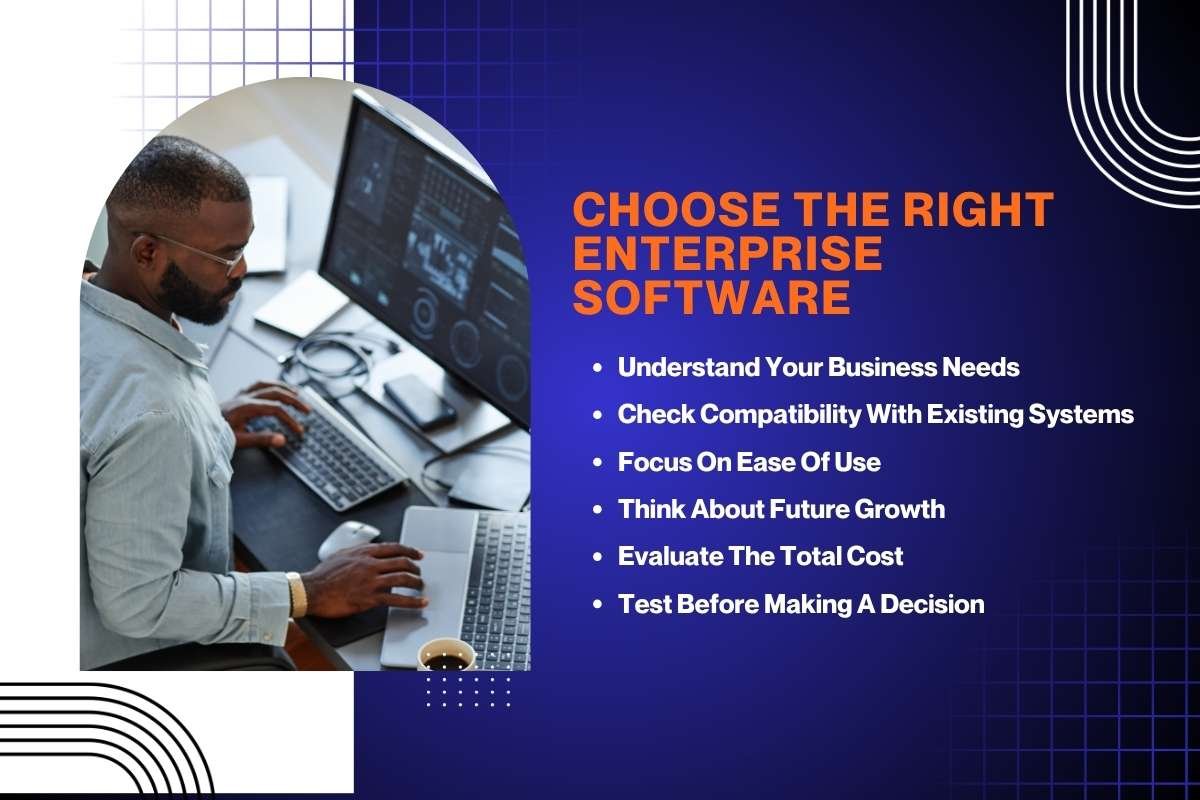
Once you understand the different types of software, the next step is making the right choice. With so many options available, a clear approach helps you avoid confusion and focus on what actually fits your business needs.
Step 1: Understand your business needs
Start with the problem, not the product. Look at where your team slows down or repeats work. Talk to your team and note real pain points. The goal is to fix a clear issue, not just add new software.
Step 2: Check compatibility with existing systems
Your software should work well with what you already use. Poor integration creates delays and confusion. Check if it connects with your current tools and data sources. Smooth data flow matters more than extra features.
Step 3: Focus on ease of use
If your team struggles to use it, they will avoid it. Choose software that feels simple from the start. Look for a clean interface and clear workflows. Less training means faster adoption and better results.
Step 4: Think about future growth
Your business will grow, and your software should keep up. Make sure it can handle more users, more data, and more processes. Ask if upgrades or scaling will be smooth later. You do not want to switch systems too soon.
Step 5: Evaluate the total cost
Do not judge by price alone. Include setup, training, and maintenance. Check for hidden costs like add-ons or support fees. A low upfront cost can turn expensive over time.
Step 6: Test before making a decision
Always try a demo or trial. Let your team use it in real work scenarios. Ask for feedback on speed, ease, and usefulness. Their input will show if the software truly fits your needs.
Future of enterprise software
The global enterprise software market size is projected to reach USD 750.03 billion by 2033.
This is because it is moving toward smarter systems powered by AI. These tools can now analyze data, predict trends, and automate decisions with minimal input. Instead of just storing information, software is starting to guide actions and improve outcomes in real time.
Cloud-based platforms continue to grow as businesses move away from on-premises systems. They offer better flexibility, faster updates, and easier access across teams. At the same time, companies are focusing more on data security and privacy as threats increase and regulations become stricter.
Another key trend is the rise of low-code and no-code platforms. These tools allow teams to build and customize applications without great technical skills. This reduces dependence on IT teams and speeds up development, helping businesses adapt quickly to changing needs.
Conclusion:
Enterprise software does not fail because of capability. It fails when it does not fit the way teams actually work. The difference shows up in daily operations. One setup creates delays, confusion, and constant follow-ups. The other keeps everything moving without friction.
That is the real role of business software. It should bring clarity, not complexity. When systems align with workflows, teams move faster, decisions become easier, and growth feels controlled instead of chaotic.
FAQs
1. What makes enterprise software effective?
It should align with existing workflows and be easy for teams to adopt.
2. Why do companies struggle after implementation?
Because the software often does not integrate well with other systems.
3. How can businesses evaluate if their software is working?
By tracking delays, manual work, and how often teams rely on workarounds.