Consider your computer’s operating system (OS) to be its brain. It is the specialized software that enables communication between your apps and hardware. Such as your keyboard and screen. Your phone or computer wouldn’t know how to turn on or run a game without an operating system! Selecting the best computer operating systems is crucial. Since it affects both the speed at which your machine operates and the security of your private files.
Windows, macOS, and Linux are just a few of the options available today. While some are designed for enjoyment or added safety, others are excellent for school. We will examine the most popular systems used worldwide in this guide. You can compare them to find the one that best suits your needs.
What Are Computer Operating System?
An Operating System (OS) is the most important software on any computer. As part of Computer Operating Systems, It acts as a bridge between you and the physical parts of the machine. Its main job is hardware resource management, which means it decides which app gets to use the CPU or the battery. It also handles the user interface. This provides the icons and menus you click on to get things done.
Behind the scenes, the OS is a busy manager. It uses memory and storage coordination. This helps to save your files and keep your apps from crashing into each other. For safety, it provides process control and security. It acts like a guard that stops unauthorized users from stealing your data. By balancing all these tasks, the OS ensures your computer runs smoothly, quickly, and safely every time you use it.
The Evolution of Operating Systems:
Operating systems have come a long way since the 1950s. Back then, batch systems processed one giant task at a time. By the 1960s, time-sharing allowed many people to use one computer at once. The 1970s brought UNIX. This changed everything by making software more organized. Soon, the rise of personal computers led to the Windows and macOS era. This made computers easy for everyone to use at home with a mouse and icons.
Later, Linux changed the world by offering an “open-source” system. Anyone could help build for free. Today, we are in the mobile OS revolution. Systems like Android and iOS power billions of smartphones. This focuses on touch screens and constant internet access. This long history of progress shows why modern systems are so fast, smart, and helpful in our daily lives.
What Makes the “Best Computer Operating Systems”?
To find the best system, we must look at how it helps you every day. Not every OS is right for every person. Experts use a few key rules to decide which ones are the best:
- Performance & Speed: How fast does it start? Does it run smoothly without slowing down?
- Security & Privacy: Does it protect your photos and passwords from hackers?
- App & Hardware Support: Can it run your favorite games and work with your printer?
- Ease of Use: Is it simple to learn, or do you need to be a pro to use it?
- Workflows: Does it have the right tools for school, office work, or making art?
- Updates: Will it get better over time with new features and safety fixes?
Looking at the world today, Windows is the leader for home and office computers. While macOS is a top choice for creative people. Linux is a favorite for those who love to customize. And Android is the most used system globally. Because it powers so many phones!
Top 10 Best Computer Operating Systems
Choosing an OS depends on your goals, whether you are a professional editor, a casual student, or a software developer. Below are the top 10 systems ranked by their global impact.
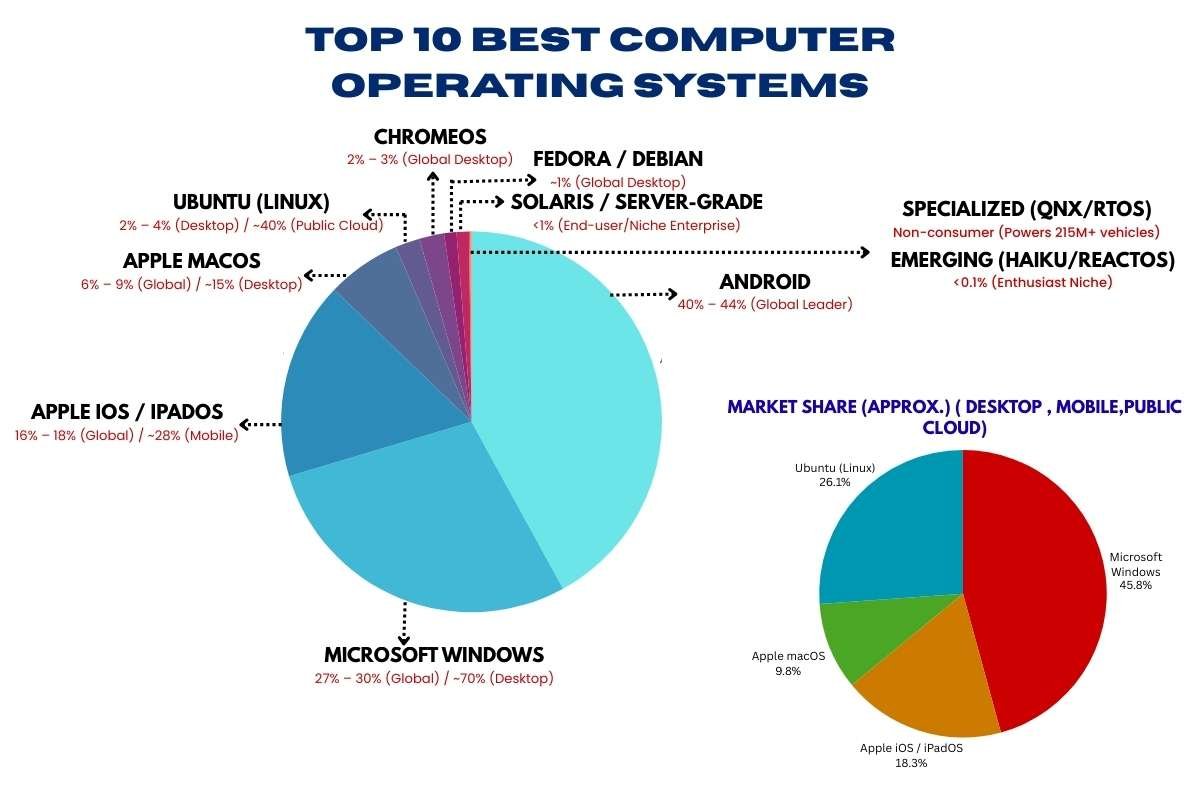
| Rank | Name | Market Share (Approx.) |
| 1 | Android | 40% – 44% (Global Leader) |
| 2 | Microsoft Windows | 27% – 30% (Global) / ~70% (Desktop) |
| 3 | Apple iOS / iPadOS | 16% – 18% (Global) / ~28% (Mobile) |
| 4 | Apple macOS | 6% – 9% (Global) / ~15% (Desktop) |
| 5 | Ubuntu (Linux) | 2% – 4% (Desktop) / ~40% (Public Cloud) |
| 6 | ChromeOS | 2% – 3% (Global Desktop) |
| 7 | Fedora / Debian | ~1% (Global Desktop) |
| 8 | Solaris / Server-Grade | <1% (End-user/Niche Enterprise) |
| 9 | Specialized (QNX/RTOS) | Non-consumer (Powers 215M+ vehicles) |
| 10 | Emerging (Haiku/ReactOS) | <0.1% (Enthusiast Niche) |
1. Microsoft Windows (Windows 11 & Pro)
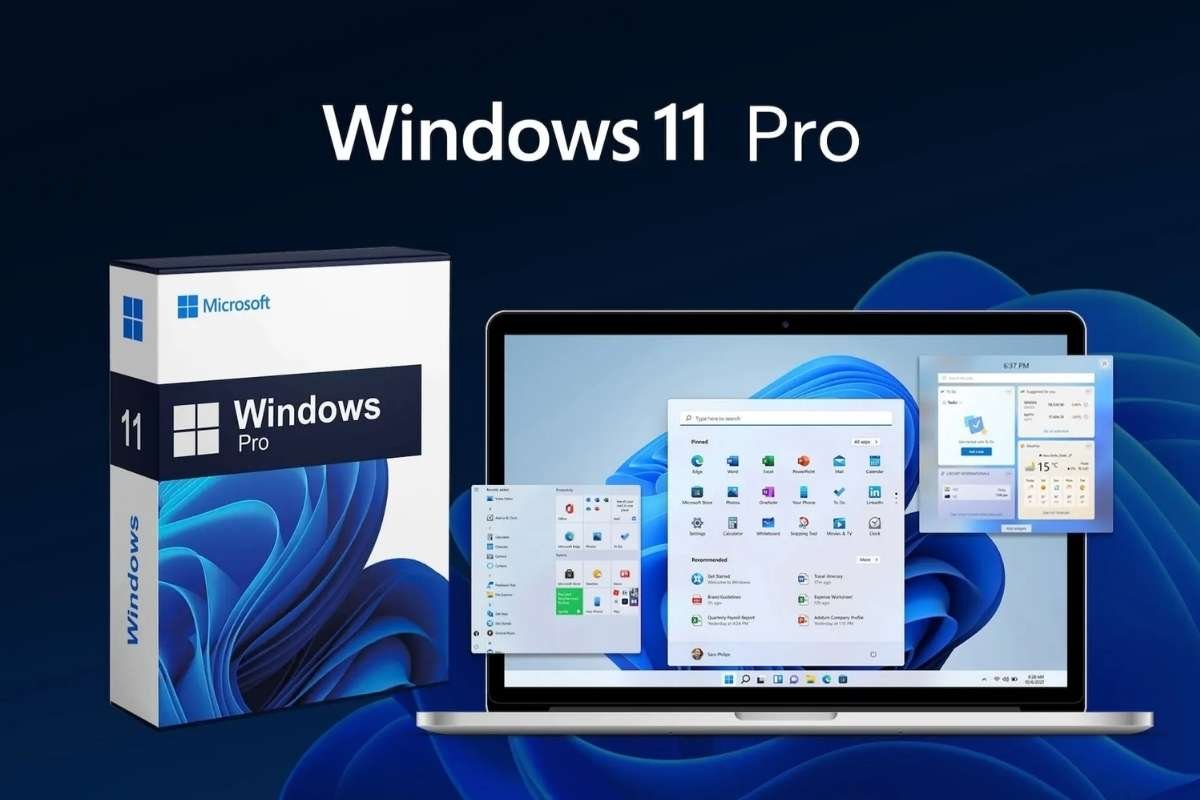
- Primary Use: Personal computing, business workstations, and high-end gaming.
- Best For: Software compatibility, enterprise management, and PC gaming.
- Market Share (Appx): 27%–30% (Global across all devices); 70% (Desktop only).
Microsoft Windows is often called one of the Best Computer Operating Systems because it works on almost any laptop or desktop you buy. It is famous for being able to run nearly every app, from basic office tools to high-end video games. The newest version, Windows 11, has a clean look and special “Snap Layouts” that help you organize your work on the screen easily. It is the top choice for businesses and gamers who need their software to work without any extra fuss.
2. Apple macOS
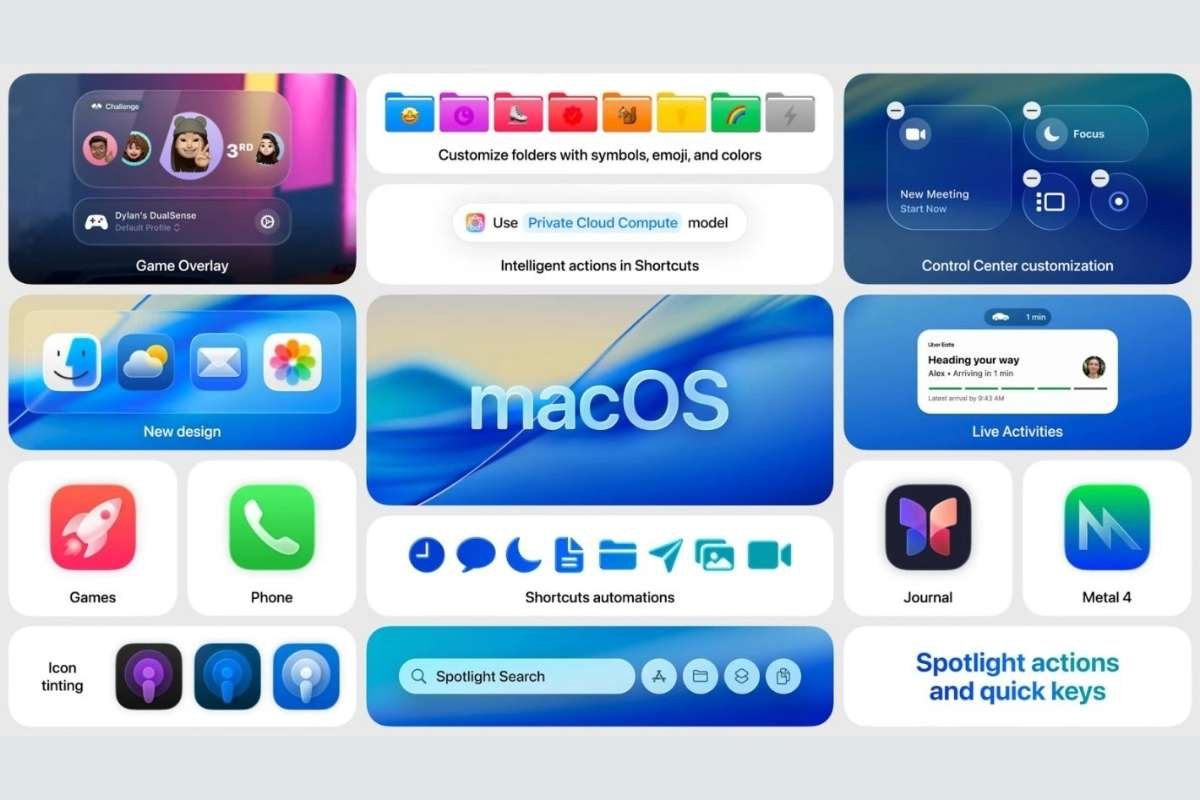
- Primary Use: Professional creative work and premium personal computing.
- Best For: Graphic design, video editing, and seamless integration with the Apple ecosystem.
- Market Share (Appx): 6%–9% (Global across all devices); 15% (Desktop only).
This system is built only for Apple computers, like the MacBook. It is loved by artists, designers, and video editors because it is very fast and stays stable even when doing heavy work. Its “Liquid Glass” design looks beautiful and is very easy to learn. If you use an iPhone, macOS is great because your texts and photos will show up on your computer screen instantly, making everything feel like one big family of gadgets.
3. Google Android
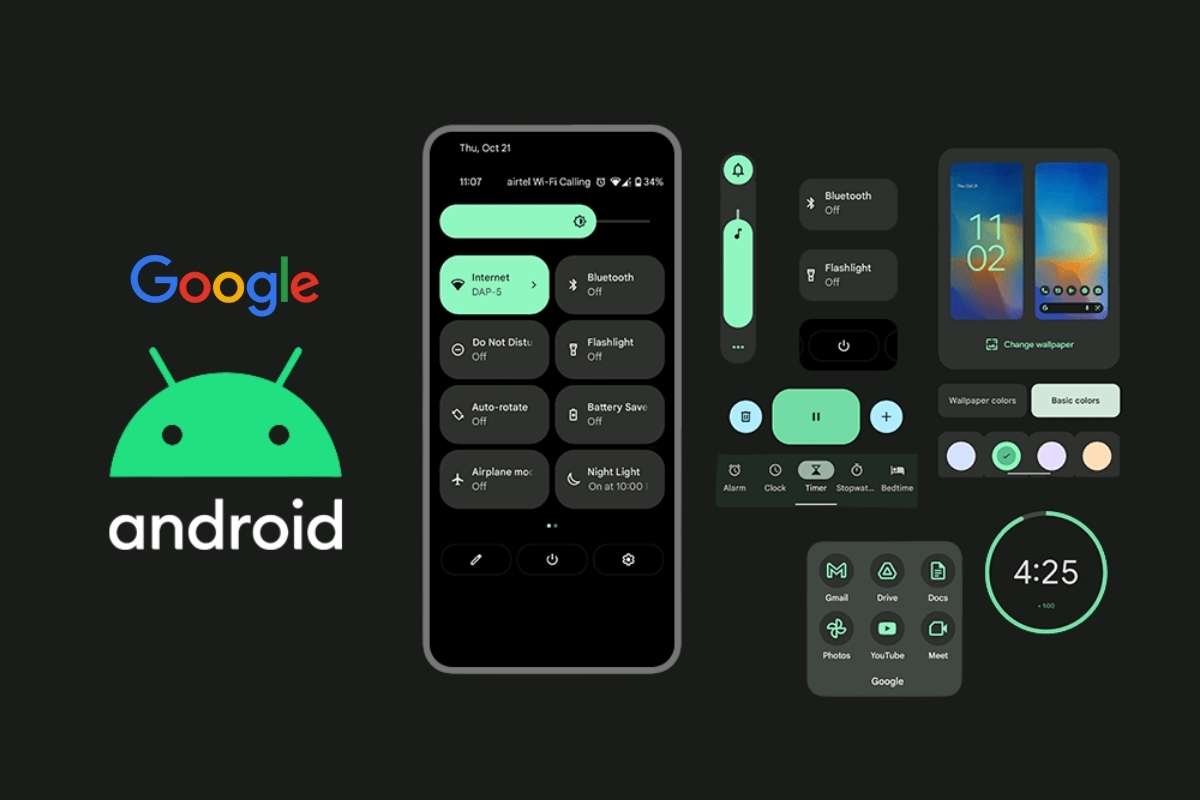
- Primary Use: Smartphones, tablets, and smart TVs.
- Best For: Mobile flexibility, customization, and access to the world’s largest app library.
- Market Share (Appx): 40%–44% (Global leader across all devices).
While you mostly see Android on phones, it is a giant in the tech world. It is an “open” system, which means many different companies, like Samsung and Google, use it to power their devices. It gives you the most freedom to change how your screen looks and has the largest store for downloading fun apps and games. It is perfect for people who want a device that they can customize to fit their own personality.
4. Apple iOS / iPadOS
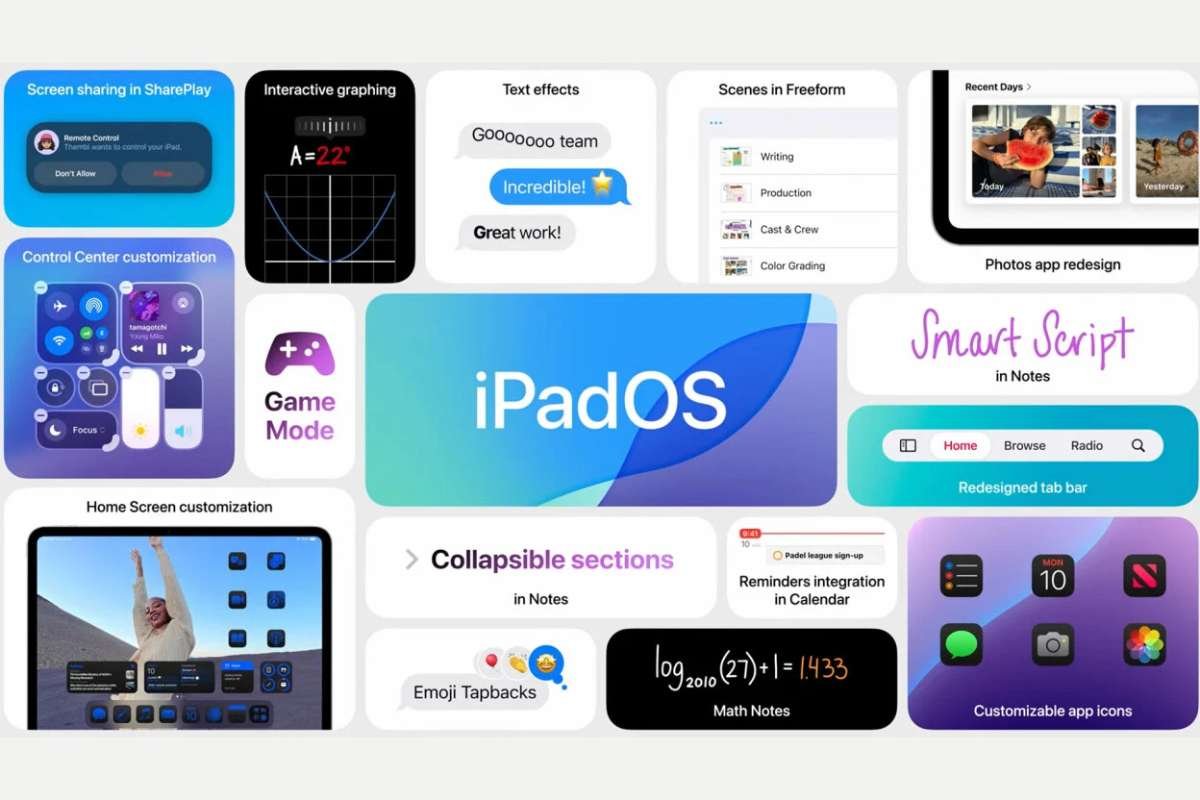
- Primary Use: Premium mobile devices (iPhone and iPad).
- Best For: Security, smooth user experience, and long-term software updates.
- Market Share (Appx): 16%–18% (Global across all devices); 28% (Mobile market).
When looking for the Best Computer Operating Systems for mobile use, iOS is always at the top of the list. It is the software that makes iPhones and iPads run smoothly. It is known for being very safe and keeping your private information hidden from hackers. Everything on iOS is designed to be simple; even if you have never used a smartphone before, you can usually figure out how to open an app or take a photo in just a few seconds.
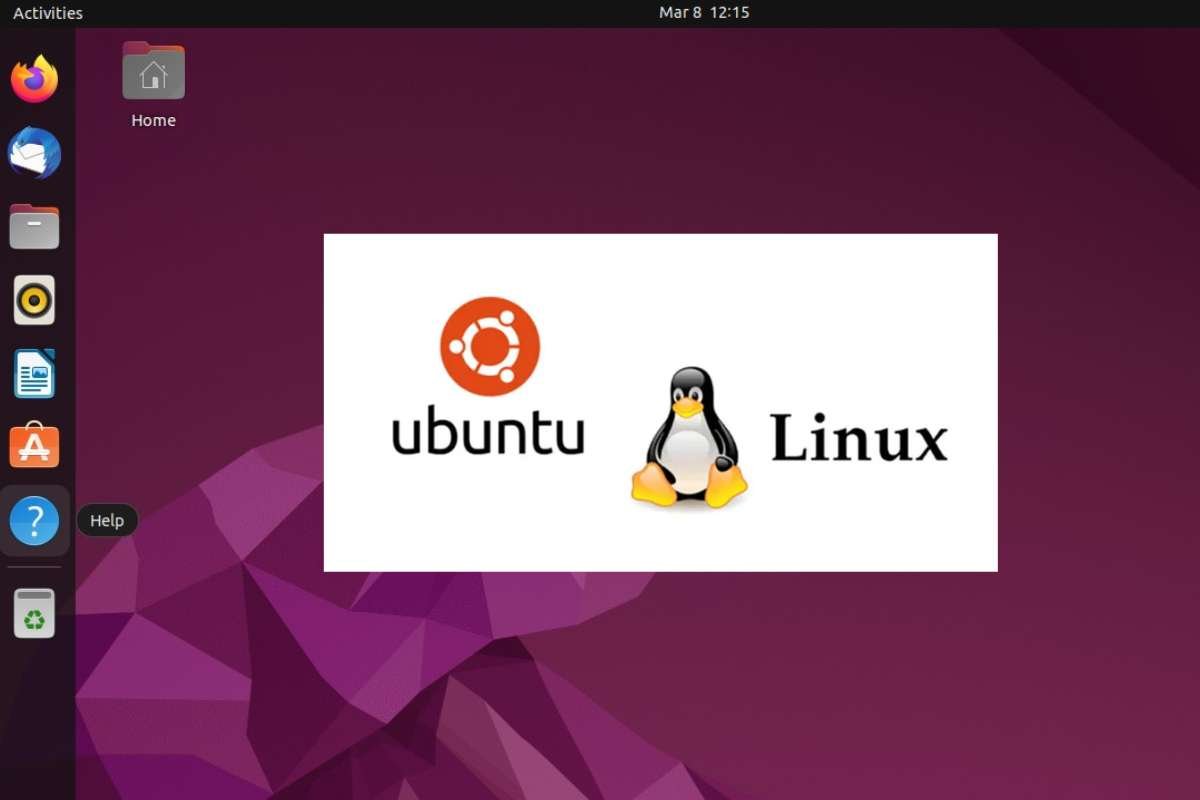
5. Ubuntu (Linux)
- Primary Use: Software development, web servers, and cloud computing.
- Best For: Open-source projects, privacy-conscious users, and running older hardware.
- Market Share (Appx): 2%–4% (Desktop); 35%–40% (Public Cloud/Servers).
Ubuntu is a special kind of software that is completely free to download. It is one of the most popular Computer Operating Systems built by a huge community of people who want to make computing open for everyone. It is very popular with people who write code (programmers) because it is very powerful and doesn’t crash often. Unlike other systems, Ubuntu doesn’t track what you do, which makes it a favorite for people who care a lot about their privacy.
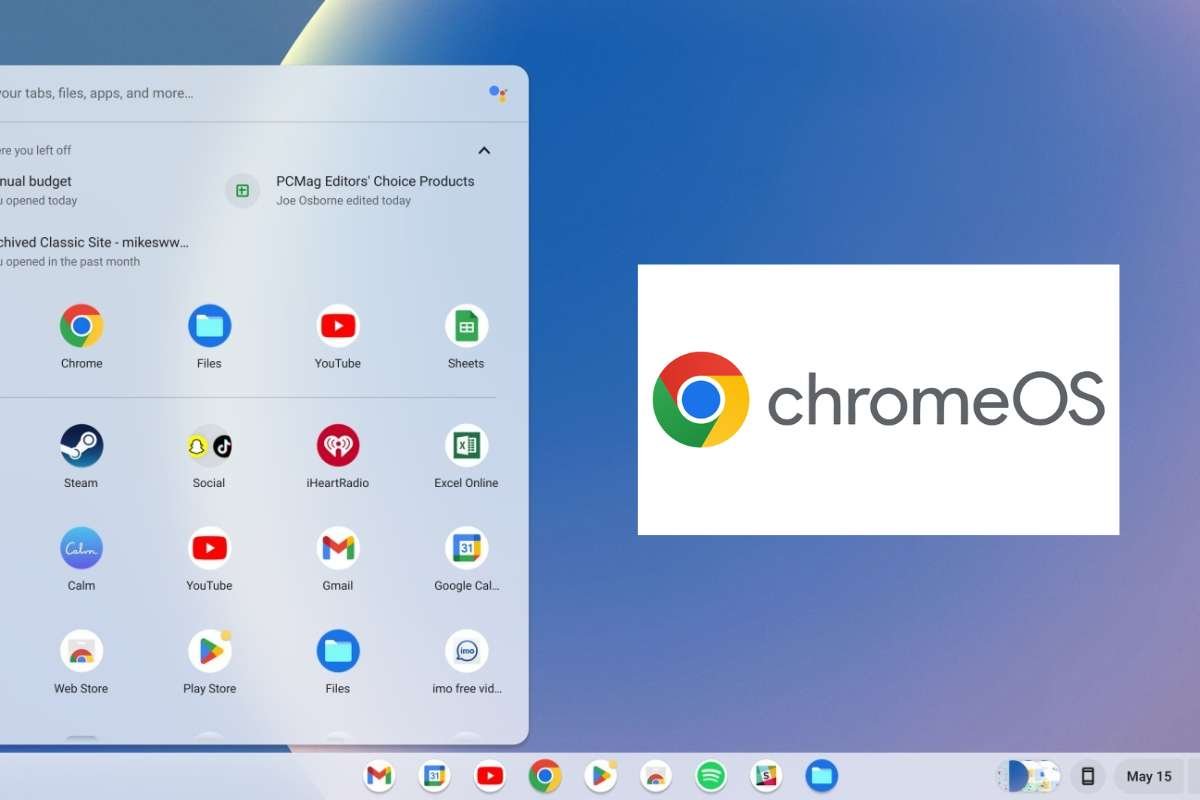
6. ChromeOS
- Primary Use: Education (K-12) and lightweight business tasks.
- Best For: Students, casual web browsing, and low-cost, fast-booting laptops.
- Market Share (Appx): 2%–3% (Global desktop); 10%–15% in the US education market.
Google made ChromeOS for people who spend most of their time on the internet. It is the “engine” inside Chromebook laptops. It is very lightweight, which means it starts up in seconds, and the battery lasts a long time. Since it saves most of your files on the internet (the cloud), you don’t have to worry about losing your work if your laptop breaks. It is the perfect choice for students who need to write papers and watch videos.
7. Fedora / Debian
- Primary Use: Professional workstations and stable server environments.
- Best For: Power users (Fedora) and mission-critical server stability (Debian).
- Market Share (Appx): 1% (Desktop); widely used in enterprise backend infrastructure.
These are more advanced versions of Linux used by tech experts. One of the reasons they are among the Best Computer Operating Systems for pros is their “rock-solid” reliability. Debian is like a sturdy brick house; it rarely breaks and can run for years without needing a restart. Fedora is for people who want to try the newest tech features before anyone else. They are great if you want to learn exactly how a computer works from the inside out.
8. Solaris / Server-Grade OSs
- Primary Use: Large-scale enterprise data centers and legacy systems.
- Best For: High-volume database management and extreme system scalability.
- Market Share (Appx): <1% (End-user); maintains a specialized niche in the $24B server market.
You won’t usually find Solaris on a home laptop. Instead, it lives on giant computers called “servers” that run the internet and big banks. It is designed to handle massive amounts of data at once without slowing down. It has a special “self-healing” feature that can find and fix its own mistakes. This makes it a “heavy lifter” for big companies that can never afford to have their computers turn off.
9. Specialized OSs (QNX / RTOS)
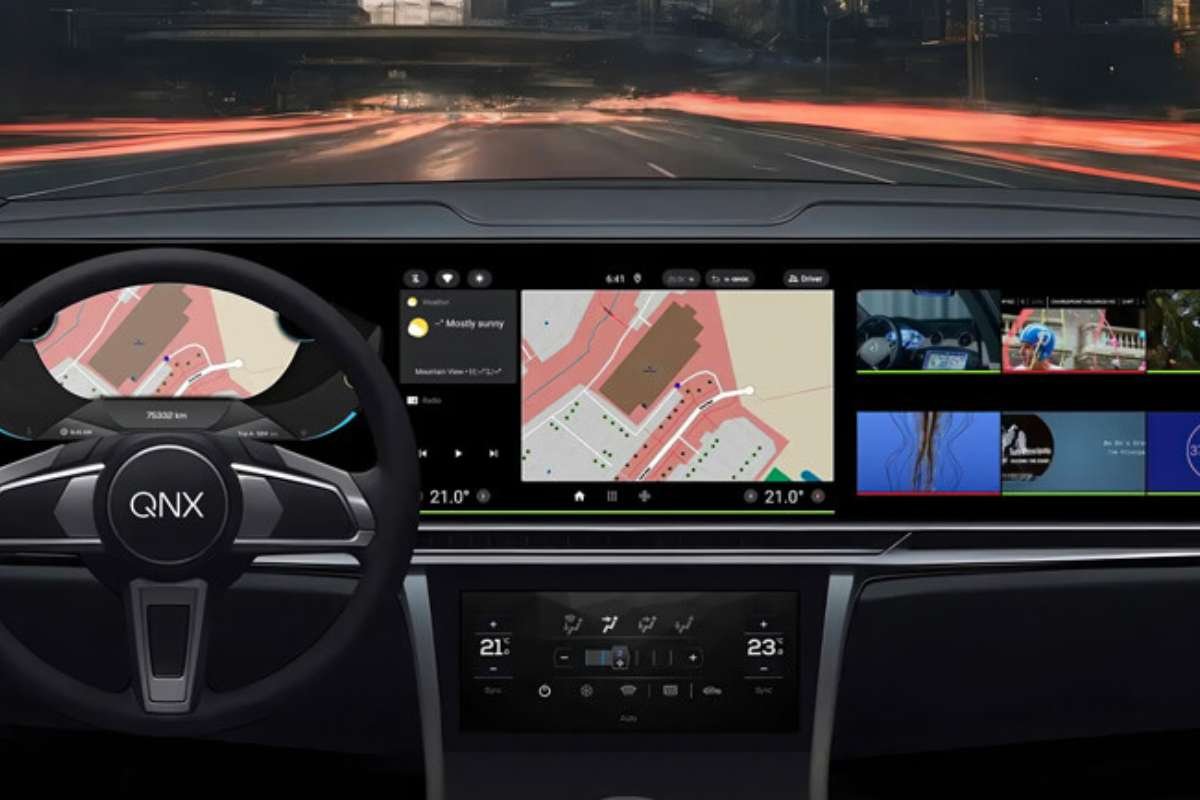
- Primary Use: Automotive dashboards, medical robots, and industrial automation.
- Best For: Real-time processing where safety and timing are 100% critical.
- Market Share (Appx): Non-consumer (Invisible but powers over 215 million vehicles worldwide).
These are “hidden” systems that live inside things like cars, medical machines, and even spaceships. They are part of Computer Operating Systems known as “Real-Time” systems because they have to react to things instantly. For example, a QNX system in a car makes sure the airbags pop out at the exact right millisecond. They are not for browsing the web, but they are essential for keeping us safe in our high-tech world.
10. Emerging OSs (Haiku / ReactOS)
- Primary Use: Hobbyist computing and experimental software testing.
- Best For: Exploring alternative UI designs or running legacy Windows apps on a free kernel.
- Market Share (Appx): <0.1% (Niche enthusiast communities).
Even with the giants like Windows and Mac, there are still new and exciting Best Computer Operating Systems being built by hobbyists. Haiku is made to be super-fast and simple, focusing only on personal computing. ReactOS is a project that tries to act exactly like Windows, but for free. These systems are like “indie movies.” They are unique, creative, and fun for people who want to try something different from the mainstream.
How to Choose the Right Operating System for You?
Picking from the best computer operating systems is easier. Especially when you think about what you do every day. Your choice should match your hobbies, your job, and the gadgets you already own. Here is a simple guide to help you decide.
1. Students & General Users
If you mostly browse the web, write essays, and watch videos. ChromeOS or Windows 11 Home are great picks. ChromeOS is perfect if you are on a budget. As it is very fast and easy to keep safe. For those who want more apps. Windows is the most familiar and works with almost every school program.
2. Gamers
For the ultimate gaming experience. Windows 11 is the clear winner. It supports the latest graphics technology and the widest variety of games. Some advanced gamers also use SteamOS (a version of Linux). It can be paired with handheld devices like the Steam Deck for a console-like feel.
3. Creatives & Designers
macOS is the gold standard for artists and video editors. Its screen colors are very accurate, and apps. Like Adobe Photoshop run beautifully on Apple hardware. However, if you do heavy 3D animation, a Windows workstation with a powerful graphics card. It might be even faster for you.
4. Developers & IT Pros
Most programmers prefer Ubuntu or other Linux systems. Because they offer more control over the “innards” of the computer. If you need to build apps for iPhones. You will need macOS. Many developers now use Windows with WSL (Windows Subsystem for Linux). This helps to get the best of both worlds.
5. Business & Enterprise
In an office, Windows 11 Pro is usually the best choice. Because it has extra security features to keep company data safe. For huge companies running websites, Red Hat Enterprise Linux or Windows Server are the “heavy hitters.” They keep the internet running smoothly 24/7.
Global Adoption and Future Trends:
Today, the way we use computers is changing fast. For the first time, mobile devices have nearly the same global traffic share as desktop computers. This shows that “pocket-sized” systems are now just as important as office PCs. We are also seeing a shift toward cloud-based systems. This is where your apps live on the internet instead of your hard drive.
The future of the best computer operating systems will focus on built-in AI. It can predict your needs and provide “zero-trust” security. It can also check every single file to keep you safe from hackers.
Conclusion:
The first step to a better digital life is selecting from the Best Computer Operating Systems. There is the ideal “brain” for your device. Whether you require the strength of Windows, the elegance of macOS, or the independence of Linux. These systems will only become more intelligent and secure as technology advances. You can make sure that your computer will continue to be a useful tool for many years to come. By aligning your operating system with your daily objectives. Explore at your leisure and savor the seamless performance that comes with the correct system!
FAQ:
1. Which operating system is best for everyday users?
For most everyday users, Windows and macOS are the best computer operating systems. They are easy to use, widely supported, and compatible with most software, browsers, and peripherals.
2. Are open-source operating systems better than proprietary ones?
Open-source operating systems like Linux offer transparency, customization, and community-driven development. Proprietary operating systems like Windows and macOS provide polished user experiences and official support. Neither is inherently better. The choice depends on user priorities.
3. How often should an operating system be updated?
Operating systems should be updated as soon as security patches and stability updates are released. Regular updates improve security, performance, and compatibility. Regardless of which computer operating system you use.