The way we learn is rapidly evolving. Smart technology is being used by educational institutions all over the world to support students’ success. Classrooms all over the world, from Tokyo to New York, are evolving into digital hubs where learning never ends.
Using the Best AI Tools for Students nowadays is similar to carrying around a superpowered assistant. These resources assist you in finding information for research, completing assignments more quickly, and generating original ideas. These worldwide trends demonstrate that AI is the new essential for any contemporary student, even though we must use it sensibly and honestly.
What Makes a Great AI Tool for Students?
A great AI tool acts as a supportive partner, not a shortcut. To be truly effective, it must meet five key standards:
- Ease of Use: It should be simple to learn so you can focus on your work, not the software.
- Accuracy: The information must be reliable and fact-checked to prevent mistakes.
- Academic Integrity: It should encourage original thinking and provide proper citations.
- Affordability: The best tools offer free or low-cost plans for student budgets.
- Security: It must protect your personal data and keep your work private.
AI assists learning by summarizing long chapters into quick points, organizing messy notes into clear outlines, and acting as a research assistant to find deep insights. When used the right way, these tools sharpen your writing and help you manage your time better.
Top 15 Best AI Tools for Students in 2026:
In 2026, AI is no longer a luxury. It’s a core part of the student toolkit. These 15 tools help you manage everything from deep research to complex math problems while staying organized.
A) Research & Knowledge
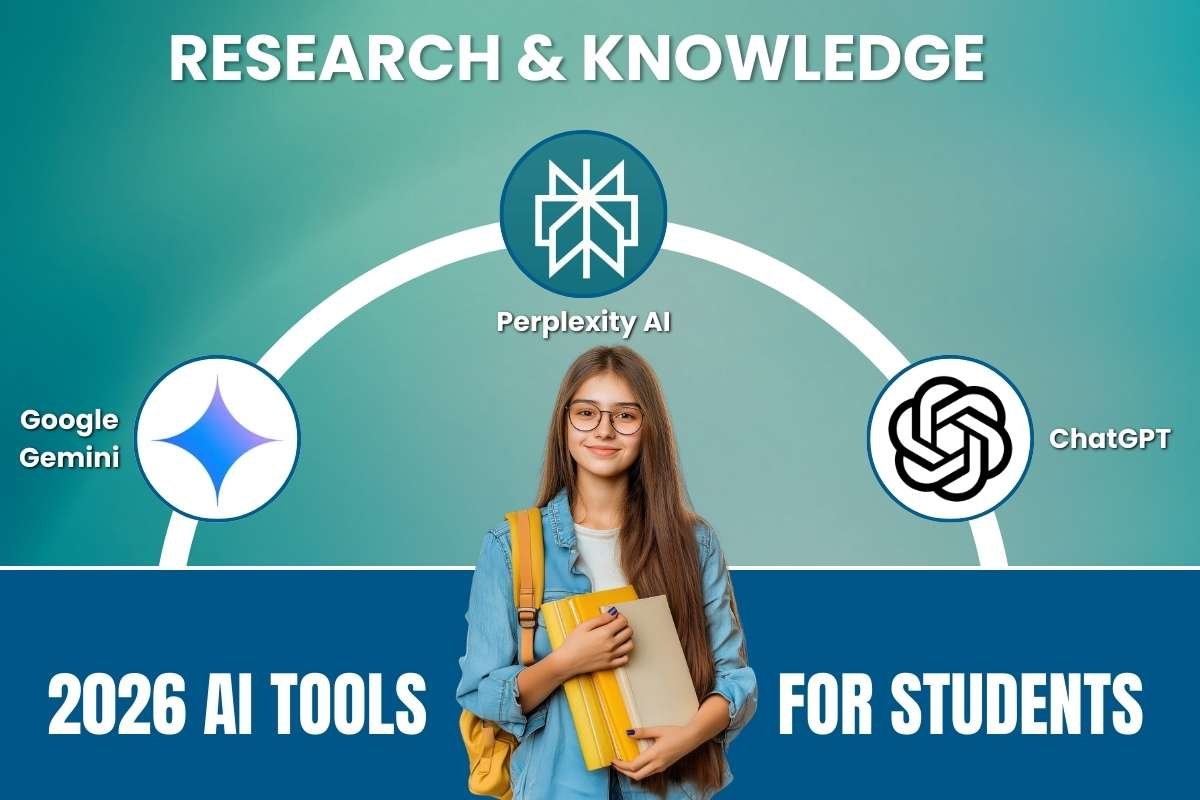
1. Google Gemini
- Helpful for: Deep research and “podcasting” your study materials.
- Advantages: Grounded in real-time Google Search; creates “Audio Overviews” (conversational summaries); integrates perfectly with Google Docs/Drive.
- Disadvantages: Occasional “hallucinations” (wrong facts) in complex creative tasks; can be overly cautious with guardrails.
Google Gemini is one of the best AI tools for students who need a smart study buddy. It connects to the internet to find the latest facts for your reports. You can upload your class notes, and it can turn them into a fun “AI podcast” where two voices talk about your lesson. This makes it much easier to learn while you are walking or relaxing.
2. Perplexity AI
- Helpful for: Finding verified academic sources quickly.
- Advantages: Provides clickable citations for every claim; specialized “Academic” search mode; cleaner than standard Google Search.
- Disadvantages: Limited conversational “memory” compared to ChatGPT; best features are locked behind the Pro plan.
Think of Perplexity as a search engine that talks to you like a person. Instead of giving you a long list of blue links, it reads the websites for you and writes a clear answer. The best part is that it shows exactly where it found the information. This helps you make sure your school projects are filled with true facts.
3. ChatGPT
- Helpful for: 24/7 tutoring and explaining difficult concepts.
- Advantages: Versatile for coding, brainstorming, and translation; highly conversational and easy to “chat” with.
- Disadvantages: Sources aren’t always transparent; the free version may use older models during peak hours.
ChatGPT is famous for being one of the best AI tools for students who get stuck on hard topics. If you don’t understand how a volcano works or how to write a poem, you can just ask. It explains things in simple words, almost like a teacher who is available 24 hours a day to help you brainstorm new ideas.
B) Writing & Grammar
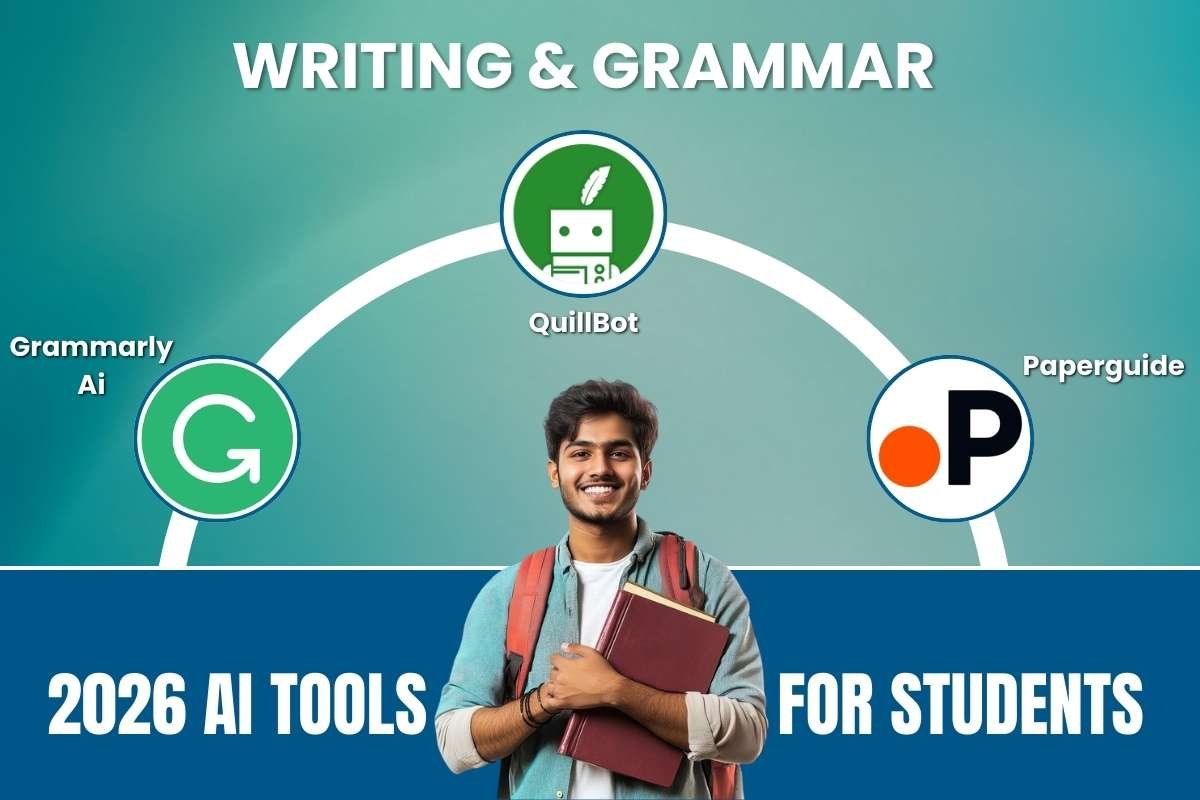
4. Grammarly AI
- Helpful for: Polishing essays and maintaining a professional tone.
- Advantages: Real-time fixes for grammar and tone; new “AI Agents” help with citations and grading.
- Disadvantages: Can make writing sound “robotic” or too formal; full plagiarism checks require a paid subscription.
Grammarly is like a friendly editor that watches you write. It doesn’t just fix spelling mistakes; it also helps you make your sentences smoother and easier to read. It can even tell you if your writing sounds too bossy or too shy, so you can pick the perfect tone for your homework.
5. QuillBot
- Helpful for: Rewriting awkward sentences and summarizing articles.
- Advantages: Excellent paraphrasing modes (Creative, Formal, Simple); very affordable compared to competitors.
- Disadvantages: Character limits on the free version; sometimes loses the original meaning of very complex sentences.
QuillBot is a special tool used for “paraphrasing.” This means if you have a sentence that sounds a bit clunky, QuillBot can rewrite it in a much better way without changing the meaning. It also has a built-in summary tool that can take a long, boring article and shrink it down into a few important bullet points.
6. Paperguide
- Helpful for: Managing literature reviews and long research papers.
- Advantages: End-to-end workflow from finding papers to citing them; saves massive time on screening studies.
- Disadvantages: High learning curve for casual users; specialized focus means it’s less useful for basic homework.
Paperguide is designed for students who have to write very long papers with lots of sources. It helps you keep track of all the books and articles you read so you don’t lose them. It also helps you put the right citations at the end of your paper so you give credit to the original authors.
C) Organization & Productivity
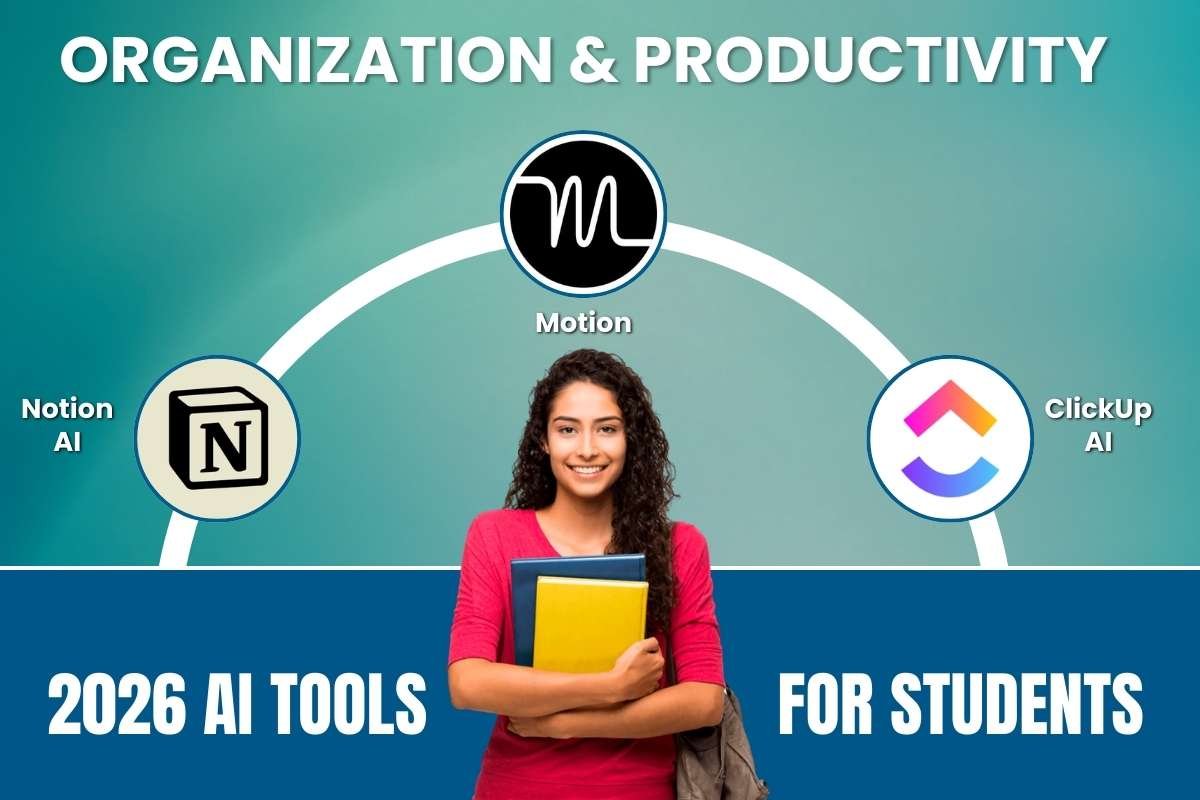
7. Notion AI
- Helpful for: Turning messy lecture notes into structured study plans.
- Advantages: All-in-one workspace; can “summarize” an entire page of notes with one click.
- Disadvantages: The mobile app (especially Android) can be laggy; it requires a steady internet connection.
Notion AI is one of the best AI tools for students who want to stay organized. It is a digital notebook where you can keep your schedule, your notes, and your goals all in one place. The AI inside can look at your messy notes and instantly turn them into a neat table or a clear list of things to do.
8. Motion
- Helpful for: Students with busy schedules who struggle with time management.
- Advantages: Automatically reschedules tasks if you miss a deadline; reduces “decision fatigue.”
- Disadvantages: No free version; it can feel complex to set up initially.
Motion is a smart calendar that plans your day for you. You tell it what tasks you need to finish and when they are due, and the AI fits them into your schedule. If a soccer game runs late or you take a long nap, the AI automatically moves your homework time to a better spot so you never fall behind.
9. ClickUp AI
- Helpful for: Coordinating group projects and team assignments.
- Advantages: Powerful task tracking; “Comments to Task” feature is great for group brainstorms.
- Disadvantages: Very steep learning curve; “feature overload” can be distracting for simple individual tasks.
ClickUp AI helps you and your friends work on group projects without getting confused. It has a “Brain” that can look at your assignment and automatically create a list of small tasks to finish. It can even summarize long group chats so you don’t have to read hundreds of messages to find out what you missed.
D) Lecture & Note Tools
10. NotebookLM
- Helpful for: Studying your own documents without the AI getting distracted by the internet.
- Advantages: Grounded only in the files you upload; generates amazing AI-hosted “podcasts” of your notes.
- Disadvantages: Limited to a certain number of sources per notebook; no built-in “web search” to find new info.
NotebookLM is a very private tool from Google. You give it your own documents, like a PDF from your teacher, and it only answers questions based on those files. This is great because it won’t get confused by random things on the internet. It focuses only on what you need to study for your next big test.
11. Otter.ai
- Helpful for: Recording and transcribing live lectures or Zoom meetings.
- Advantages: Searchable transcripts; allows you to highlight key parts of a lecture in real-time.
- Disadvantages: Struggles with thick accents or noisy classrooms; the free plan has strict monthly minute limits.
Otter.ai is one of the best AI tools for students who have trouble writing and listening at the same time during class. It listens to the teacher and types out every word they say into a transcript. Later, you can search for a specific word, like “Gravity,” to find exactly what the teacher said about it without listening to the whole hour again.
E) Design & Creativity
12. Canva AI
- Helpful for: Creating professional-looking presentations without design skills.
- Advantages: Massive template library; “Magic Switch” instantly changes a presentation into a blog post or flyer.
- Disadvantages: Limited “raw” file exports; free version has many restricted “Pro” elements.
Canva makes it easy to create beautiful posters and slideshows. You can type a few words about your project, and the AI will automatically pick the best colors, pictures, and fonts for you. It helps students who aren’t artists make projects that look like they were made by a professional designer.
13. Adobe Firefly
- Helpful for: Generating unique, high-quality images for creative projects.
- Advantages: Ethically trained on licensed images; integrates directly into Photoshop and Illustrator.
- Disadvantages: Requires a Creative Cloud subscription for the best features; can be hardware-intensive.
Adobe Firefly is a creative tool that lets you make amazing pictures just by typing a description. If you need a picture of a “robot riding a dinosaur in space” for a story, Firefly can draw it for you in seconds. It is safe to use for school because it only uses high-quality, legal images to learn.
F) Study Assistance & Practice
14. Photomath
- Helpful for: Breaking down math equations into step-by-step guides.
- Advantages: Works instantly with a camera scan; explains the logic behind each step.
- Disadvantages: Only useful for math; does not solve word problems as well as standard equations.
Photomath is one of the best AI tools for students who find math a bit scary. You can take a photo of a math problem with your phone, and the app shows you how to solve it step-by-step. It doesn’t just give you the answer; it explains the “why” so you can learn how to do it yourself next time.
15. Copyleaks
- Helpful for: Checking your work for accidental plagiarism or AI “markers.”
- Advantages: High accuracy in detecting AI-generated text; supports 30+ languages.
- Disadvantages: Risk of “false positives” (flagging human work as AI); limited free credits per day.
Copyleaks is one of the best AI tools for students who want to be honest and original. Before you turn in your essay, you can run it through this tool to make sure you didn’t accidentally copy someone else’s words. It helps you stay a “grade-A” student by ensuring all your work is truly your own.
How to Choose the Best AI Tools for Students?
Picking the right software is just as important as the study session itself. In 2026, with so many options available, following these simple steps will help you stay safe and smart.
- Know Your Needs: Start by asking what you need help with. Is it fixing your grammar, finding facts for a science project, or making a poster? Choose a tool that specializes in that one task.
- Check the Price: Look for “free tiers.” Many of the best AI tools for students have a free version that is plenty for school. Only pay if you really need the extra “pro” features.
- Safety First: Check the privacy settings. Make sure the tool doesn’t share your name or email with others and that it keeps your homework private.
- Follow the Rules: Always check if your school allows the tool. A great tool should help you learn, not just give you the answers to copy.
Benefits of AI Tools for Students:
The rise of AI has transformed classrooms into high-speed learning zones. Globally, students are using these tools to bridge learning gaps and prepare for a digital future. In 2026, research shows that 86% of students now use AI to facilitate their studies, reporting significant boosts in both efficiency and confidence.
- Personalized Learning: AI creates adaptive study plans that focus on your specific weaknesses, potentially improving performance by up to 30%.
- Time Savings: Students save hours on routine tasks like formatting citations, summarizing long chapters, and organizing notes.
- Enhanced Quality: Writing assistants and research tools help 95% of users feel their grades have improved through better feedback.
- Global Accessibility: Real-time transcription and multilingual support make complex lessons accessible to everyone, regardless of language or ability.
Challenges & Ethical Considerations
While the Best AI Tools for Students offer incredible support, they come with serious responsibilities. As AI becomes a standard part of the classroom, both students and teachers must navigate a few key hurdles:
- Over-reliance: Relying too much on AI can lead to “cognitive atrophy.” If a bot always thinks, you might lose the ability to solve problems on your own.
- Academic Integrity: With 89% of students using AI for homework in 2026, the line between “help” and “cheating” is thin. Many educators (70%) now view unedited AI submissions as plagiarism.
- The “Accuracy” Gap: AI can “hallucinate” or invent facts. Always double-check citations, as tools sometimes create fake sources that look real.
- Cost Barriers: While free versions exist, “premium” features often cost $20–$30 per month, creating a gap between students who can afford the best tech and those who cannot.
Real Student Success Stories with AI Tools:
AI is doing more than just answering questions; it is helping students all over the world reach their goals in amazing ways. Here are three true-to-life stories from 2025 and 2026.
1. The Research Master
- The Story: A university student named Ritik needed to find deep facts for a complex science project. Instead of spending days searching through random websites, he used Perplexity AI to find peer-reviewed papers.
- The Result: He finished his research three times faster than his classmates. By using AI to find verified sources, he was selected for an elite global study program.
- Success Metric: Research efficiency improved by 70%.
2. Finding a Voice Through Writing
- The Story: Jillian, a student who has trouble speaking and moving, used AI-powered eye-tracking tools and writing assistants to share her thoughts. Before AI, people didn’t know how much she understood.
- The Result: Jillian used AI to plan family trips and advocate for her own health. For the first time, she could write long, smart responses just like her friends.
- Success Metric: 100% positive outcomes in studies for students using AI to overcome learning barriers.
3. The Exam-Prep Boost
- The Story: In 2025, a group of university students in Australia used a special AI chatbot to help them study for a very hard final exam. The AI acted like a personal tutor that never got tired.
- The Result: The students who used the AI saw a 10% jump in their grades compared to those who studied the old-fashioned way.
- Success Metric: Passing rates rose by 15% in schools that used AI-guided support.
“AI in the classroom isn’t about shortcuts. It’s about working smarter and producing better outcomes.” By Shoolini University Success Report, 2025
Future of AI Tools in Education
As we move through 2026, the Best AI Tools for Students are becoming a natural part of every classroom. We are moving away from simple chatbots toward “Human-AI Hybrid” models. In this future, AI handles the grading and scheduling, while teachers focus on mentoring and emotional support.
We will see more specialized tools for STEM and languages that adapt to your progress in real-time. New global rules are also being made to keep your data safe and ensure AI is used fairly. The goal is simple: technology that helps you think deeper, not just faster.
Conclusion:
In 2026, the classroom will be a dynamic setting where hard work and technology coexist. You can take charge of your education by selecting the Best AI Tools for Students. You can solve challenging math problems, write more effectively, and maintain organization with the aid of these tools.
Recall that the purpose of these assistants is not to do the thinking for you, but to help you develop your own brain. Always be inquisitive and truthful, whether you are using Gemini for research or Notion to monitor your objectives. You can make your academic year a huge success story if you strike the correct balance. You have the opportunity to explore the future of education!
FAQ:
1. What are the best AI tools for students in 2026?
The best AI tools for students in 2026 include platforms like ChatGPT, Google Gemini, Grammarly, Notion, and Otter.ai. Each serves different needs, like research assistance, writing improvement, productivity planning, or lecture transcription. The “best” tool depends on whether a student needs help with essays, math, organization, or exam prep.
2. Which AI tools are best for non-native English speakers?
AI writing assistants like Grammarly and translation features in Google Gemini help improve clarity, grammar, and tone. These tools are especially valuable for international students studying in English-speaking institutions.
3. Will AI replace traditional studying methods?
No. AI is transforming education but not replacing core learning principles. Reading textbooks, attending lectures, and practicing problems remain essential. AI works best as a support tool alongside traditional study habits.