
Is it possible to find an excellent gaming laptop without going over budget? The answer is a resounding “yes!” for students, gamers on a tight budget, and amateur creators. Although $500 was once a difficult limit. The market now has hidden gems that can manage homework during the day and fierce battles at night. The purpose of this guide is to assist you in locating the best gaming laptops under $500. They should strike a balance between cost and the power required to remain competitive.
Look for entry-level video games and esports like League of Legends, Roblox, or Minecraft at this price. With the correct smart specs, such as 8GB of RAM and a fast SSD. You can enjoy smooth play even though you won’t be playing the heaviest new games on “Ultra” settings. Keep in mind that when you want the most “bang for your buck.” It is a wise decision in certain areas. This is far more important than a well-known brand name.
How We Pick These Best Gaming laptops Under $500? Methodology:
In 2026, it will take a keen sense of value to find a gaming laptop for less than $500. This price range frequently falls between “budget productivity” and “entry-level gaming.” Selecting hardware that can manage lengthy workloads without stuttering or overheating should be your top priority.
1. CPU (The Engine)
Aim for an Intel Core i5 (12th Gen or newer) or an AMD Ryzen 5 (5000 series or newer). These processors provide the necessary speed for gaming while multitasking with apps like Discord or Chrome.
2. GPU (Graphics Power)
Dedicated graphics cards are rare at this price. Look for high-end integrated graphics like AMD Radeon 780M or Intel Arc. If you find a sale, an entry-level dedicated Nvidia RTX 2050 is the best-case scenario for smooth 1080p gameplay.
3. RAM & Storage
- RAM: 8GB is the absolute minimum, but 16GB is the gold standard for 2026. Prioritize laptops with “user-replaceable” slots so you can add more later.
- Storage: Demand a 512GB NVMe SSD. Modern games are too large for 256GB drives.
4. Display Specs
Look for a 1080p (FHD) IPS panel. While many budget screens are 60Hz, some entry-level models now offer 144Hz, which makes fast-paced games like Valorant feel significantly smoother.
5. Portability & Battery
Gaming laptops consume power quickly. Expect roughly 3–4 hours of battery life for schoolwork. For students, look for a weight under 5 lbs and USB-C charging capability for easier travel.
6. Upgradability
Since $500 is an entry-level investment, ensure the laptop isn’t “locked.” A machine with an open M.2 slot for a second SSD or removable RAM allows you to improve the laptop’s performance as your budget grows.
Buyer’s Guide: What to Look For?
In 2026, finding the best gaming laptops under $500 will require making wise trade-offs. If you know where to look, you can find a dependable computer for multitasking and esports, but you won’t find a “max-settings” beast.
1. CPU & GPU Essentials:
The CPU (Processor) is the brain of your laptop. It handles everything from game logic to background apps like Discord. For gaming, you need a processor that won’t “bottleneck” your graphics.
- What’s Realistic: Look for an Intel Core i5 (12th Gen+) or AMD Ryzen 5 (5000 series+). Avoid “Pentium” or “Celeron” chips. They are too weak for modern gaming.
- Dedicated vs. Integrated: * Integrated Graphics: Most laptops at this price use built-in graphics (like AMD Radeon 780M or Intel Arc). These are great for Minecraft, Roblox, and Valorant.
- Dedicated GPU: If you find a sale on a laptop with an Nvidia RTX 2050, grab it! This “dedicated” card has its own memory, allowing it to play much heavier games like Cyberpunk 2077 on low settings.
2. RAM & Storage:
- Minimum RAM: 8GB is the absolute baseline. In 2026, 16GB is highly recommended. Look for a laptop with “slotted” RAM so you can buy a cheap $30 stick later to double your speed.
- SSD vs. HDD: Never buy a laptop with a hard drive (HDD) in 2026. An NVMe SSD is essential; it makes the difference between a game loading in 10 seconds versus 2 minutes. Aim for at least 512GB of space.
3. Display & Refresh Rate:
- Size: Most budget gaming laptops are 15.6 inches, which is the “sweet spot” for seeing detail without being too heavy.
- Refresh Rate: Most $500 screens are 60Hz (60 frames per second). While 144Hz is the gold standard for pros, it’s rare at this price. If you find a 120Hz or 144Hz screen, it’s a huge win for smooth motion in fast games.
4. Battery, Portability & Upgradability:
- Battery Life: Gaming laptops are power-hungry. Expect only 1–2 hours while gaming, or 5–7 hours for schoolwork. Always bring your charger!
- Future-Proofing: Budget laptops become “slow” quickly unless you can upgrade them. Prioritize models where you can easily pop the bottom off to add more RAM or a second SSD. This turns a $500 “basic” laptop into a much stronger machine a year down the road.
Here are the Top 15 Best Gaming Laptops Under $500:
Finding a gaming laptop for under $500 in 2026 is a quest for “hidden gems.” At this price, you are looking for either entry-level dedicated GPUs (like the RTX 2050/3050) on clearance or powerful modern integrated graphics.
| Rank | Laptop Name | Estimated Price (2026) |
| 1 | Acer Nitro 5 (Refurbished) | $449 – $499 |
| 2 | HP Victus 15 (Clearance) | $420 – $480 |
| 3 | Lenovo LOQ 15 (Open-Box) | $450 – $499 |
| 4 | MSI GF63 Thin | $449 – $499 |
| 5 | ASUS Vivobook Go 15 OLED | $399 – $449 |
| 6 | Lenovo IdeaPad Slim 3 | $349 – $420 |
| 7 | Acer Swift Go 14 | $479 – $499 |
| 8 | Dell Inspiron 15 | $429 – $499 |
| 9 | HP Laptop 17z | $380 – $450 |
| 10 | ASUS Zenbook 14 (Refurbished) | $480 – $499 |
| 11 | Acer Aspire 5 | $450 – $499 |
| 12 | Lenovo IdeaPad Flex 5 | $430 – $499 |
| 13 | Microsoft Surface Laptop Go 3 | $449 – $499 |
| 14 | Gateway Creator Series | $399 – $479 |
| 15 | Samsung Galaxy Book4 (Base) | $490 – $499 |
1. Acer Nitro 5 (Refurbished/Clearance)
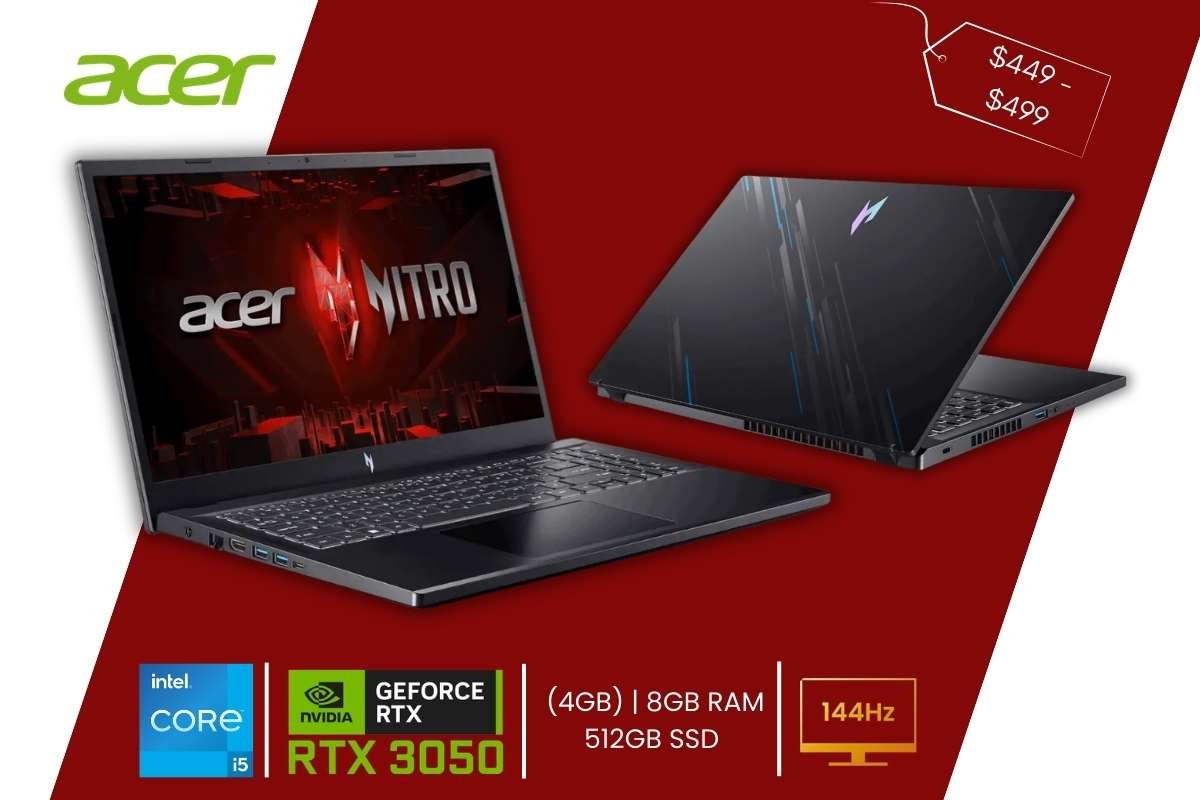
- Price Range: $449 – $499
- Specs: Intel Core i5-12450H | NVIDIA RTX 3050 (4GB) | 8GB RAM | 512GB SSD | 15.6” (144Hz)
- Why It’s Great: It is a true gaming laptop with a dedicated GPU and a high-refresh screen.
- Pros: Best performance for the price; excellent cooling; very easy to upgrade RAM/SSD.
- Cons: Bulky design; battery life is poor (2-3 hours).
This Acer Nitro 5 is a real powerhouse for people on a budget. It comes with a special “graphics card” called the RTX 3050 that makes games look sharp and run fast. The screen is also special because it can show more pictures every second (144Hz), making everything look very smooth. It is easily one of the best gaming laptops under $500 you can find today.
2. HP Victus 15 (Open-Box/Refurbished)
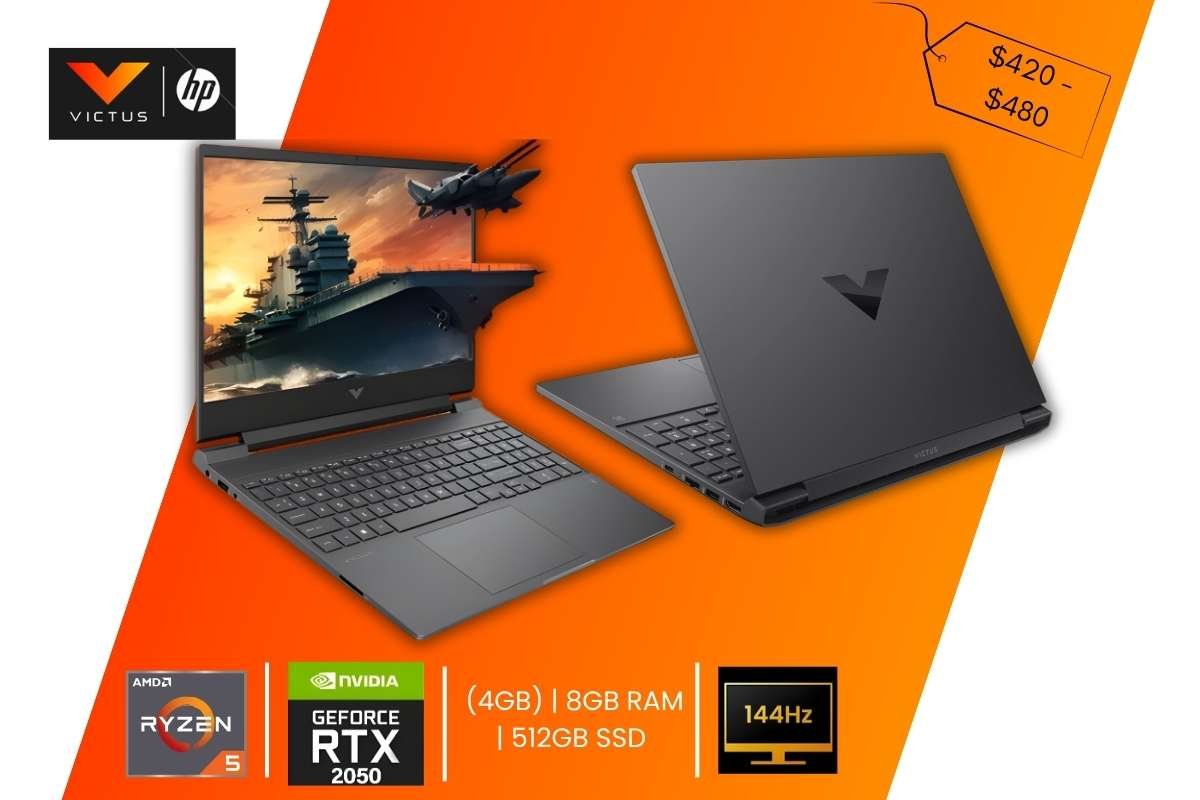
- Price Range: $420 – $480
- Specs: AMD Ryzen 5 5600H | NVIDIA RTX 2050 (4GB) | 8GB RAM | 512GB SSD | 15.6” (144Hz)
- Why It’s Great: Sleek design that doesn’t scream “gamer,” making it perfect for students.
- Pros: Discrete look; decent 1080p performance; good keyboard.
- Cons: Screen can be a bit dim; hinge feels slightly wobbly.
The HP Victus looks like a normal office laptop, but it has a secret! It contains parts meant for gaming, like the RTX 2050. This means you can play games like Fortnite or Minecraft with high settings. It stays cool even when you play for a long time, which is very important for keeping your laptop healthy.
3. Lenovo LOQ 15 (Certified Refurbished)
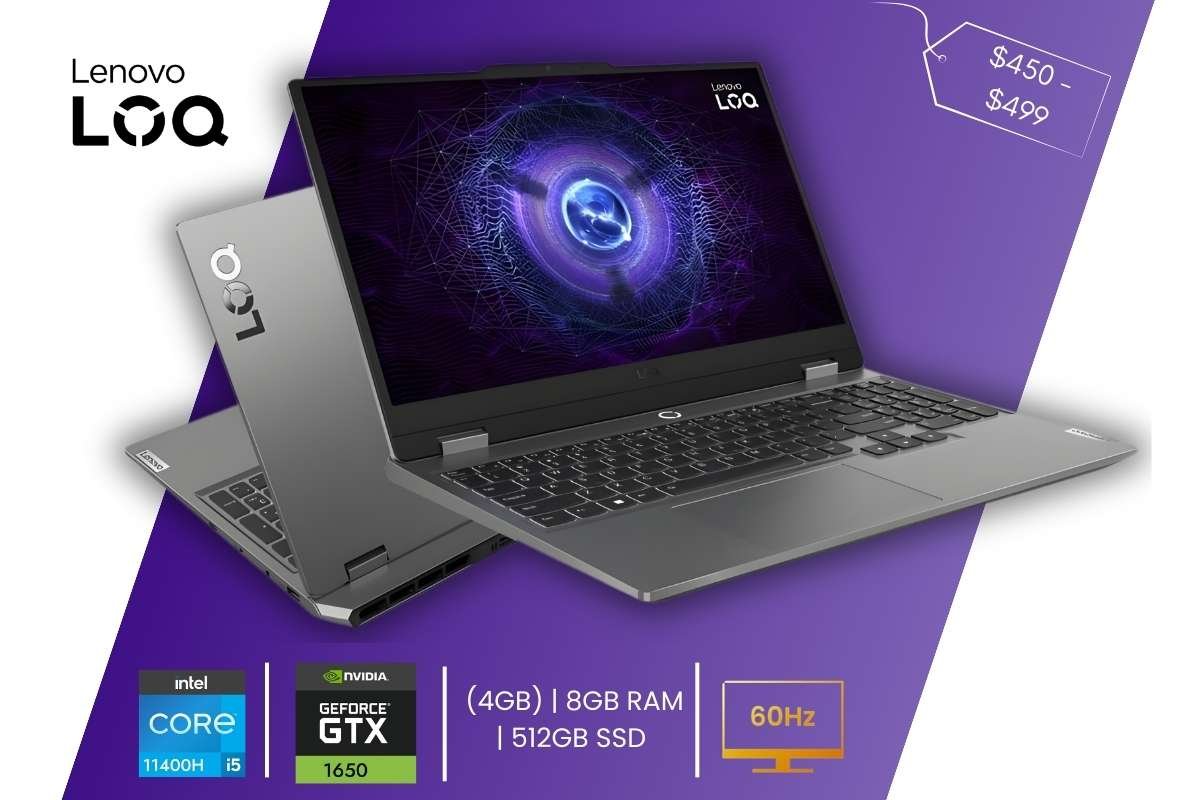
- Price Range: $450 – $499
- Specs: AMD Ryzen 7 7435HS | NVIDIA RTX 4050 (Open-Box deal) | 8GB RAM | 512GB SSD | 15.6” (144Hz)
- Why It’s Great: Features a MUX Switch (usually only in expensive laptops) to boost frame rates.
- Pros: Premium build; great port selection; high-power limits for the GPU.
- Cons: Hard to find at this price without a deep sale; heavy power brick.
This Lenovo LOQ 15 laptop is built very tough, making it one of the Best Gaming Laptops under $500 for budget buyers. It uses a smart system to balance power so your battery lasts longer when you aren’t playing. The keyboard feels great to type on, and the screen is bright enough to use even near a sunny window. It is perfect for someone who wants a laptop that feels expensive but costs very little.
4. MSI GF63 Thin
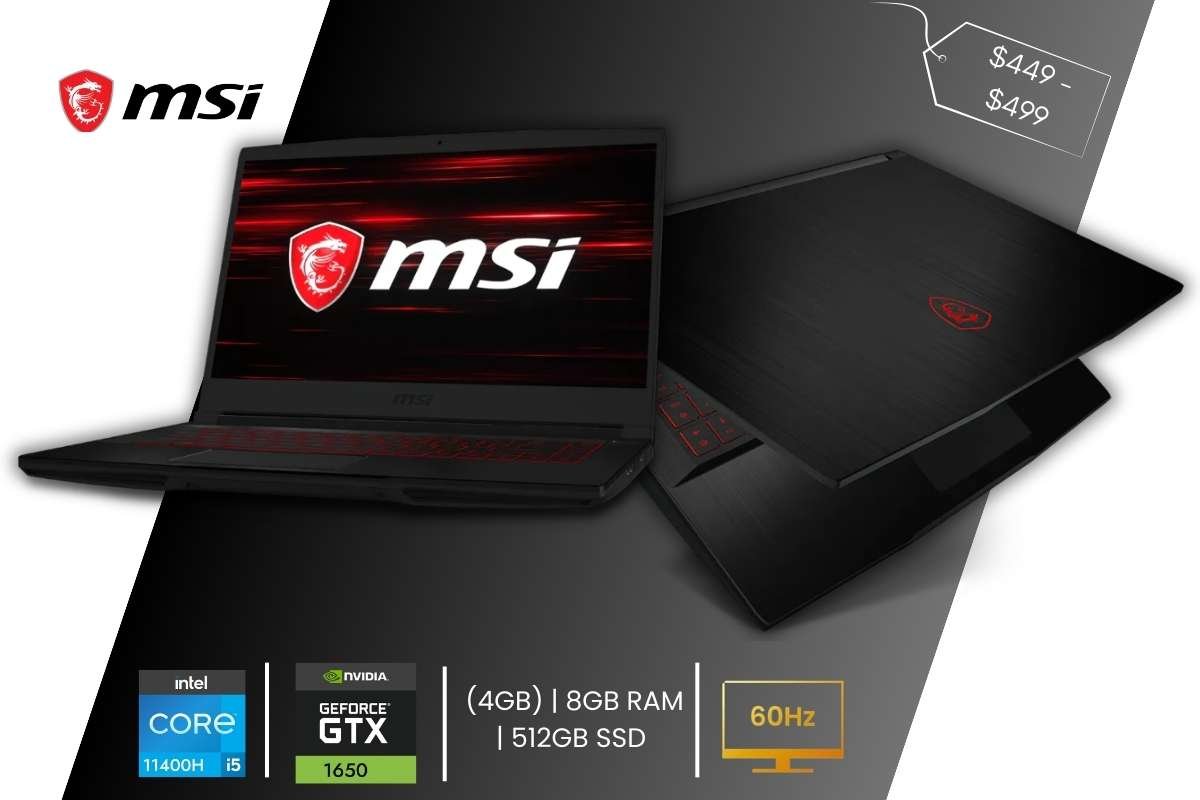
- Price Range: $449 – $499
- Specs: Intel Core i5-11400H | GTX 1650 (4GB) | 8GB RAM | 512GB SSD | 15.6” (60Hz)
- Why It’s Great: Extremely lightweight for a gaming laptop (under 4 lbs).
- Pros: Very portable; brushed metal finish; great for older esports titles.
- Cons: Single fan cooling; GTX 1650 lacks DLSS support for newer games.
If you need to carry your laptop to school every day, this MSI GF63 thin is the one for you. It is very thin and light, so it won’t hurt your back. Even though it is small, it still has a “dedicated GPU,” which helps you play your favorite games without the screen freezing.
5. ASUS Vivobook Go 15 OLED
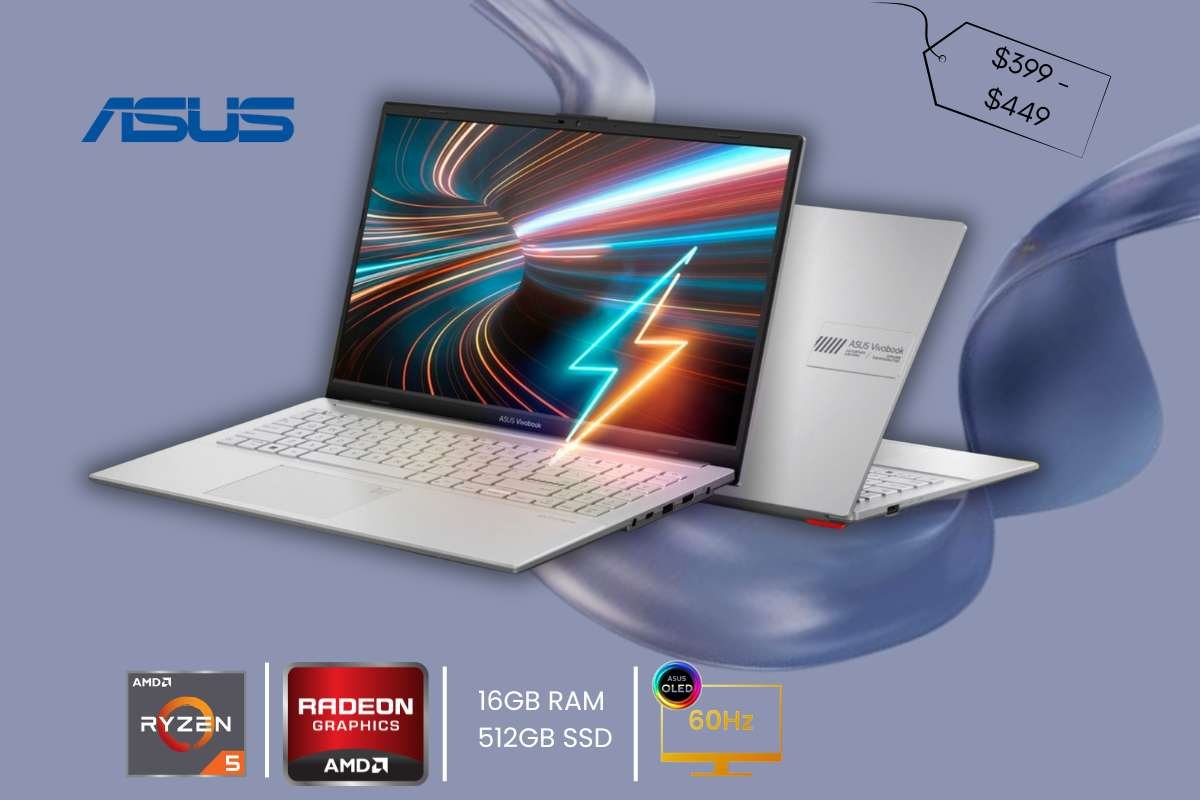
- Price Range: $399 – $449
- Specs: AMD Ryzen 5 7520U | Radeon Graphics | 16GB RAM | 512GB SSD | 15.6” OLED (60Hz)
- Why It’s Great: The OLED screen is stunning for indie games like Hades or Cuphead.
- Pros: Best screen in this price bracket; 16GB RAM included; very light.
- Cons: Integrated graphics only; RAM is not upgradeable.
This ASUS Vivobook Go 15 OLED laptop has the prettiest screen on the whole list. The OLED screen makes colors look bright and “pop” like a movie theater. While it doesn’t have a giant graphics card, its new AMD chip is strong enough for fun games like Roblox or Among Us. It is a top pick for the best gaming laptops under $500 for students who also love movies.
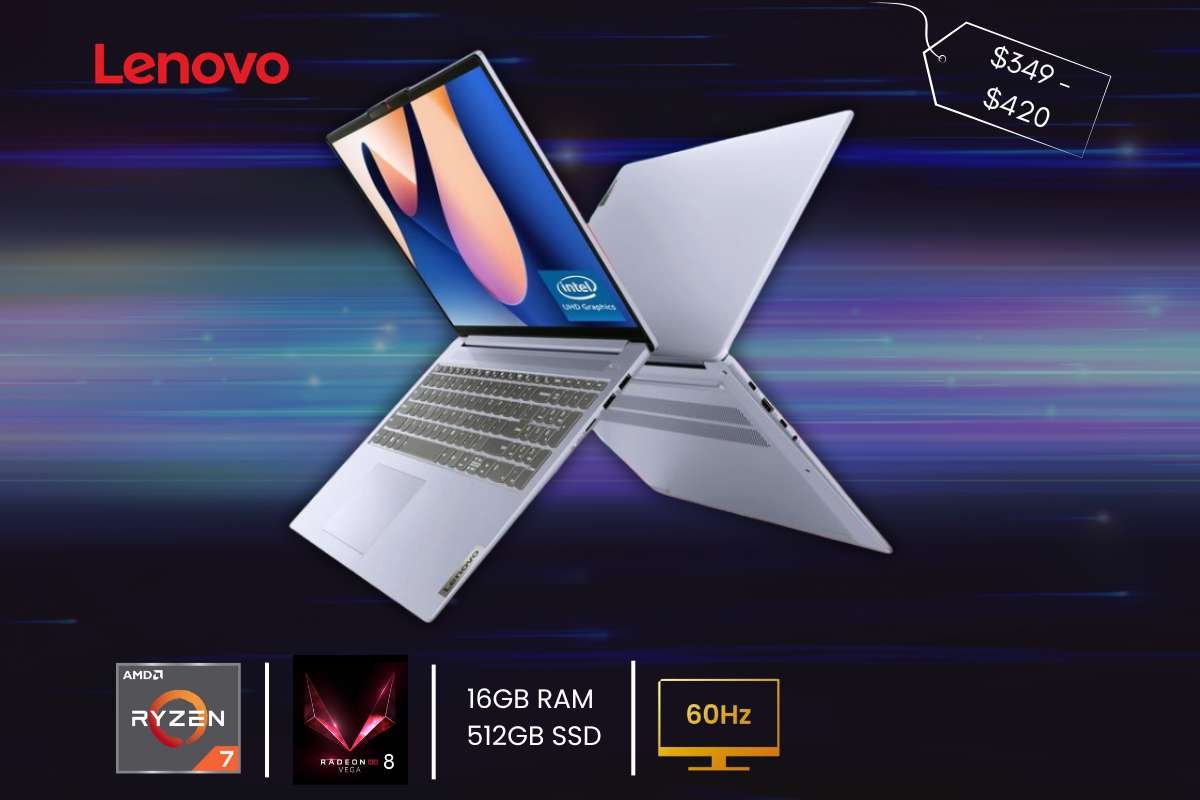
- Price Range: $349 – $420
- Specs: AMD Ryzen 7 5825U | Radeon Vega 8 | 16GB RAM | 512GB SSD | 15.6” (60Hz)
- Why It’s Great: An 8-core CPU for under $400 is a steal for creators and casual gamers.
- Pros: Fast multitasking; great battery life (7+ hours); reliable build.
- Cons: Basic 60Hz screen; plastic chassis.
This is a very fast computer for schoolwork that can also play games on the side. It has a lot of “memory” (16GB RAM), which means you can open many tabs in your internet browser at once without the computer slowing down. It is a reliable choice for anyone who needs to get work done quickly.
7. Acer Swift Go 14
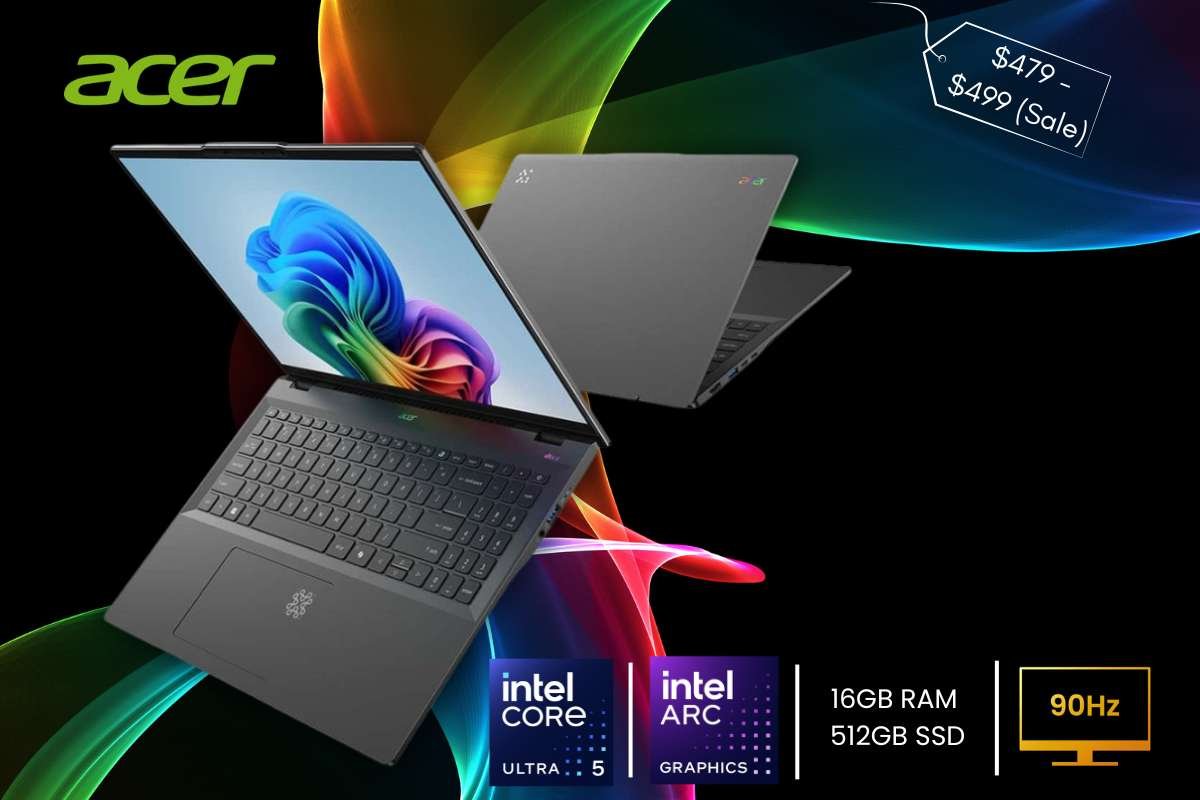
- Price Range: $479 – $499 (Sale)
- Specs: Intel Core Ultra 5 | Intel Arc Graphics | 16GB RAM | 512GB SSD | 14” (90Hz)
- Why It’s Great: Intel Arc integrated graphics are a massive step up from old UHD chips.
- Pros: Compact and premium; 1440p webcam; fast charging.
- Cons: Can get hot under heavy gaming load; 14-inch screen is small for some.
This Acer Swift Go 14 laptop is small but mighty. It uses a new “Intel Arc” system that is much better at gaming than older small laptops. It also has a very high-quality webcam, so your friends can see you clearly during video calls or while you are streaming your gameplay.
8. Dell Inspiron 15
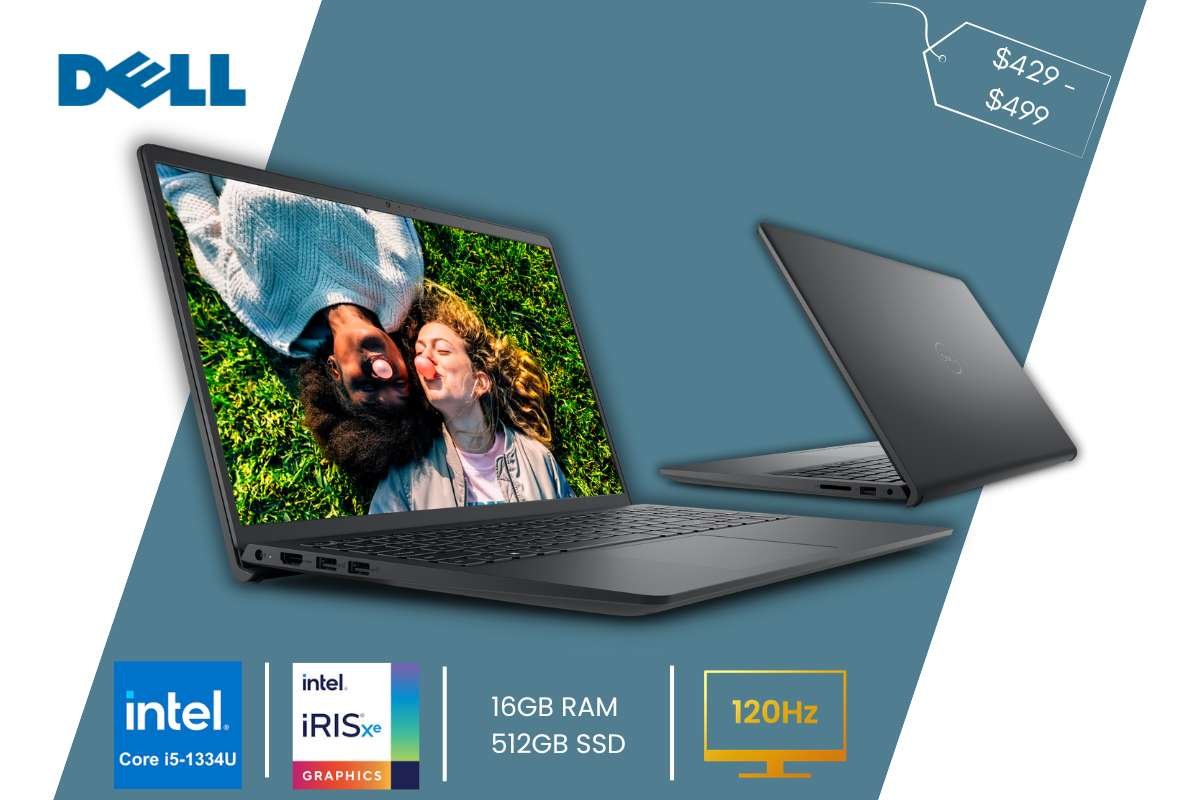
- Price Range: $429 – $499
- Specs: Intel Core i5-1334U | Intel Iris Xe | 16GB RAM | 512GB SSD | 15.6” (120Hz)
- Why It’s Great: One of the few non-gaming laptops with a smooth 120Hz display.
- Pros: 120Hz refresh rate; excellent Dell customer support; comfortable keyboard.
- Cons: Integrated graphics limit you to low settings in AAA games.
Dell is known for making computers that last a long time. This model has a fast screen that makes moving around in games feel very natural. It has a lot of storage space for your photos, homework, and games, making it one of the best gaming laptops under $500 for all-around use.
9. HP Laptop 17z
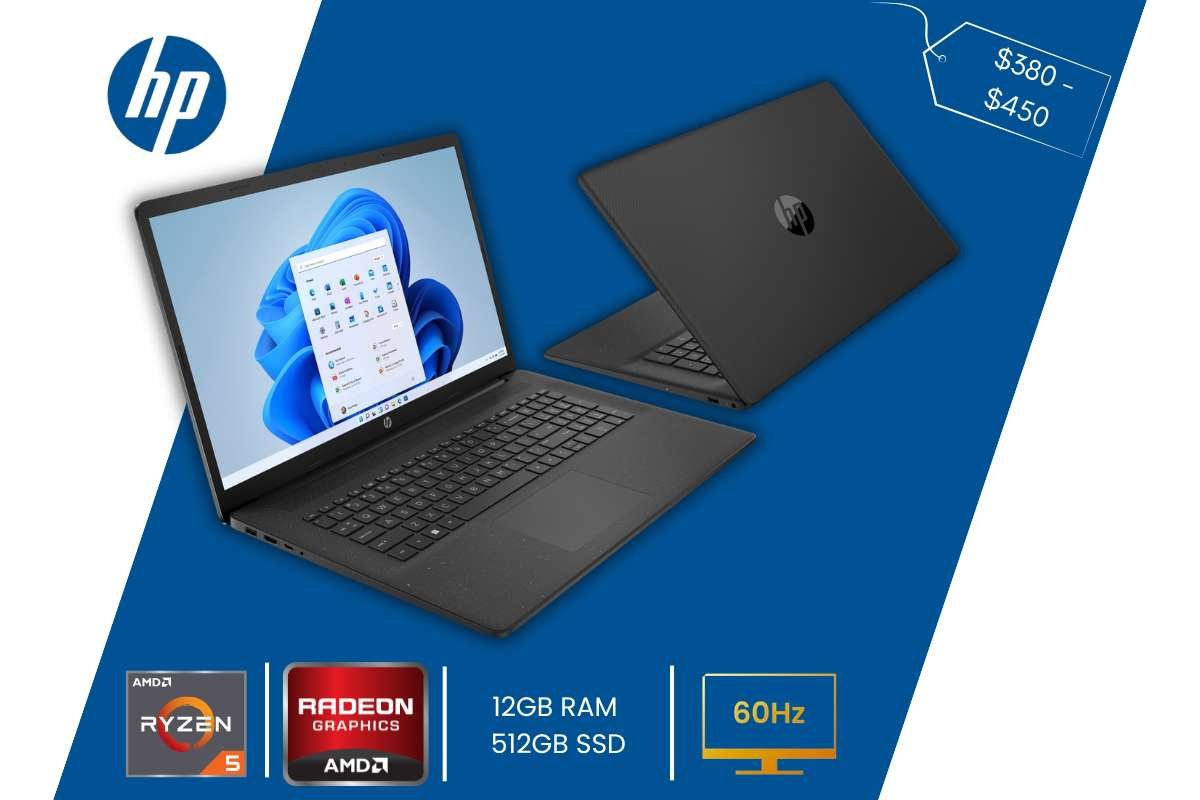
- Price Range: $380 – $450
- Specs: AMD Ryzen 5 7530U | Radeon Graphics | 12GB RAM | 512GB SSD | 17.3” (60Hz)
- Why It’s Great: Huge screen makes it a great desktop replacement for immersive play.
- Pros: Large display; very quiet fans; dedicated number pad.
- Cons: Too big for most backpacks; display is only 250 nits (a bit dim).
If you like a huge screen, this HP 17-inch laptop is like having a portable TV. The big screen helps you see enemies in games more easily. It is a bit heavy to carry around, but it is great for sitting at a desk and playing for hours.
10. ASUS Zenbook 14 (Refurbished)
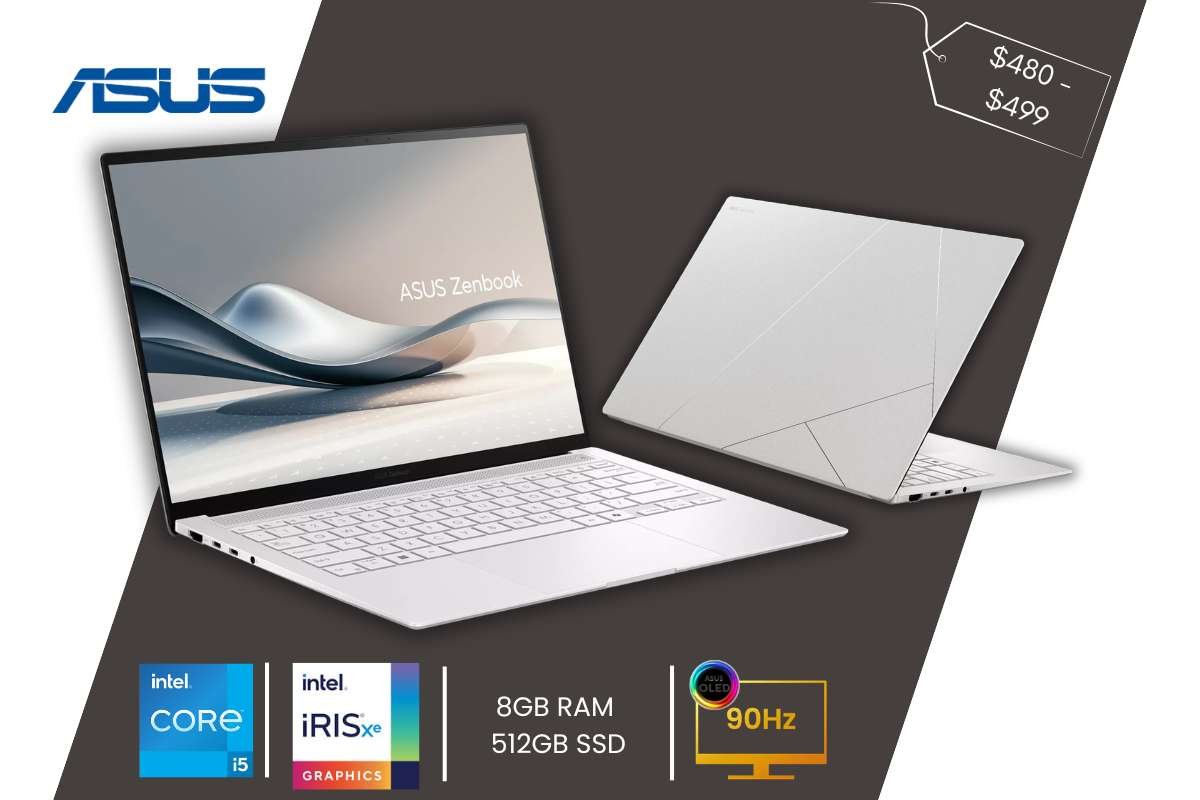
- Price Range: $480 – $499
- Specs: Intel Core i5-1240P | Intel Iris Xe | 8GB RAM | 512GB SSD | 14” 2.8K OLED (90Hz)
- Why It’s Great: Ultra-premium feel and a high-resolution screen for a low price.
- Pros: Incredible 2.8K resolution; high portability; fast SSD.
- Cons: 8GB RAM is not upgradeable; the screen reflects glare.
This Asus laptop is a “fancy” laptop that usually costs much more, which is why refurbished models are often considered among the Best Gaming Laptops under $500. By getting a refurbished one, you get a metal body and a super sharp screen for a low price. It is very thin and fits perfectly in a small backpack.
11. Acer Aspire 5 (A515-57G)
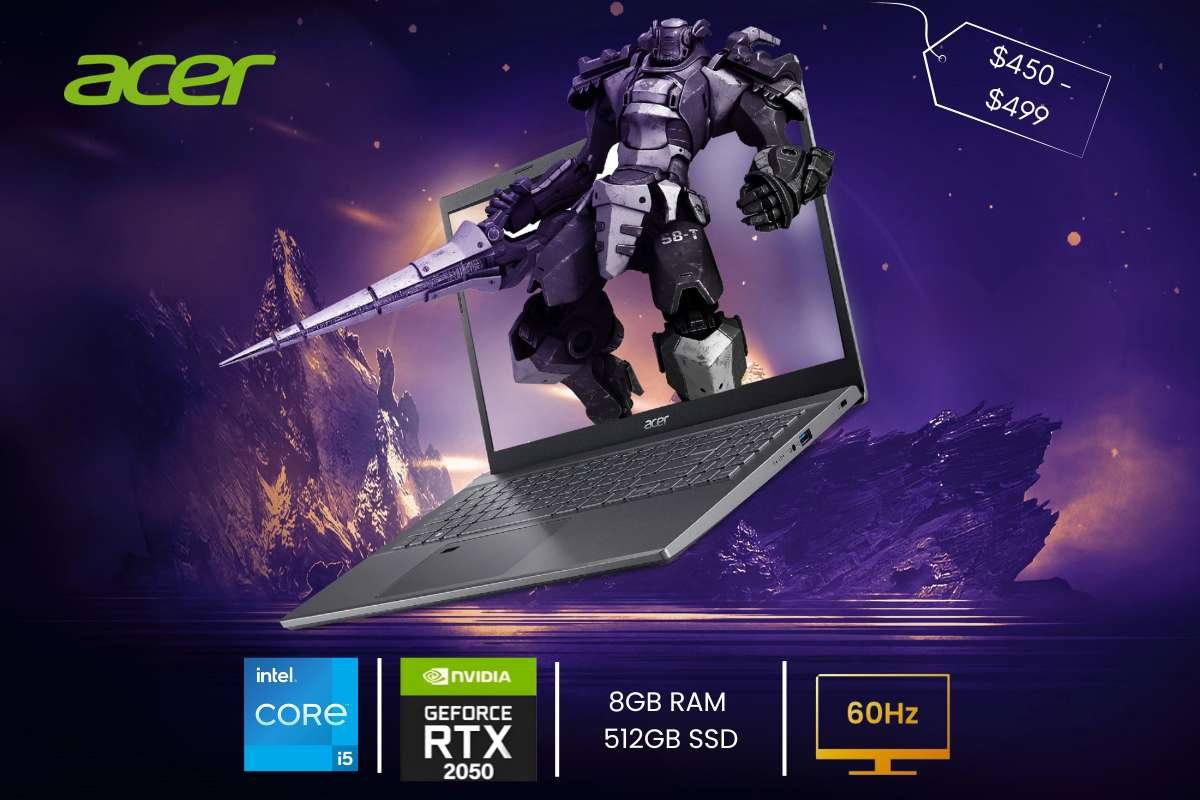
- Price Range: $450 – $499
- Specs: Intel Core i5-1240P | NVIDIA RTX 2050 | 8GB RAM | 512GB SSD | 15.6” (60Hz)
- Why It’s Great: The most “stealth” gaming laptop; looks like an office PC but has a GPU inside.
- Pros: Has a dedicated GPU; Thunderbolt 4 support; Ethernet port.
- Cons: Battery life is mediocre; design is plain.
The Aspire 5 is a classic choice. It is “upgradable,” which means when you save up more money later, you can pay a little bit to make it even faster. It has all the ports you need to plug in a mouse, a headset, and even a big monitor.
12. Lenovo IdeaPad Flex 5
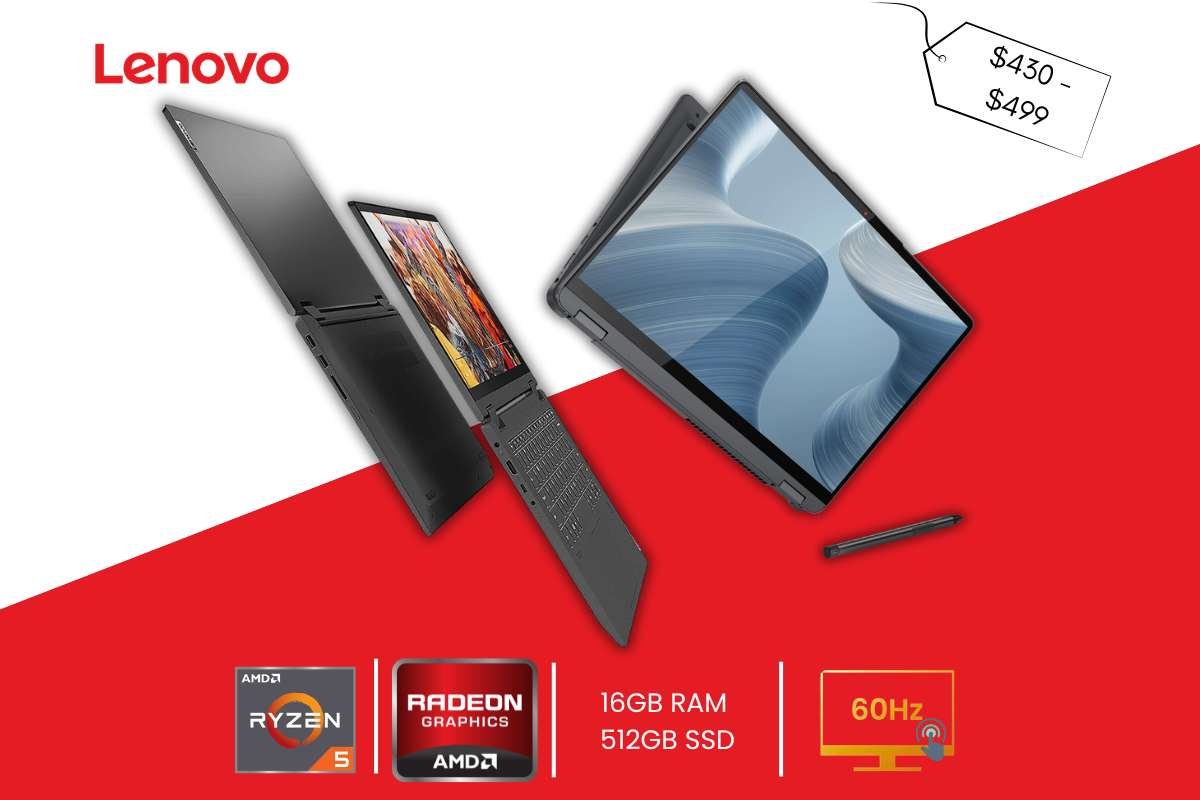
- Price Range: $430 – $499
- Specs: AMD Ryzen 5 7530U | Radeon Graphics | 16GB RAM | 512GB SSD | 14” Touch (60Hz)
- Why It’s Great: The 2-in-1 hinge is perfect for playing touch-based games or using a controller in “tent mode.”
- Pros: Versatile design; touch screen; solid build quality.
- Cons: Glossy screen is very reflective; slightly heavier than standard 14” laptops.
This is a “2-in-1” laptop, which means the screen can fold all the way back! You can use it like a giant tablet for drawing or watching videos. It is one of the best gaming laptops under $500 because it is so flexible and fun to use in different ways.
13. Microsoft Surface Laptop Go 3
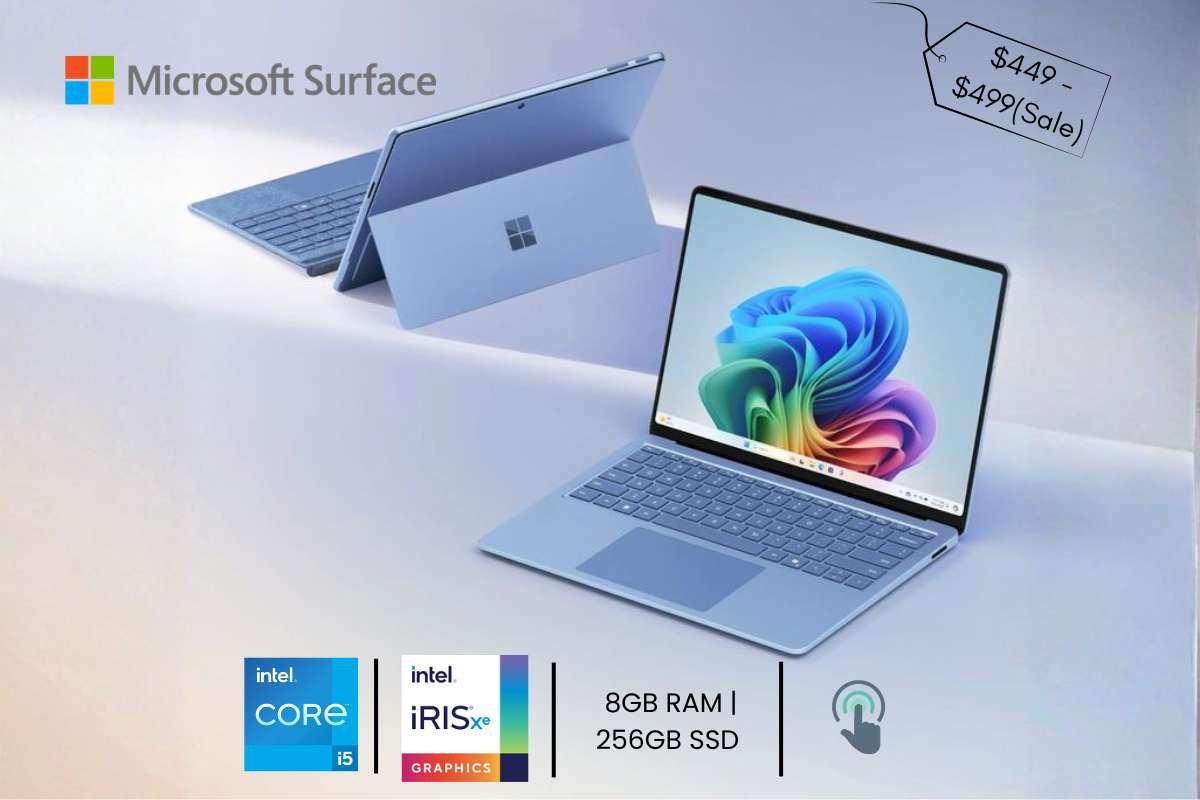
- Price Range: $449 – $499 (Sale)
- Specs: Intel Core i5-1235U | Intel Iris Xe | 8GB RAM | 256GB SSD | 12.4” Touch
- Why It’s Great: The best portability for students who play light games like Minecraft.
- Pros: Ultra-light; amazing keyboard; 3:2 screen ratio is great for reading.
- Cons: Small storage (256GB); screen resolution is less than 1080p.
This is the cutest and smallest laptop on the list and can easily be included among the Best Gaming Laptops under $500 for casual players. It is made by the same people who make Windows. It feels very smooth and “premium,” like an expensive phone. It is best for light games and is very easy to use for beginners.
14. Gateway Creator Series (Walmart Exclusive)
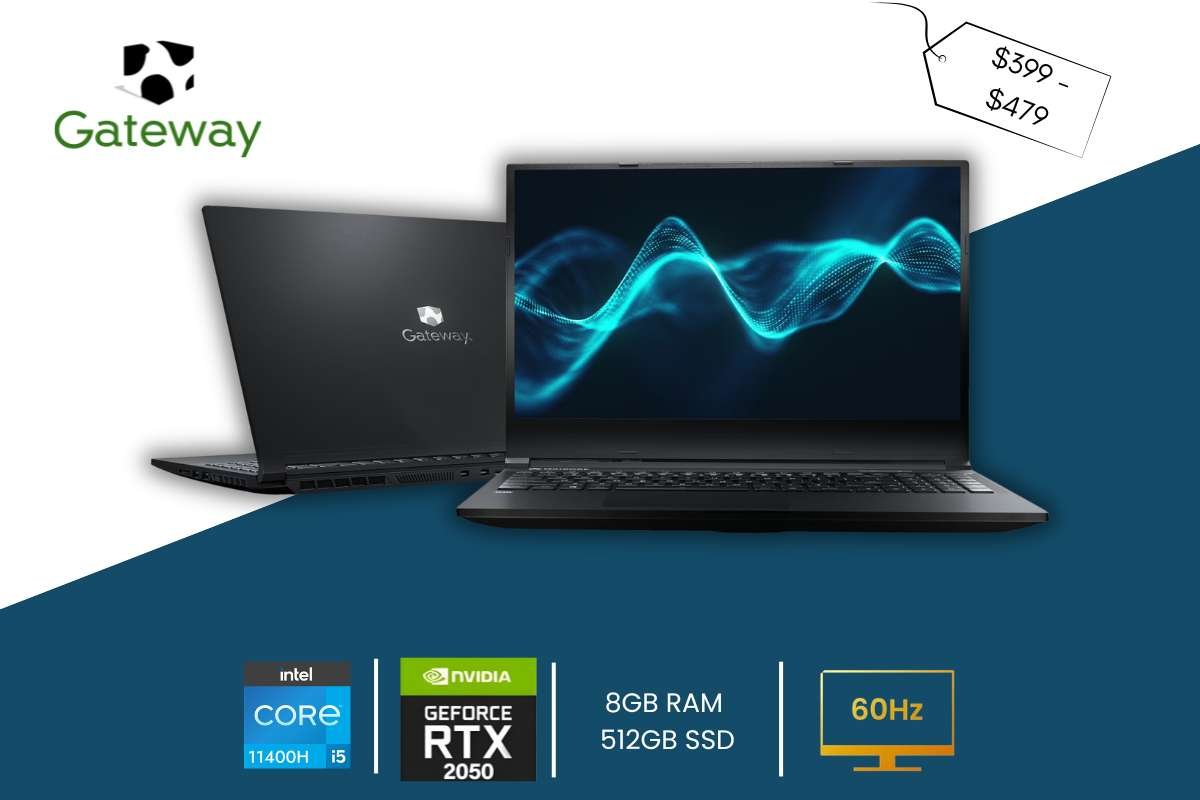
- Price Range: $399 – $479
- Specs: Intel Core i5-11400H | NVIDIA RTX 2050 | 8GB RAM | 512GB SSD | 15.6” (120Hz)
- Why It’s Great: Unbeatable raw specs for the lowest possible price.
- Pros: Cheapest way to get a 120Hz screen and RTX GPU; includes THX audio.
- Cons: Build quality is purely plastic; limited brand support/warranty.
This laptop is a “hidden gem” found at stores like Walmart. It packs a lot of power into a simple plastic case. It focuses on giving you the best gaming parts for the lowest price, even if the brand isn’t as famous as others.
15. Samsung Galaxy Book4 (Base)
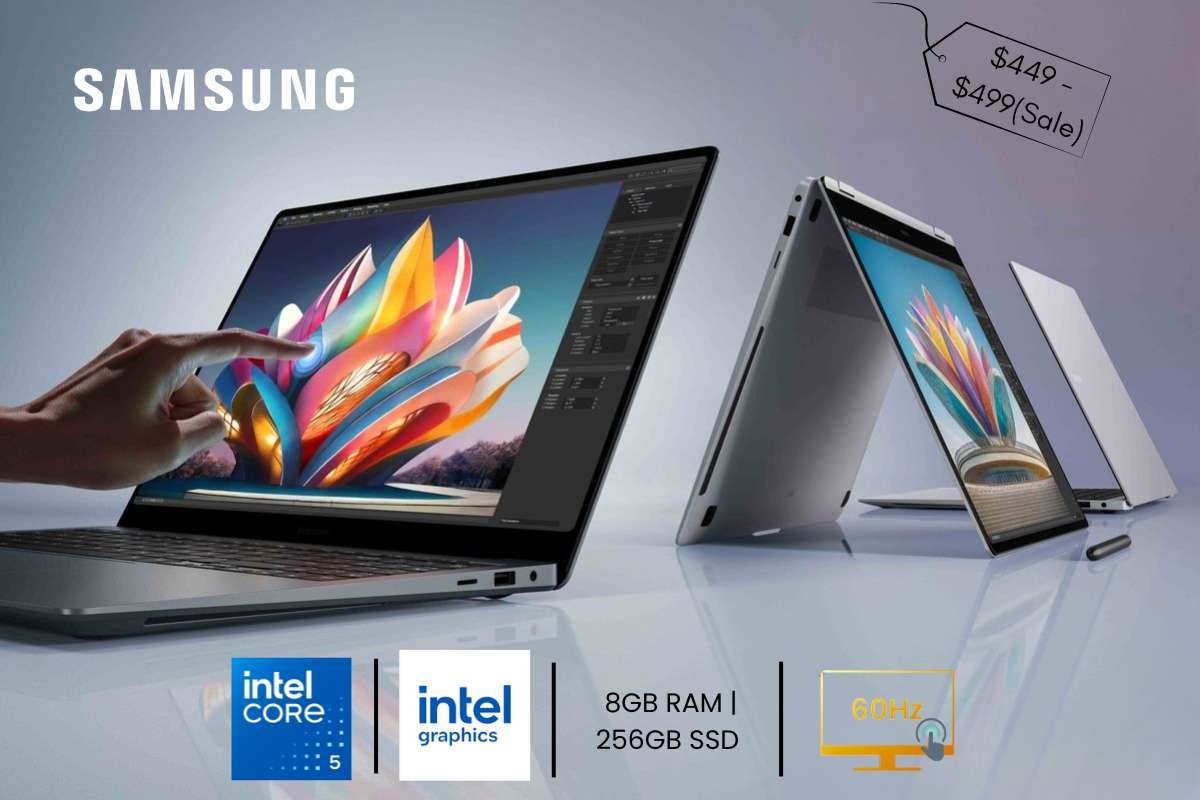
Price Range: $490 – $499 (Sale)
Specs: Intel Core 5 120U | Intel Graphics | 8GB RAM | 512GB SSD | 15.6” (60Hz)
Why It’s Great: Integrates perfectly with Galaxy phones; great for “Cloud Gaming” (Xbox Game Pass).
Pros: Thin and light; beautiful metal chassis; premium webcam.
Cons: Graphics are only for the lightest games; price often sits right at the $500 limit.
If you have a Samsung phone, this Samsung laptop is like its big brother. They work together perfectly to share photos and messages. It is very sleek and modern, finishing our list of the best gaming laptops under $500 for 2026.
Gaming Performance Expectation:
In 2026, the Best Gaming Laptops Under $500 are designed for “Esports” and casual fun. You can realistically expect to run popular games like Fortnite, CS2, and Valorant quite well. These games are built to work on many different computers, so they are perfect for budget machines.
For the best experience, you should plan to use Low or Medium settings. At a 1080p resolution, these settings usually keep the game looking good while ensuring the action stays fast. If you try to play huge, heavy games like Cyberpunk 2077, you will likely need to turn everything to “Low” and maybe even lower the resolution to 720p.
Some models may need small settings tweaks to stay between 30 and 60+ FPS. Turning off “Shadows” or “Reflections” is a quick way to stop the game from stuttering during a big battle.
Upgrade Tips to Improve Gaming Performance:
If your budget laptop starts to feel slow, don’t worry—many of the Best Gaming Laptops under $500 can be made faster with a few simple tricks. First, check if you can upgrade the RAM. Adding a second stick of memory (like moving from 8GB to 16GB) helps games run smoother. You can also swap a slow hard drive for a fast SSD to make games load in seconds. Second, change your in-game settings. Turning down “Shadows” and “Textures” or lowering the resolution to 720p can double your speed. Finally, use a can of compressed air to clean the dust out of your laptop’s fans. This keeps the computer cool so it doesn’t slow down to protect itself from heat.
If your budget laptop starts to feel slow, don’t worry—many of the Best Gaming Laptops under $500 can be made faster with a few simple tricks. First, check if you can upgrade the RAM. Adding a second stick of memory (like moving from 8GB to 16GB) helps games run smoother. You can also swap a slow hard drive for a fast SSD to make games load in seconds. Second, change your in-game settings. Turning down “Shadows” and “Textures” or lowering the resolution to 720p can double your speed. Finally, use a can of compressed air to clean the dust out of your laptop’s fans. This keeps the computer cool so it doesn’t slow down to protect itself from heat.
First, check if you can upgrade the RAM. Adding a second stick of memory (like moving from 8GB to 16GB) helps games run smoother. You can also swap a slow hard drive for a fast SSD to make games load in seconds.
Second, change your in-game settings. Turning down “Shadows” and “Textures” or lowering the resolution to 720p can double your speed! Finally, use a can of compressed air to clean the dust out of your laptop’s fans. This keeps the computer cool so it doesn’t slow down to protect itself from heat.
Common Buyer Mistakes to Avoid:
Big numbers and glowing lights can easily divert your attention when looking for the best gaming laptops under $500. Steer clear of these three typical pitfalls to maximize your investment:
- Don’t Just Chase “Clock Speed”: A high speed (like 4.0GHz) sounds great, but it doesn’t tell the whole story. An older processor with a high speed is often much slower than a new one with a lower speed. Focus on the generation (like Intel 12th Gen or Ryzen 5000) rather than just the speed number.
- Don’t Ignore the Screen Quality: Many people focus so much on the “brain” of the computer that they forget they have to look at the screen! A powerful laptop is no fun if the screen is dim or the colors look washed out. Always look for an IPS panel to make sure your games look clear from every angle.
- Don’t Fall for “Gamer” Marketing: Some laptops have “Turbo” buttons or bright red stickers. But don’t actually play games well. Real gaming power comes from the GPU (Graphics Card), not just a cool-looking case. Always check the actual parts inside instead of trusting the “Gaming” label on the box.
Conclusion:
Being a savvy consumer is key to locating the Best Gaming Laptops Under $500 in 2026. To take part in the fun, you don’t have to spend thousands of dollars. There is the ideal machine waiting for you. Whether your goal is to win battles in Valorant or create incredible worlds in Minecraft.
Keep in mind to ignore the glitzy details and concentrate on the components that are most important. Such as the CPU and RAM. Simple upgrades can give your laptop a second chance at life if it starts to feel a little slow. One excellent way to begin gaming without going over budget is to purchase a cheap laptop. Enjoy your new setup and have fun gaming!
FAQ:
1. Can the best gaming laptops under $500 run modern AAA games?
Most laptops in this price range can run older AAA titles on low settings. But they are not designed for ultra-high graphics performance. Games like Grand Theft Auto V or The Witcher 3: Wild Hunt may run on low settings with optimized tweaks. However, newer high-end titles released in 2025–2026 will likely struggle without a dedicated GPU. These laptops are best suited for entry-level gaming rather than ultra-settings.
2. Is 8GB RAM enough for gaming in 2026?
Yes. 8GB RAM is the minimum recommended for smooth gaming today. However, for better multitasking and future-proofing, choosing a laptop with upgradeable RAM (expandable to 16GB) is strongly advised. This significantly improves performance stability in modern titles.
3. Can these laptops handle streaming or content creation?
Light streaming and basic video editing are possible, but not professional-level production. Recording gameplay while streaming may reduce FPS significantly. For casual streaming, optimizing settings and reducing resolution can make it manageable.