Your phone starts the day with plenty of storage. By evening, it complains about space. Photos pile up. Videos grow larger. Apps demand updates. Suddenly, your device feels like a tiny cupboard packed with clothes.
That is where a microSD card becomes the hero.
This tiny chip sits inside your device and quietly carries thousands of photos, songs, and videos.
It is smaller than a fingernail yet powerful enough to store entire movie collections.
Many people think buying storage means buying a new phone. That is not always true. A simple microSD card can give your device new life without spending thousands on a new gadget.
Students use it for study material. Gamers use it for large game files. Photographers depend on it to store high-quality images. Even travelers rely on it to save memories during long trips.
The good news is simple. Choosing the right storage card is not difficult. You only need to understand a few basics like size, speed, and capacity.
This guide breaks everything down in simple words so you can choose the best without confusion.
What Are SD Cards?
SD stands for Secure Digital. These cards store data in small electronic memory chips.
They work like portable hard drives but in a much smaller size. Devices such as cameras, laptops, drones, tablets, and phones use them to store files.
There are three main sizes.
- Standard SD Card: Used mostly in digital cameras and laptops.
- MiniSD Card: An older format that rarely appears in modern devices.
- Micro SD Card: The smallest version and the most popular today.
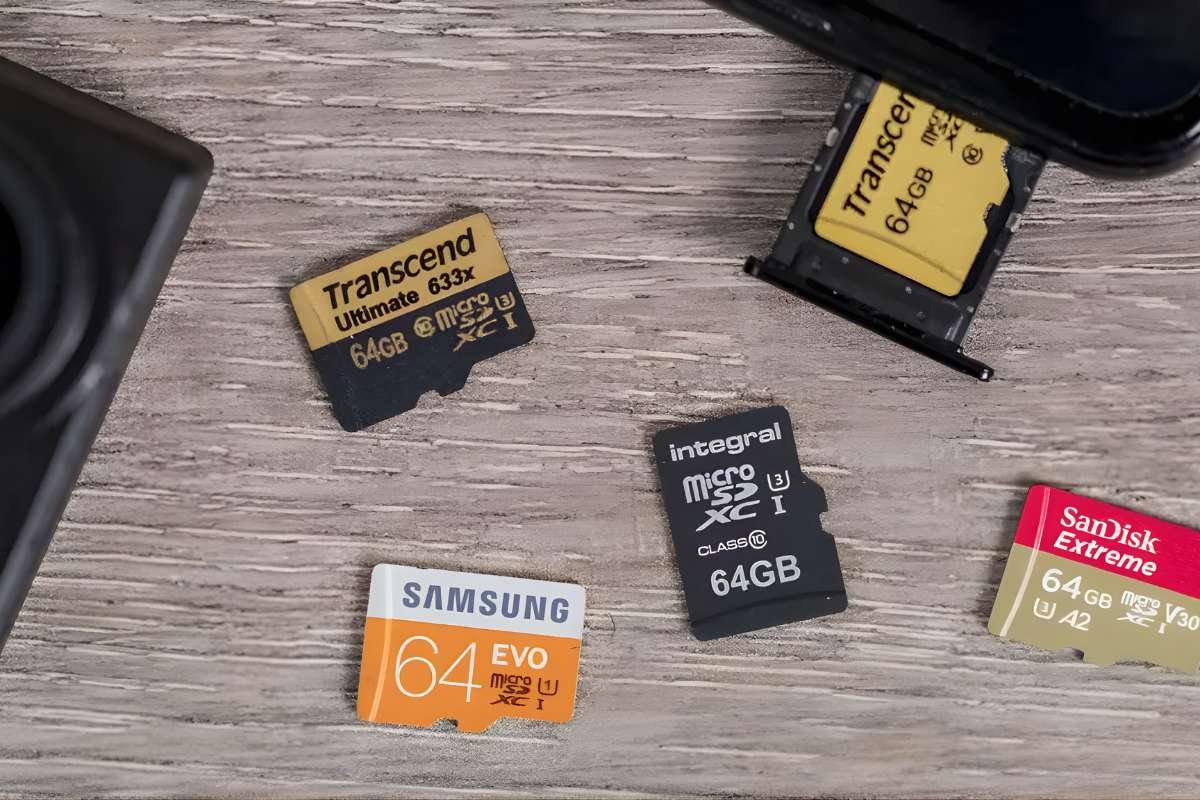
A microSD card fits inside smartphones, action cameras, gaming consoles, and drones. Some devices use adapters so the same card can work in cameras or laptops.
The small size makes it easy to carry. The storage capacity makes it powerful.
Which SD Standard and Capacity Do You Need?
Not all cards offer the same storage or speed. Storage standards help users understand how much data the card can hold.
- SDSC: Capacity up to 2 GB. Older devices mostly use this standard.
- SDHC: Capacity from 4 GB to 32 GB. Works well for photos and basic storage.
- SDXC: Capacity from 64 GB to 2 TB. Modern smartphones, cameras, and gaming consoles use this standard.
Most people today choose SDXC because high-resolution photos and 4K videos need more space. A good microSD card with higher capacity prevents storage warnings and keeps devices running smoothly.
Types of SD and MicroSD Cards
Understanding card types helps you match storage with your device needs.
- Standard Speed Cards: Basic storage for photos, documents, and music.
- High Speed Cards: Designed for HD video recording and fast file transfer.
- UHS Speed Cards: Ultra High Speed cards support heavy tasks like 4K recording.
- A1 and A2 App Cards: Optimized for smartphone apps and faster loading times.
People who record videos or install games often choose a fast microSD card because slow cards delay file transfers and recording.
Top 10 MicroSD Cards in 2026
Below are some popular storage cards known for reliability and performance.
1. SanDisk Extreme microSD Card
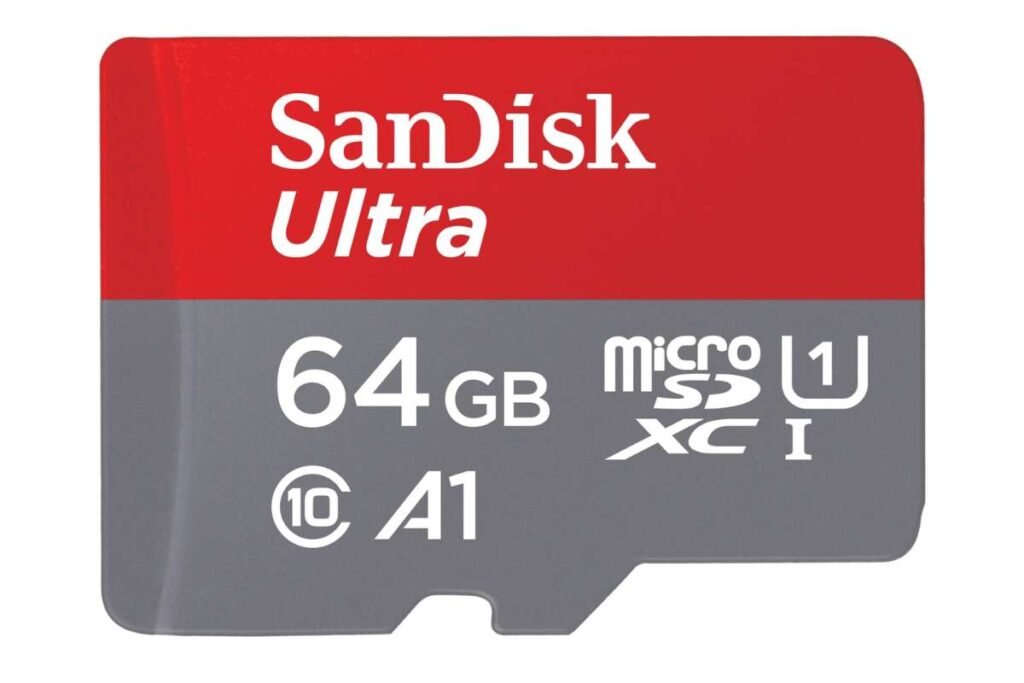
Capacity: 64GB to 1TB
SanDisk Extreme offers fast speeds that support 4K video recording and high-resolution photography. Many action camera users rely on it because the card handles heat and heavy file transfers well. It also includes strong data protection features.
2. Samsung EVO Select
Capacity: 64GB to 512GB
Samsung EVO Select provides reliable storage for phones and tablets. The card loads apps quickly and transfers files smoothly. Many Android users prefer it because it balances speed and price.
3. SanDisk Ultra
Capacity: 32GB to 512GB
SanDisk Ultra works well for everyday storage. It supports HD video recording and offers stable performance for photos and music files. This microSD card is popular among budget buyers.
4. Samsung PRO Plus
Capacity: 128GB to 512GB
Samsung designed this card for high performance. Photographers and drone users often choose it because it delivers fast writing speeds and reliable storage during continuous recording.
5. Kingston Canvas Go Plus
Capacity: 64GB to 512GB
Kingston Canvas Go Plus suits adventure cameras and drones. The card handles sudden motion and extreme conditions. Its fast transfer speeds help creators move files quickly.
6. Lexar Professional 1066x
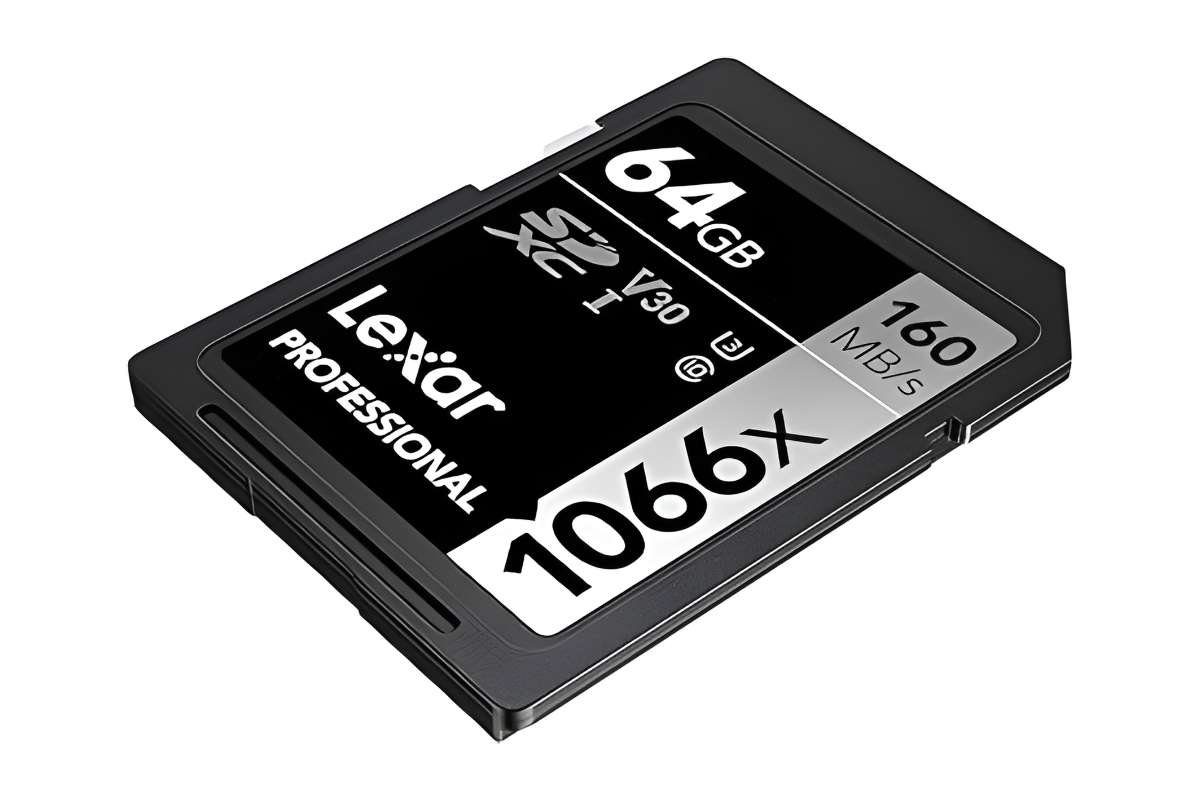
Capacity: 64GB to 1TB
Lexar cards focus on professional performance. Many photographers use them for burst photography and high-resolution recording.
7. PNY Elite X
Capacity: 64GB to 512GB
PNY Elite X offers strong performance for smartphones, gaming consoles, and tablets. The card supports quick downloads and stable file storage.
8. Sony Tough MicroSD
Capacity: 64GB to 256GB
Sony built this card with extra durability. It resists water, dust, and extreme temperatures. Travelers and outdoor creators often trust it.
9. ADATA Premier Pro
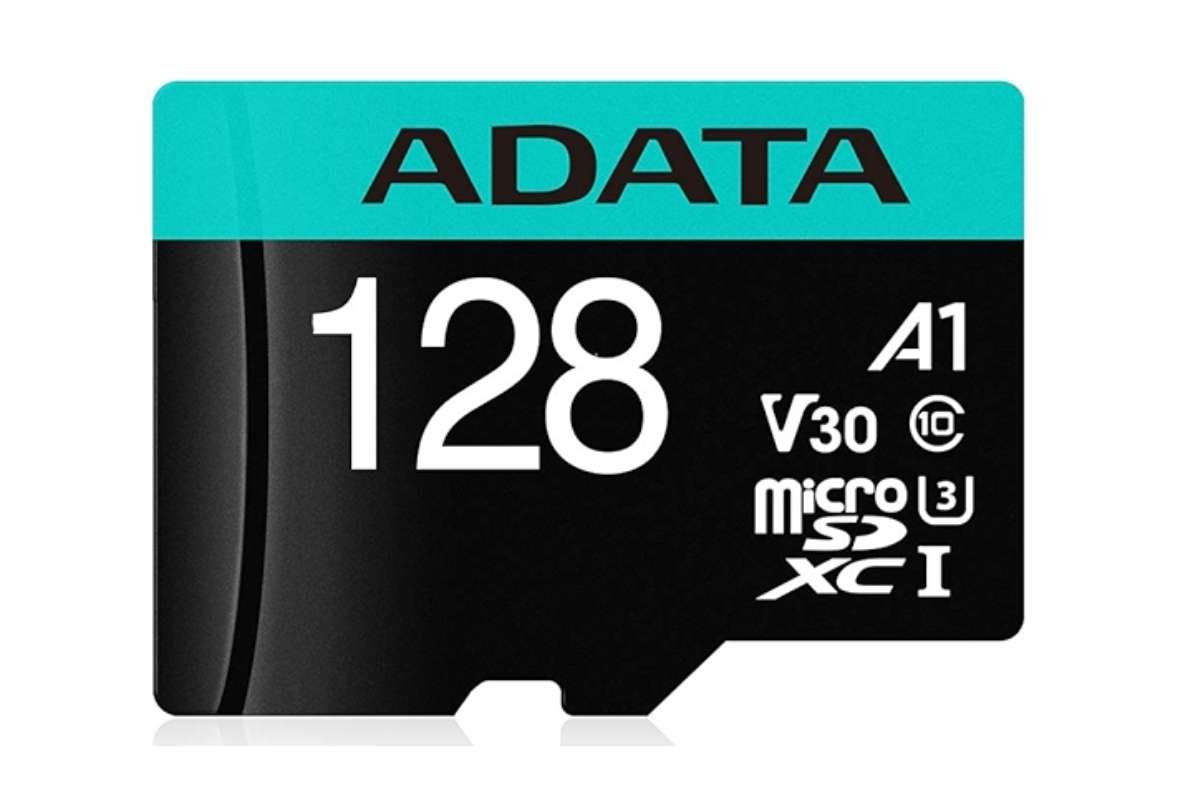
Capacity: 64GB to 512GB
ADATA Premier Pro focuses on speed and reliability. It supports smooth video recording and quick transfers.
10. Transcend High Endurance
Capacity: 64GB to 256GB
This microSD card works well for dash cameras and security cameras. The design allows constant recording without quick wear.
Helpful Tips Before Buying
Choosing storage becomes easier when you follow a few simple rules.
- Check your device compatibility before buying.
- Choose at least 128GB for modern smartphones.
- Look for UHS speed if you record videos.
- Buy from trusted brands to avoid fake cards.
- Keep backups of important files.
A good microSD card improves storage performance and prevents data loss.
Conclusion
Storage problems frustrate almost every device owner. Photos vanish from space. Videos stop recording. Apps slow down.
The solution does not require a new phone or camera.
A simple microSD card can expand your storage instantly and keep your device running smoothly. It carries memories, trips, projects, and entertainment in a chip smaller than a coin.
Think about it for a moment. One tiny card can hold years of memories.
So the next time your device complains about storage, do not panic. Upgrade your storage and give your device breathing space.
Sometimes the smallest tools make the biggest difference.