A productive day does not happen by chance. It depends on how well you manage your time, tasks, and attention. Each hour brings new demands, and it is easy to get pulled in different directions. Even with a clear plan, staying consistent through the day can be a challenge. That is why many professionals are now rethinking how they approach their daily work.
Smarter systems are becoming a key part of modern workflows. Instead of handling everything manually, people are using tools that can simplify tasks and improve focus. AI productivity tools help streamline routines, organize information, and reduce time spent on repetitive work. They can assist with planning, generate quick insights, and keep your work structured.
With the right approach, you can stay organized, save time, and move through your day with more clarity and control.
In this article, we will take a look at some of the best productivity tools that use Ai and can help you streamline your daily tasks according to your needs.
The 30 AI Productivity Tools That Cut Your Workload in Half
Finding the right tools can feel overwhelming when every option claims to do more. This list brings together AI productivity tools across different categories so you can spot what fits your workflow. Instead of testing everything, you get a clearer starting point to decide what actually helps.
We have divided the list into 10 different categories. Hence, you can pick the the best tool according to your needs.
AI Chat Assistants
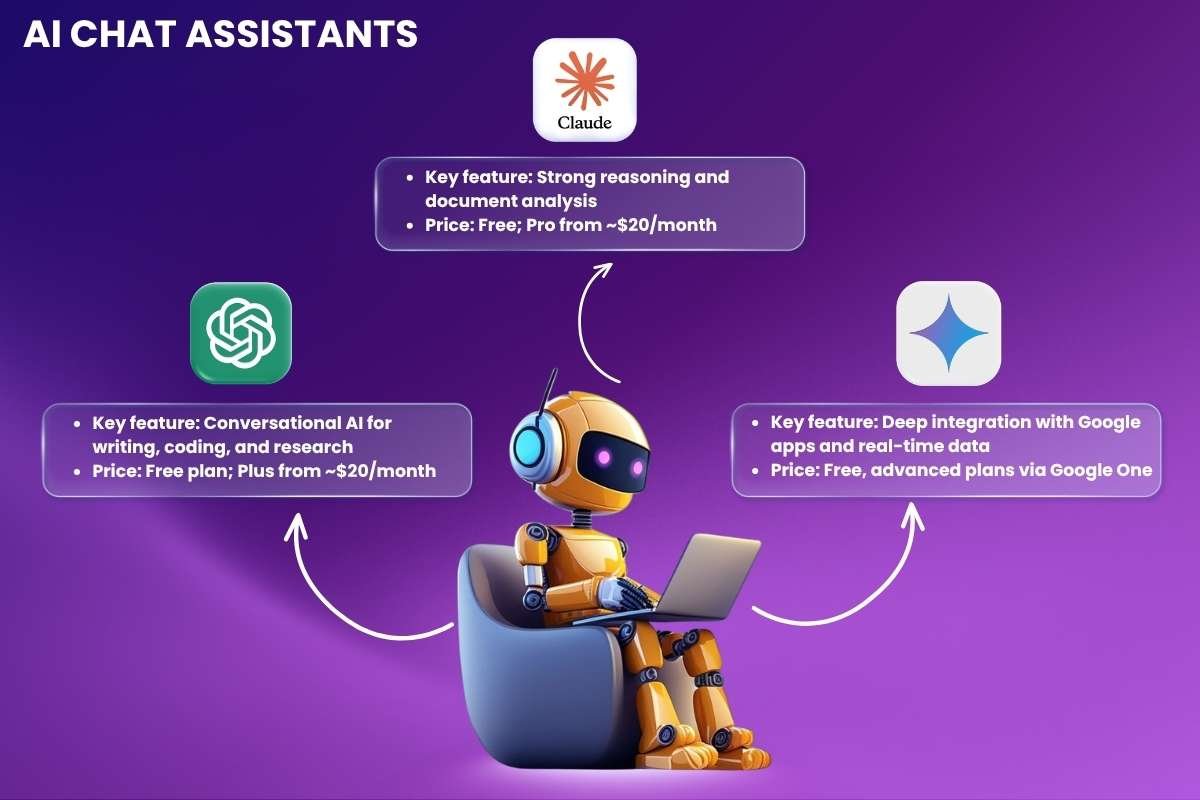
AI chat assistants help you think, write, and solve problems faster. You can ask questions, draft content, or break down complex ideas in seconds. Many teams use them to speed up daily tasks and reduce manual work. Each tool offers a different strength, from deep reasoning to strong app connections.
1. ChatGPT
- Key feature: Conversational AI for writing, coding, and research
- Price: Free plan; Plus from ~$20/month
Ideas move faster when you have the right support, and AI productivity tools like this help you turn thoughts into clear content, whether it’s a blog post or a quick email. It also handles coding tasks and explains errors in simple steps. You can switch between creative and technical work without breaking your flow.
2. Claude
- Key feature: Strong reasoning and document analysis
- Price: Free; Pro from ~$20/month
Long documents often slow people down, but this tool keeps things manageable. It reads large files and pulls out what actually matters. You can ask follow-up questions and get structured answers that are easy to scan. It works well when accuracy and clarity matter more than speed alone.
3. Google Gemini
- Key feature: Deep integration with Google apps and real-time data
- Price: Free, advanced plans via Google One
Work feels smoother when everything connects. This tool links with apps like Docs and Gmail, so tasks stay in one place. You can draft content, pull insights, and organize ideas without switching tabs too often. It fits into daily routines with ease, especially for those already using Google tools.
AI Writing Tools
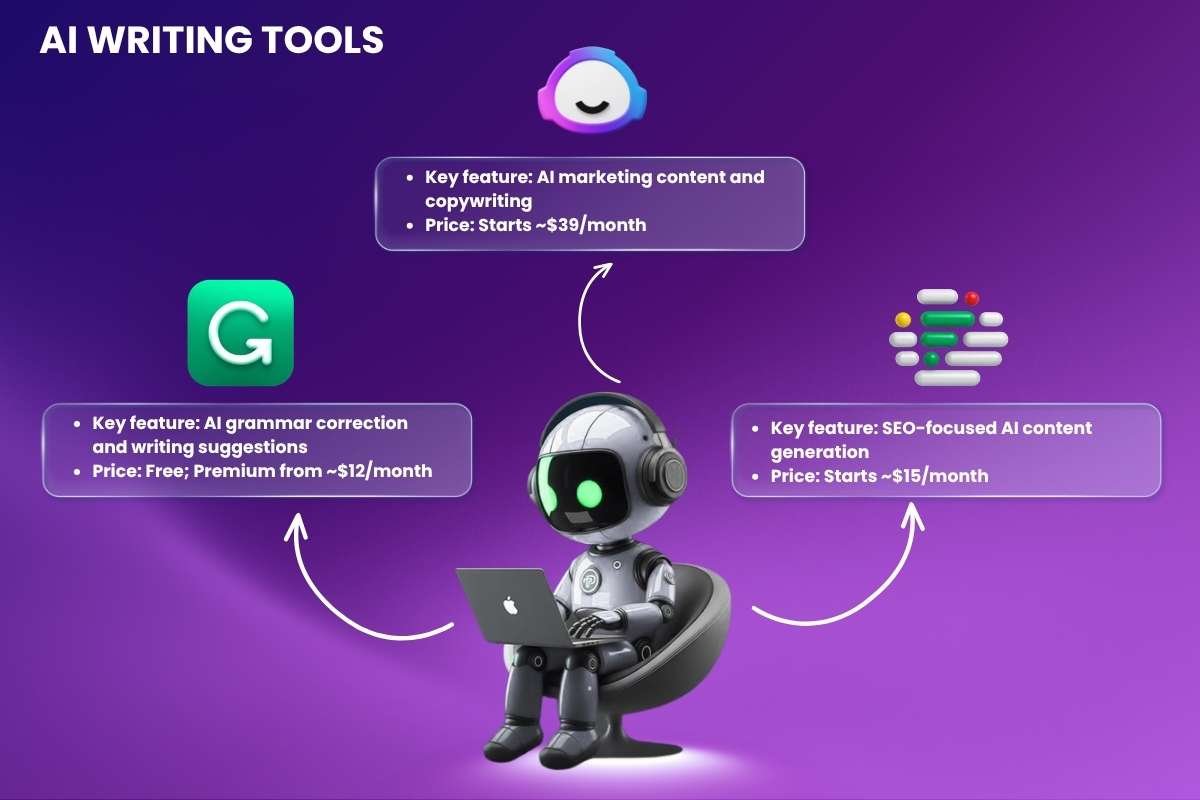
Strong writing often comes from good editing and clear structure. The following AI productivity tools help with rough drafts, improve clarity, and guide content in the right direction. Some focus on polishing small details, while others help build full pieces from scratch. You can use them at different stages, depending on what your work needs.
4. Grammarly
- Key feature: AI grammar correction and writing suggestions
- Price: Free; Premium from ~$12/month
Typos and awkward lines can weaken even a strong idea. Grammarly keeps an eye on your writing as it forms, catching small slips and offering cleaner phrasing along the way. It also adjusts tone when needed, which helps when switching between casual and formal work. The result feels more polished without slowing down your pace.
5. Jasper
- Key feature: AI marketing content and copywriting
- Price: Starts ~$39/month
Jasper works well when content needs to move fast but still stay on brand, making it one of the most popular AI productivity tools today. It can spin up ad copy, blog drafts, and campaign ideas in a short time. You can guide its direction with prompts, then reshape the output to match your voice. This makes it easier to handle large content needs without losing consistency.
6. Frase
- Key feature: SEO-focused AI content generation
- Price: Starts ~$15/month
Getting content to rank often feels like guesswork. Frase reduces that uncertainty by showing what already performs well in search. It builds structured outlines and highlights gaps you can fill. While writing, you stay aligned with what readers and search engines expect, which makes each piece more focused and useful.
AI Research & Search Tools
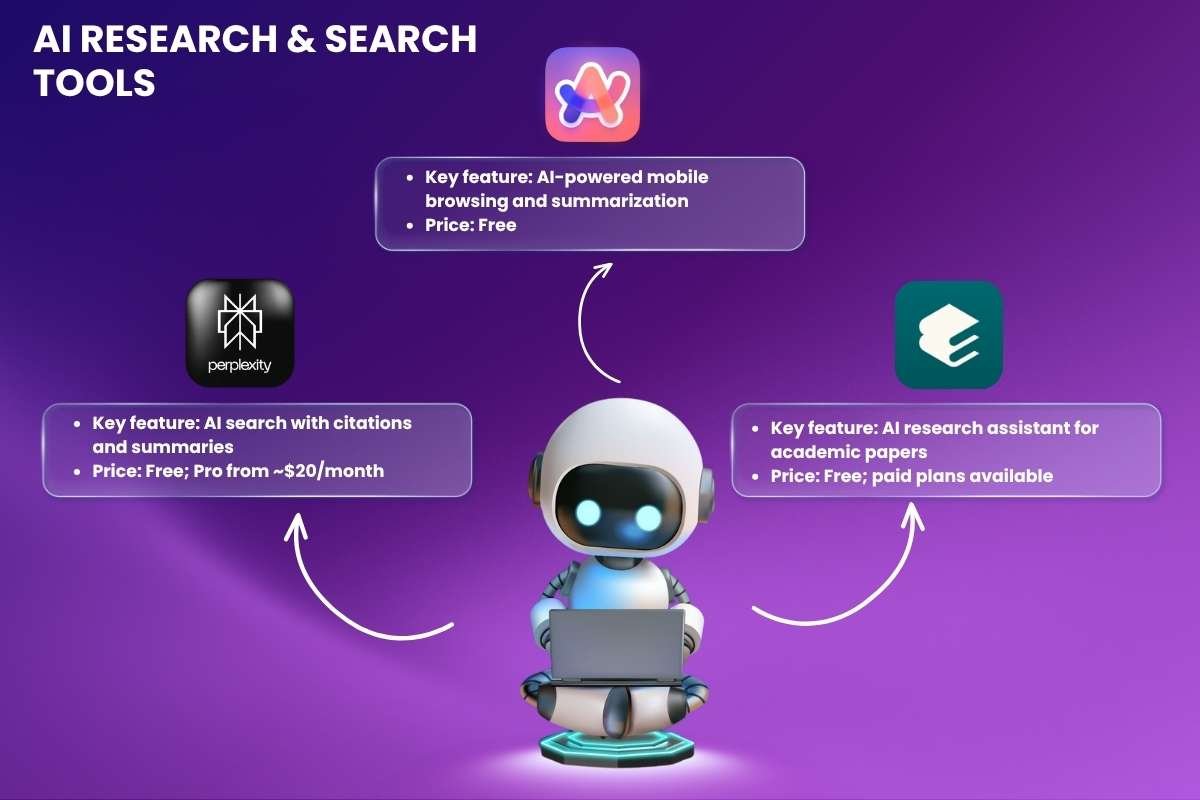
Research can feel scattered when answers sit across many pages. These tools bring structure to that process. Some focus on quick answers with sources, while others go deeper into studies and data. You spend less time searching and more time understanding what actually matters.
7. Perplexity AI
- Key feature: AI search with citations and summaries
- Price: Free; Pro from ~$20/month
Perplexity AI feels closer to a conversation than a search bar. Ask a question, and it responds with a clear answer backed by links you can open if needed. It works well when you want fast clarity without losing trust in the source. Follow-up questions flow naturally, which keeps the research process smooth.
8. Arc Search
- Key feature: AI-powered mobile browsing and summarization
- Price: Free
Arc Search changes how browsing feels on a phone, standing out among modern AI productivity tools. Instead of jumping between tabs, you get short, clean summaries that highlight what matters. Long articles shrink into quick reads, which helps when time is tight. It suits moments when you want answers quickly without reading every section in full.
9. Elicit
- Key feature: AI research assistant for academic papers
- Price: Free; paid plans available
Academic research often hides useful insights behind complex wording. Elicit pulls those insights forward. It can scan multiple papers, compare findings, and surface patterns you might miss. This makes it easier to move from raw data to a clear understanding, especially when working with large sets of studies.
AI Project Management Tools
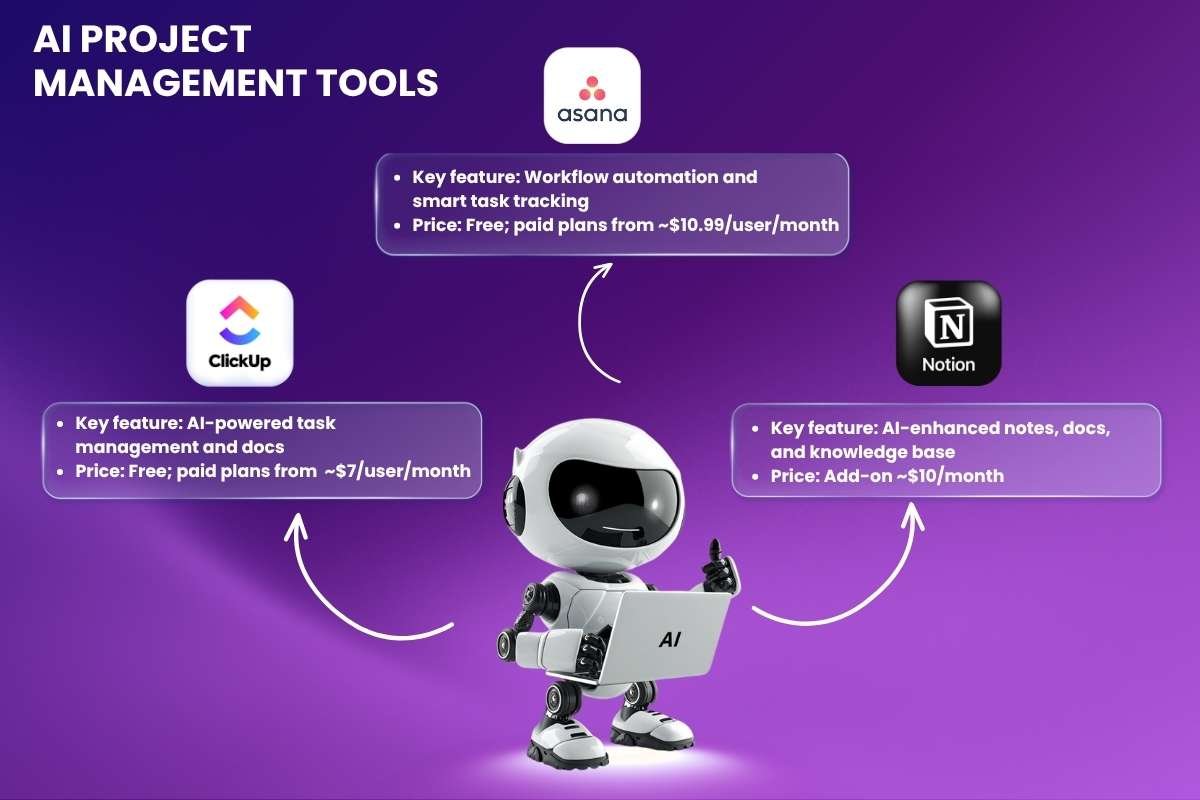
Projects often break down when tasks, notes, and updates sit in different places. These tools bring everything together and add smart support on top. You can plan work, track progress, and manage information without jumping between apps. Each one shapes how teams stay organized in its own way.
10. ClickUp AI
- Key feature: AI-powered task management and docs
- Price: Free; paid plans from ~$7/user/month
ClickUp AI blends planning with writing in one space. Tasks, docs, and timelines sit side by side, which keeps work easy to follow. You can generate updates, summarize notes, or expand ideas without leaving the workspace. It suits teams that want structure but also need flexibility as projects shift and grow.
11. Asana AI
- Key feature: Workflow automation and smart task tracking
- Price: Free; paid plans from ~$10.99/user/month
Deadlines become easier to manage when the system does part of the thinking, and AI productivity tools like Asana AI help track progress and suggest next steps. It keeps workflows moving without constant input. It helps reduce manual follow-ups, which often slow teams down. Work feels more predictable, even when multiple projects run at the same time.
12. Notion AI
- Key feature: AI-enhanced notes, docs, and knowledge base
- Price: Add-on ~$10/month
Notion AI turns scattered notes into something more useful. Ideas, plans, and documents connect inside a single workspace that adapts to how you work. You can write, organize, and refine content without switching tools. It works well for teams that rely on shared knowledge and need everything to be easy to access and update.
AI Meeting Assistants
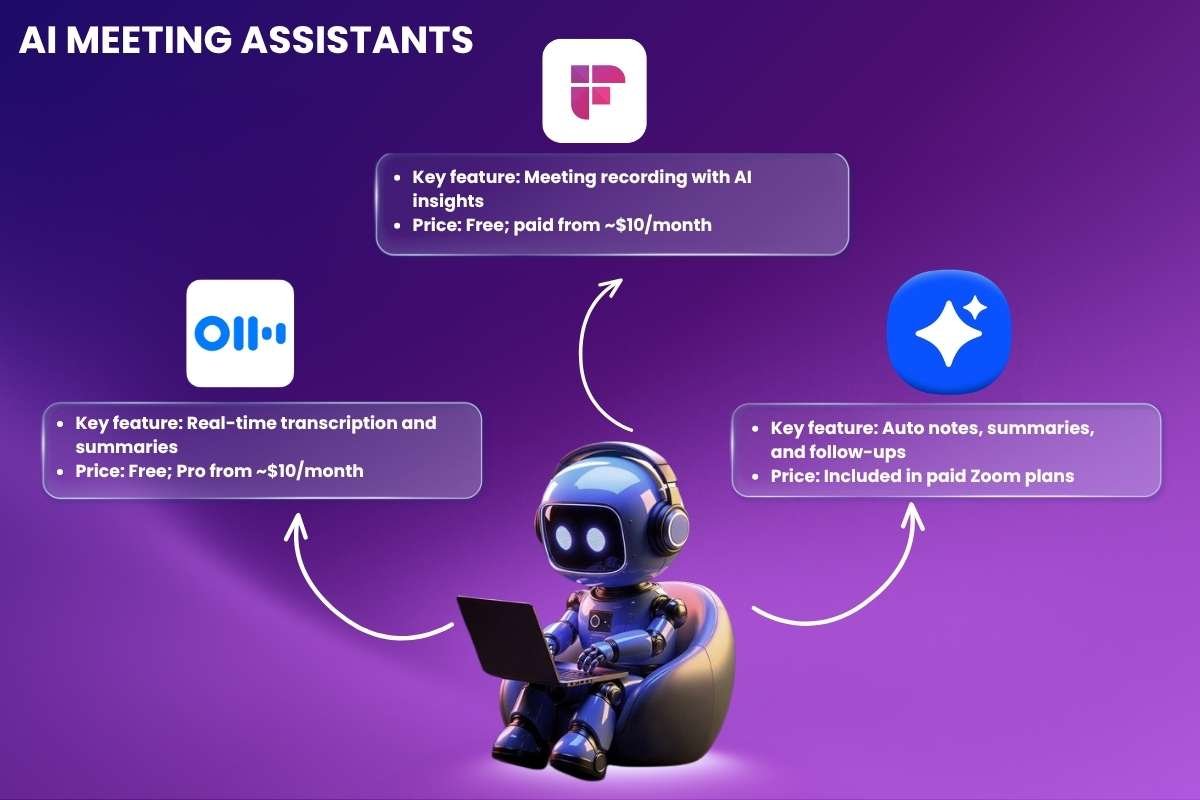
Conversations move fast, but memory doesn’t always keep up. AI meeting assistants step in quietly and capture what was said, so nothing gets lost later. They turn raw discussions into something you can revisit, share, or act on without extra effort.
13. Otter.ai
- Key feature: Real-time transcription and summaries
- Price: Free; Pro from ~$10/month
During long calls, small details tend to slip away first. Otter.ai keeps a running record of everything being said, almost like a second memory in the room. You can scroll back, search key moments, or pull quick summaries afterward. It fits naturally into situations where listening matters more than writing notes.
14. Fireflies.ai
- Key feature: Meeting recording with AI insights
- Price: Free; paid from ~$10/month
Fireflies.ai focuses less on raw transcripts and more on what stands out, making it a valuable addition to AI productivity tools for meetings. It records meetings, then highlights decisions, action points, and useful parts of the discussion. Instead of going through full recordings, you get a cleaner view of what actually matters. That shift alone can save a surprising amount of time.
15. Zoom AI Companion
- Key feature: Auto notes, summaries, and follow-ups
- Price: Included in paid Zoom plans
Already using Zoom for daily calls? The AI Companion builds directly into that flow without adding another tool to manage. It tracks conversations, creates summaries, and helps with follow-ups once the meeting ends. The experience feels seamless, since everything happens inside a platform teams already rely on.
AI Automation Tools
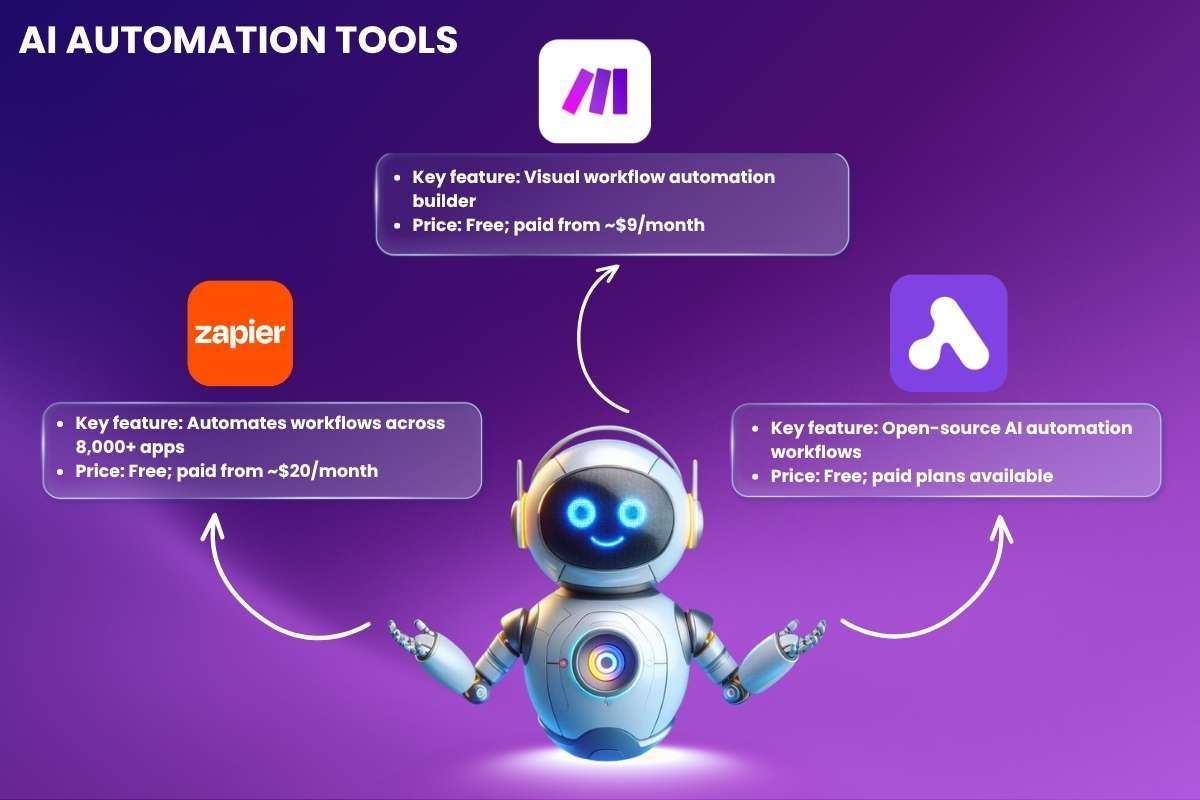
Some tasks repeat every day, yet still take time. Automation tools handle those steps in the background, so work keeps moving without constant input. They connect apps, trigger actions, and reduce manual effort across different workflows.
16. Zapier
- Key feature: Automates workflows across 8,000+ apps
- Price: Free; paid from ~$20/month
Next on this list of AI productivity tools is Zapier. It connects tools that normally do not speak to each other. A new form entry can trigger an email, update a sheet, and notify a team member in one flow. Once set, these actions run on their own. It suits people who want simple automation without dealing with complex setup or code.
17. Make
- Key feature: Visual workflow automation builder
- Price: Free; paid from ~$9/month
Workflows feel more flexible when you can see how they run. Make uses a visual builder where each step connects like a map. You can adjust logic, add conditions, and handle complex flows with more control. It works well for users who want deeper customization without writing full scripts.
18. Activepieces
- Key feature: Open-source AI automation workflows
- Price: Free; paid plans available
Activepieces offers a different approach with its open setup and stands out among flexible AI productivity tools. You can host it yourself, adjust how it runs, and build workflows that fit your exact needs. This gives more control over data and customization. It appeals to teams that prefer flexibility over fixed systems.
AI Scheduling & Time Management
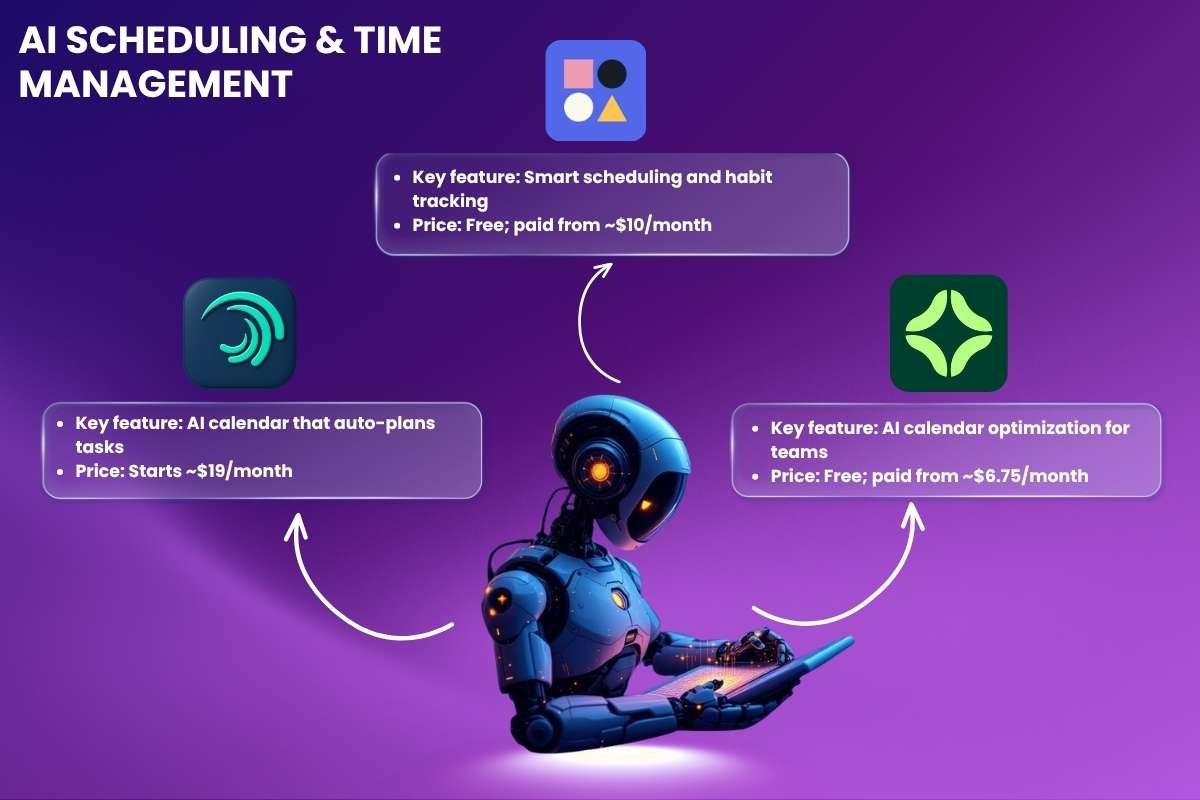
Time slips away in small gaps between meetings and tasks. Some tools can help bring structure back by arranging work in a way that feels manageable. Instead of planning everything yourself, your calendar starts to adapt around your priorities.
19. Motion
- Key feature: AI calendar that auto-plans tasks
- Price: Starts ~$19/month
Plans stop feeling real when they stay on a list. With Motion, tasks get pulled into your calendar and treated like actual commitments. The system keeps adjusting them as new work shows up, so nothing feels fixed or rigid. You spend less time deciding what to do next and more time just doing it, which is why this is one of the best AI productivity tools for time management.
20. Reclaim AI
- Key feature: Smart scheduling and habit tracking
- Price: Free; paid from ~$10/month
Reclaim AI works quietly in the background, shaping your calendar around both work and personal routines. It finds space for habits, focus time, and breaks without forcing a strict structure. Instead of reacting to meetings all day, your schedule starts to hold its ground in a more balanced way.
21. Clockwise
- Key feature: AI calendar optimization for teams
- Price: Free; paid from ~$6.75/month
Team calendars often look full but still feel unproductive. Clockwise shifts meetings in small ways that open up longer blocks of uninterrupted time. It considers everyone’s schedule at once, which reduces the need for back and forth. The day feels less crowded, even if the number of meetings stays the same.
AI Design & Creativity Tools
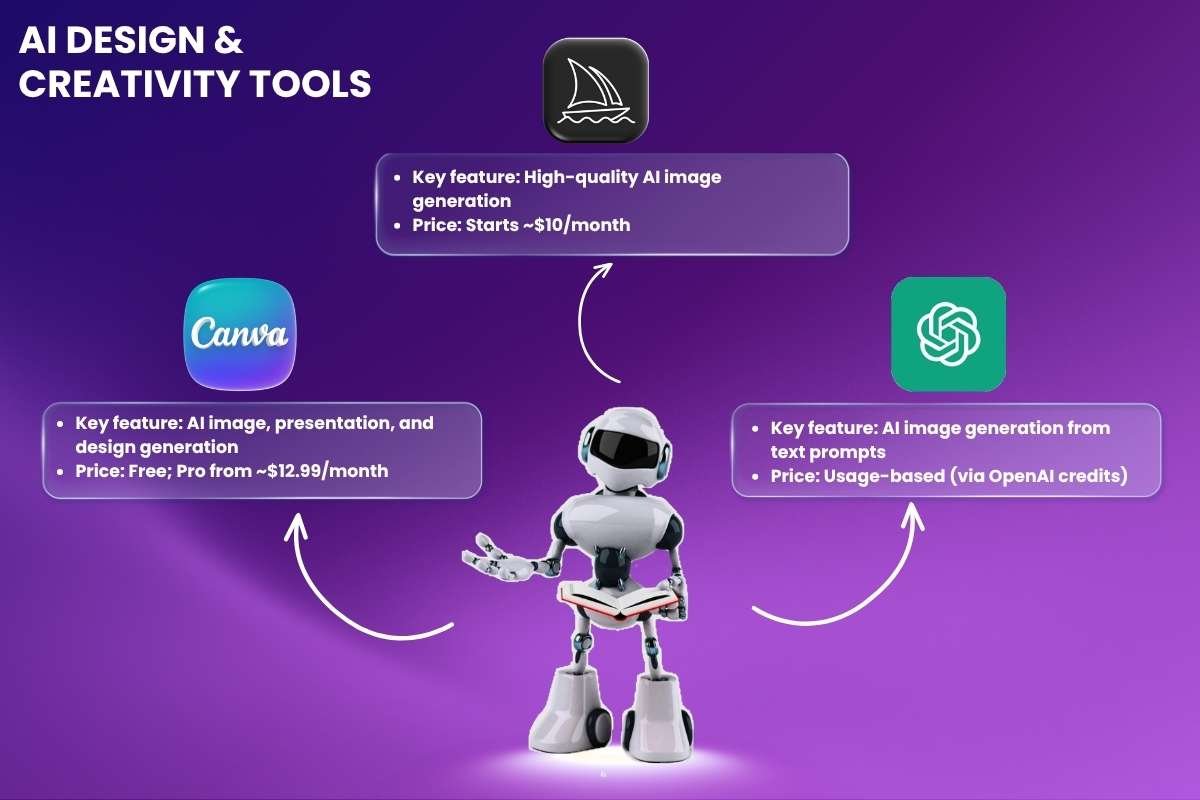
Ideas often feel clear in your head but hard to create on screen. You can create visuals, designs, and assets without needing advanced skills with the help of AI productivity tools. You can move from concept to output much faster, even with simple inputs.
22. Canva
- Key feature: AI image, presentation, and design generation
- Price: Free; Pro from ~$12.99/month
Design does not have to start from scratch every time. Templates, layouts, and AI suggestions help shape your idea into something usable within minutes. Small edits can quickly change the look and feel, which makes it easier to experiment. It works well for social posts, presentations, and quick visual tasks.
23. Midjourney
- Key feature: High-quality AI image generation
- Price: Starts ~$10/month
This tool leans heavily into visual detail and style. A simple prompt can turn into artwork that feels polished and unique. AI productivity tools like Midjourney often have outputs that carry a distinct look, which makes it popular for creative exploration. It suits those who want more artistic control rather than basic or generic visuals.
24. DALL·E
- Key feature: AI image generation from text prompts
- Price: Usage-based (via OpenAI credits)
Turning text into images opens up a different way to create. You describe what you want, then refine the result step by step until it matches your idea. It works across many styles, from simple graphics to more detailed scenes. This makes it useful for both quick visuals and more specific creative needs.
AI Coding & Development Tools
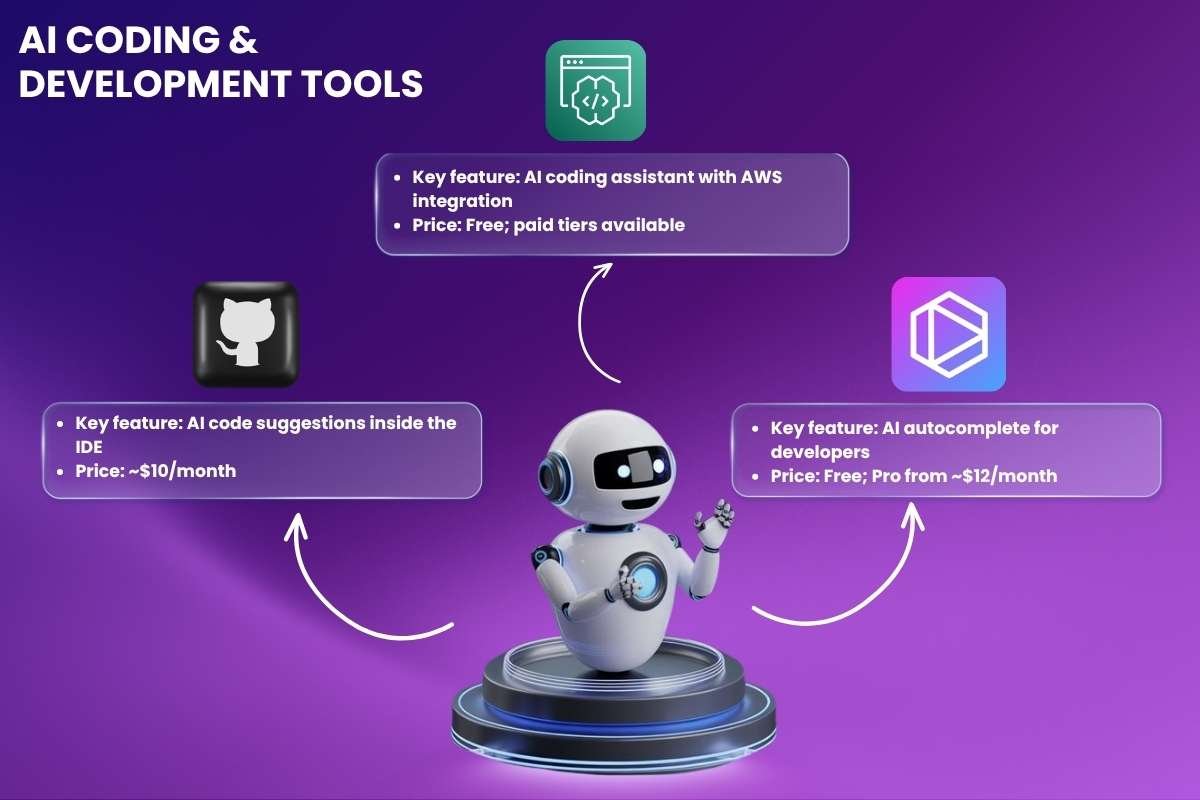
Code rarely flows in one clean pass. You jump between logic, syntax, and small fixes. These tools reduce friction during that process and help you stay focused on solving problems instead of repeating steps.
25. GitHub Copilot
- Key feature: AI code suggestions inside the IDE
- Price: ~$10/month
GitHub Copilot sits inside your editor and reacts to what you are building, making it one of the most powerful AI productivity tools for developers. A comment can turn into working code, and partial lines expand into full logic. It often feels like a quiet partner that keeps filling gaps as you move forward. Developers who used GitHub Copilot completed the task 55% faster than those who didn’t.
26. Amazon CodeWhisperer
- Key feature: AI coding assistant with AWS integration
- Price: Free; paid tiers available
Working with cloud services often brings extra complexity. Suggestions here are shaped around AWS use cases, which helps when building or connecting services. There is also a focus on security, with checks that flag risky patterns. It adds guidance in areas where mistakes can be harder to spot.
27. Tabnine
- Key feature: AI autocomplete for developers
- Price: Free; Pro from ~$12/month
Tabnine takes a quieter approach. Instead of generating large blocks, it focuses on quick, precise completions that match your coding style. It can run locally, which gives more control over data. That makes it a better fit for teams that care about privacy while still wanting faster development.
AI Collaboration & Communication Tools
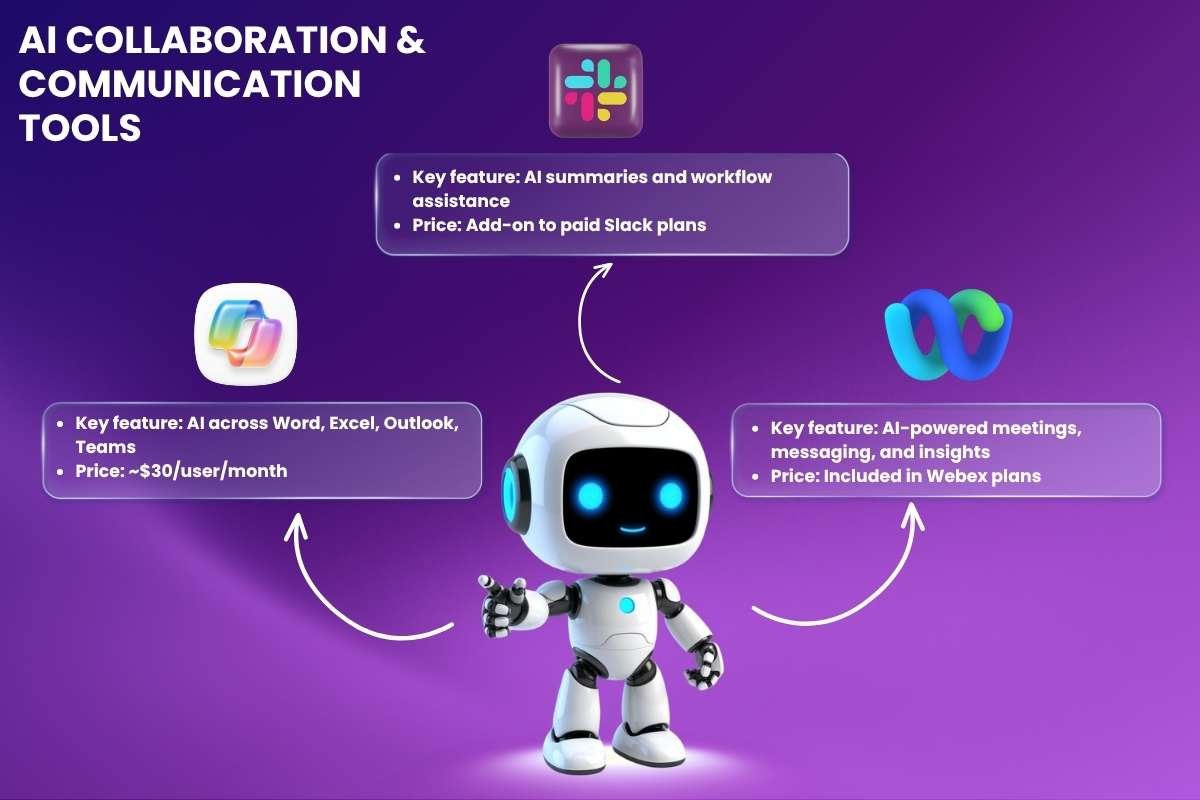
Work rarely happens in isolation. Messages, files, and meetings keep moving at the same time. The following software brings everything together and reduce the effort needed to stay aligned with others.
28. Microsoft Copilot
- Key feature: AI across Word, Excel, Outlook, Teams
- Price: ~$30/user/month
Microsoft Copilot connects across tools you already use every day and is widely recognized among enterprise-level AI productivity tools. Emails turn into summaries, documents get drafted faster, and data inside spreadsheets becomes easier to read. It reduces the back and forth between apps, which helps you move through tasks without breaking focus too often.
29. Slack
- Key feature: AI summaries and workflow assistance
- Price: Add-on to paid Slack plans
Slack is one of the most underrated AI productivity tools. Long message threads can slow down decision-making. Slack AI cuts through that by pulling out key points and summarizing conversations. It also helps surface important updates that might get buried. This makes it easier to stay in sync without reading every single message.
30. Cisco Webex
- Key feature: AI-powered meetings, messaging, and insights
- Price: Included in Webex plans
Meetings often leave behind more confusion than clarity. Webex uses AI to capture discussions, highlight key moments, and provide useful insights after calls. Instead of relying on memory or notes, teams can quickly revisit what matters and move forward with clearer direction.
Conclusion:
A well-managed workday feels different. Tasks move forward, decisions come faster, and there is less mental clutter. Instead of reacting to everything, you stay in control of your time and energy. That shift often comes from using systems that support how you work, not slow you down.
The real value of AI productivity tools shows up in these small daily wins. They take care of routine work, keep information organized, and help you stay focused on what matters. Over time, this leads to better output, clearer thinking, and a workflow that feels easier to handle.
FAQs
1. What makes these tools different from regular productivity apps?
AI productivity tools go beyond basic task management. These tools can learn patterns, suggest actions, and automate steps that would normally take manual effort.
2. Can they help with time management?
Yes. They can organize tasks, set reminders, and highlight priorities so you can plan your day more effectively.
3. Do I need technical knowledge to use them?
Most AI productivity tools are built for ease of use. Simple dashboards and guided features make it easy to get started without any technical background.